Free Incident Report Form TemplateFill in what happened, tick the kind of incident, add the person involved, witnesses and action taken, then print the report or save it as a PDF. Or leave it blank and print copies. No sign-up, and nothing you type is uploaded.
Layout
Whole page · the printed page has no watermark or logo.
The form is longer than one page. Shorten the longest writing, leave out an optional section, or try another design.
Examples3 layouts filled in with made-up details. Open one to start with that layout, or print a blank template to fill in by hand.
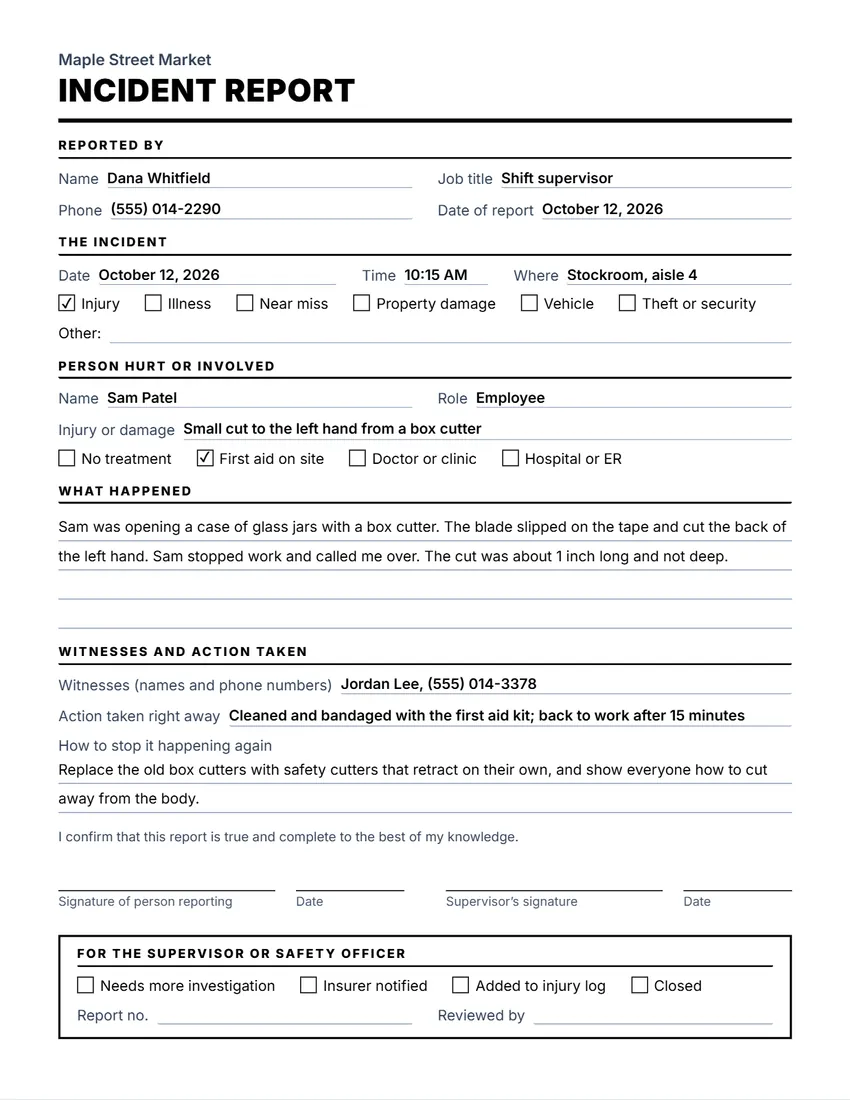 Default layout
ClassicLarge title over a heavy rule, sections in small capitals.
Start with this layoutOpen
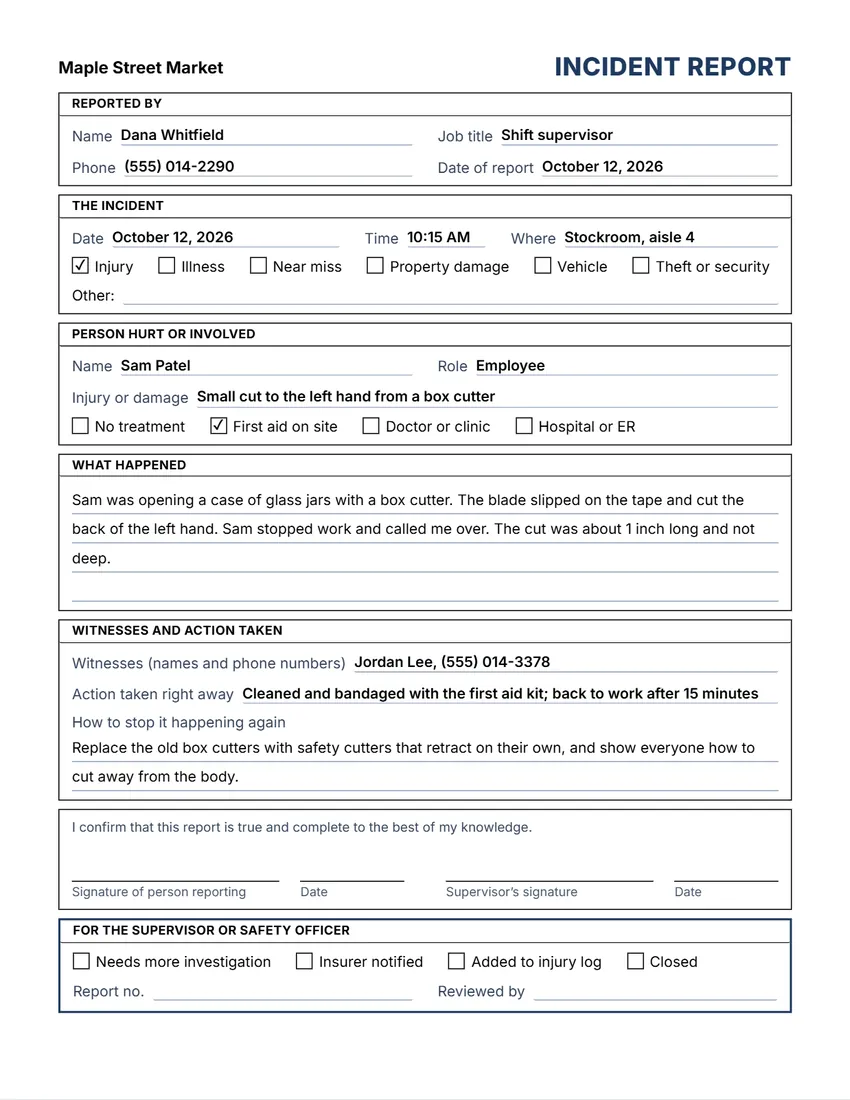 Layout
BoxedEvery section in a ruled box, like a printed office form.
Start with this layoutOpen
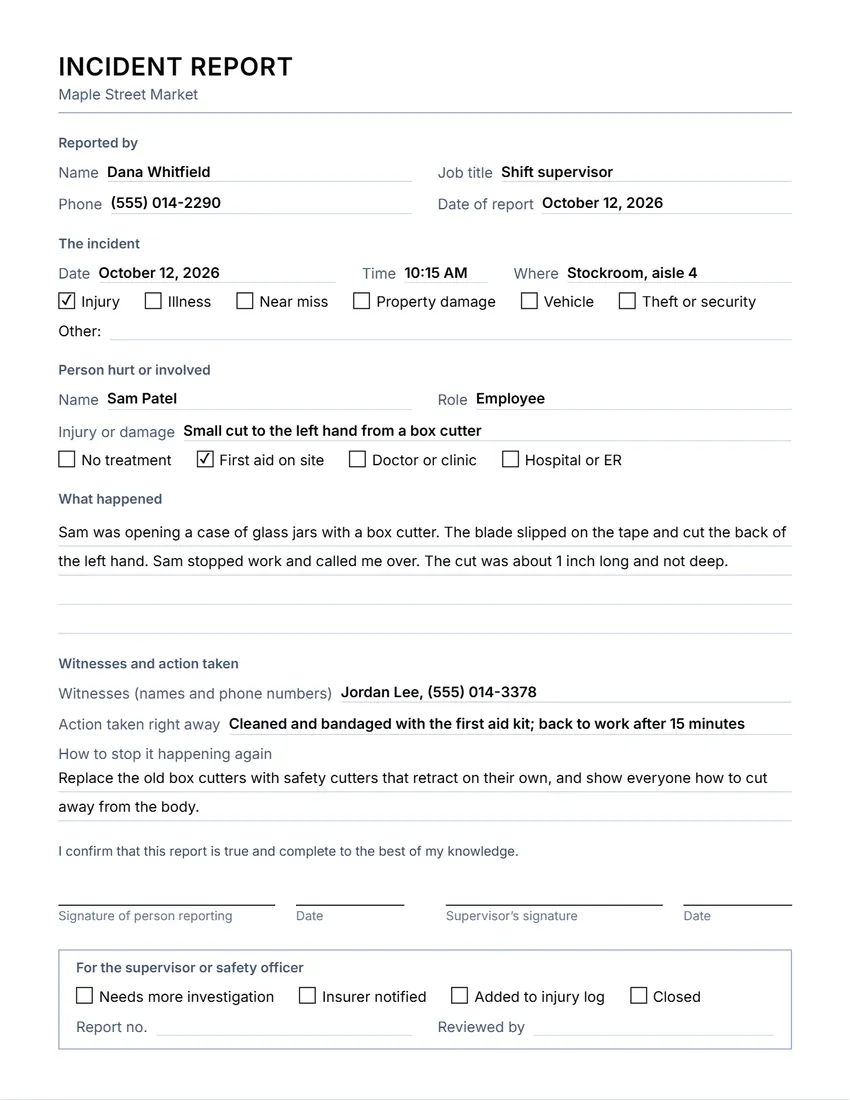 Layout
SimpleThin grey rules and plain headings. Least ink.
Start with this layoutOpen
Prefer to fill it in by hand? Print a blank template and write on it.
Related tools
Goes well with this one

Was this tool useful?
Notice: Generated via SnapPaperwork. For your own workplace records. A report with false facts, dates or signatures, for example to support an insurance or injury claim, can be fraud.
Something missing? Tell me what you need.
How to fill in an incident report in 3 steps
-
Say when, where and what
The date, time and place, the kind of incident (injury, near miss, damage…), and who was hurt or involved and what treatment they had.
-
Describe it while it is fresh
Write what happened step by step, who saw it, what was done right away, and what would stop it happening again.
-
Sign and keep it
The person reporting signs, then a supervisor. Keep the report with your safety records and follow up on the fixes.
What to put on an incident report
- Who is reporting it, their job and phone number, and the date of the report
- The date, time and exact place of the incident
- The kind of incident: injury, illness, near miss, property damage, vehicle, theft or security
- The person hurt or involved, their role, the injury or damage, and any treatment
- What happened, in the order it happened, using facts rather than blame
- Witnesses and how to reach them, the action taken right away, and how to prevent it next time
- Signatures of the person reporting and a supervisor
Tips for a useful report
- Write it the same day, while people remember the details. Add photos or a sketch if they help.
- Report near misses too: they show where the next accident could happen.
- Stick to what was seen and done. Leave out guesses about who was at fault.
- Keep reports about injuries and health private, and share them only with people who need them.
- Check back later that the fixes in “How to stop it happening again” were really made.
OSHA rules for injuries at work (US)
- Many US employers must record work-related injuries and illnesses on OSHA Form 301 (Injury and Illness Incident Report) or an equivalent form within 7 calendar days of learning about them (29 CFR 1904.29).
- An equivalent form must have the same information as Form 301. This incident report is a general internal record, not an OSHA Form 301.
- A work-related death must be reported to OSHA within 8 hours, and an in-patient hospitalization, amputation or loss of an eye within 24 hours (29 CFR 1904.39).
- Workers’ compensation insurers and other countries have their own forms and deadlines. Check with your insurer and your local safety agency.
General information, not legal or safety advice. Checked in October 2026. Rules on recording and reporting incidents depend on where you work, your industry and your insurer.
Frequently asked questions
Is this incident report form free?
Yes. It is free to use, needs no account or sign-up, and never adds a watermark or a SnapPaperwork logo to your form.
Can I print blank incident report forms?
Yes. Add your company name and logo and leave everything else empty: every field prints as a line to write on and every box can be ticked by hand.
Is this the same as OSHA Form 301?
No. This is a general incident report for your own records. If you must keep OSHA injury records, use Form 301 or an equivalent form with all the same information.
Should I report near misses?
Yes, it is good practice. A near miss is an incident where nobody was hurt but could have been. Tick “Near miss” and describe what happened.
Can I change the boxes and headings?
Yes. Click any heading or box on the form, or use the Wording panel, to rewrite it. You can also leave out the person section or the follow-up box.
Is my information uploaded or stored on your servers?
No. Everything you type stays in your browser and is never sent to me. It is saved on your own device so it is there next time.