Free Letterhead Template & MakerFill in the form, check the preview, then print it or save it as a PDF. No sign-up, and nothing you type is uploaded.
Design
Whole page · the printed page has no watermark or logo.
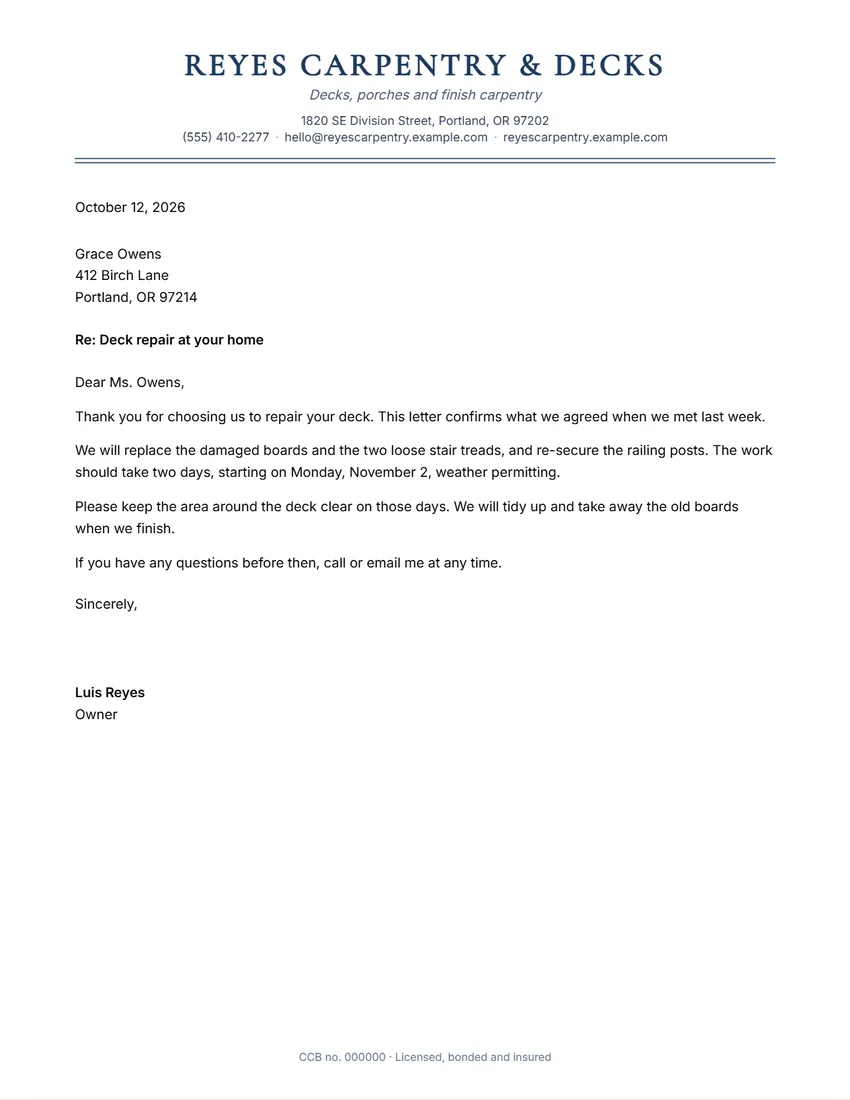
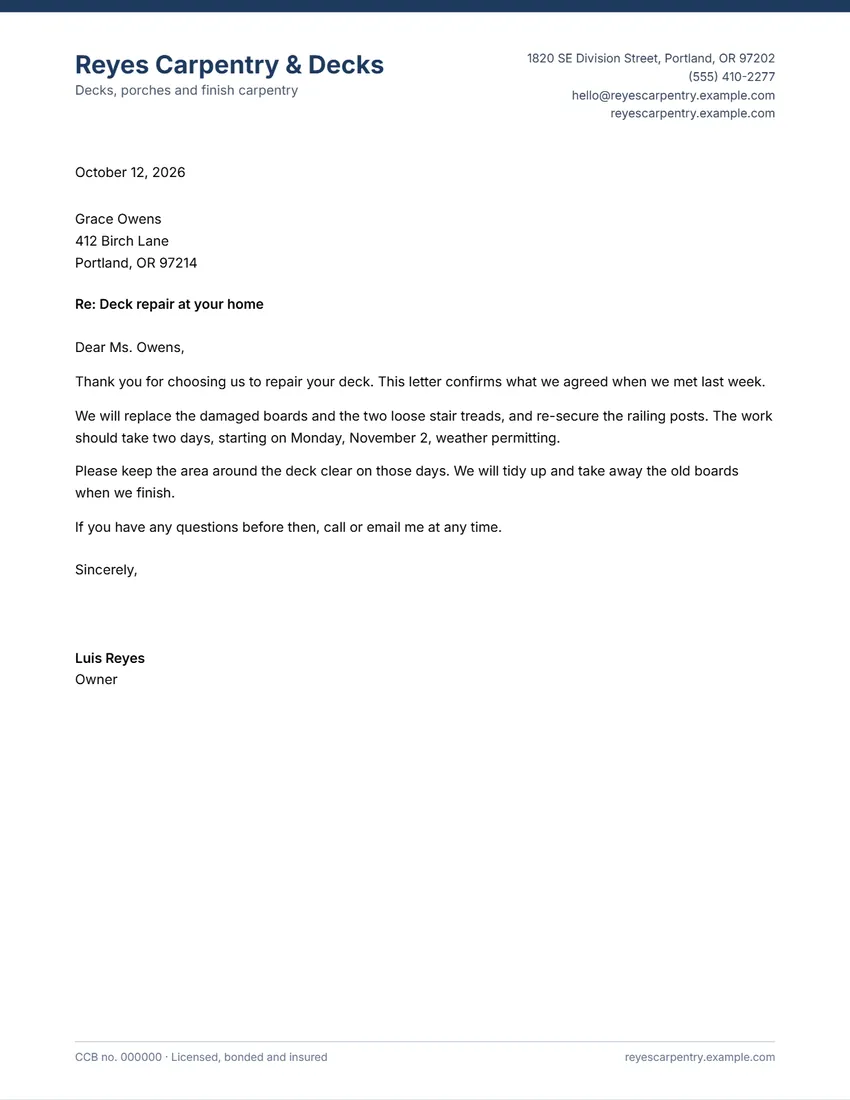
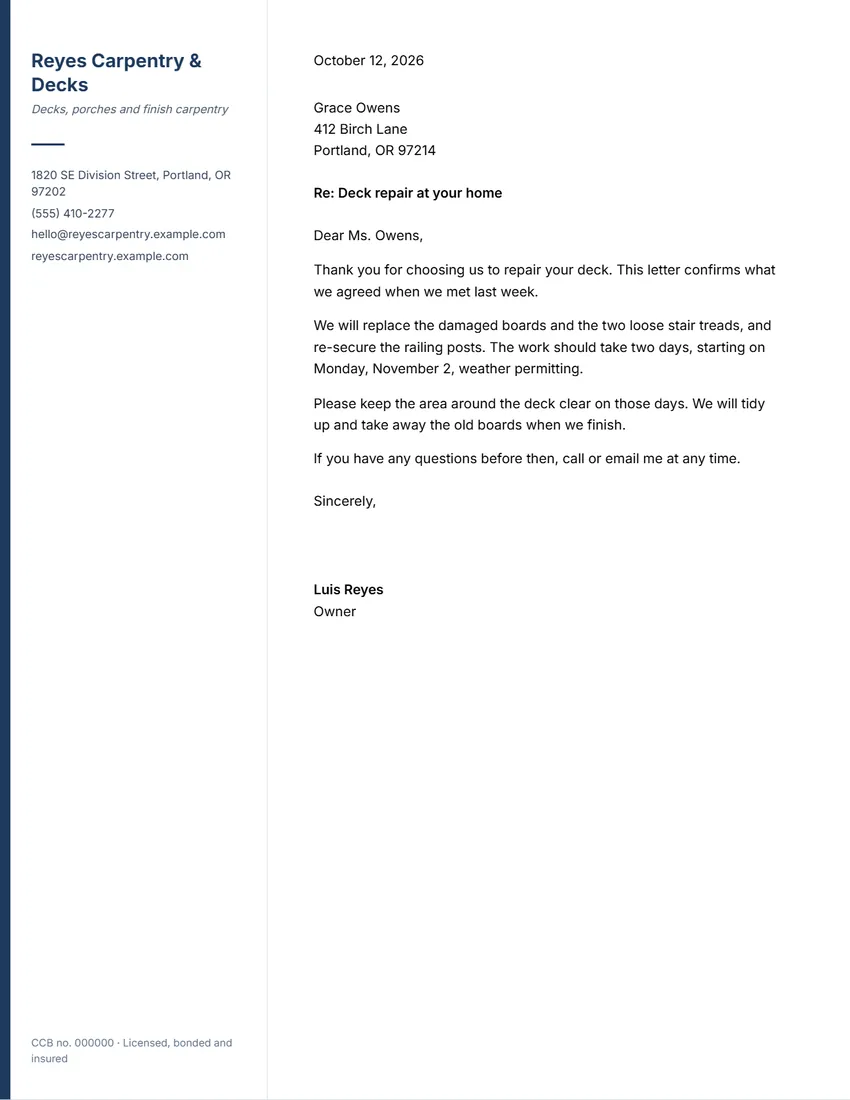
Examples3 layouts filled in with made-up details. Open one to start with that layout.
Related tools
Goes well with this one
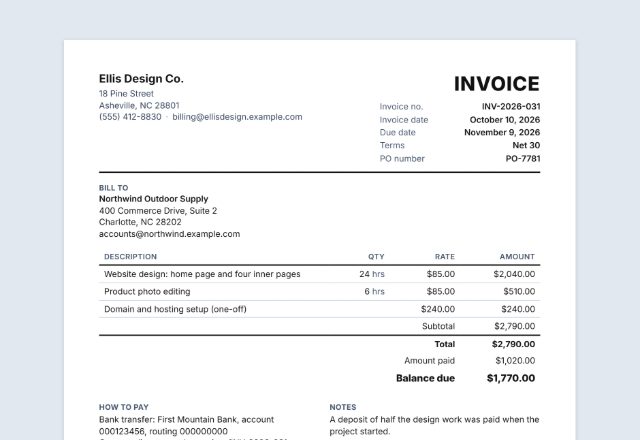 InvoiceBilling a client?Open
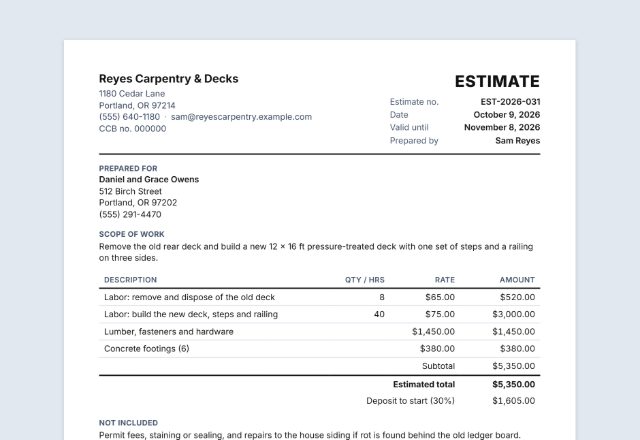 Job estimate / quoteQuoting a job?Open
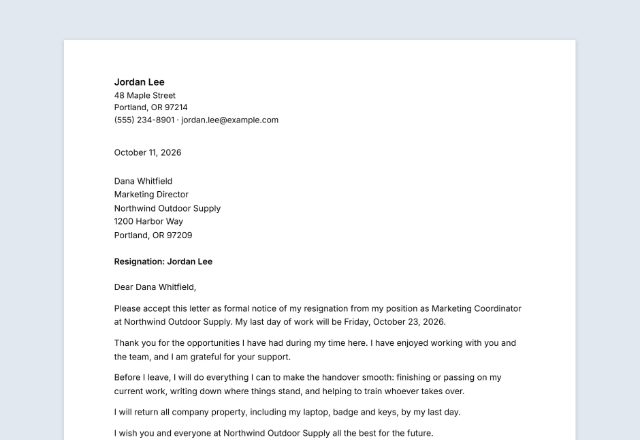 Resignation letterLeaving your job?Open
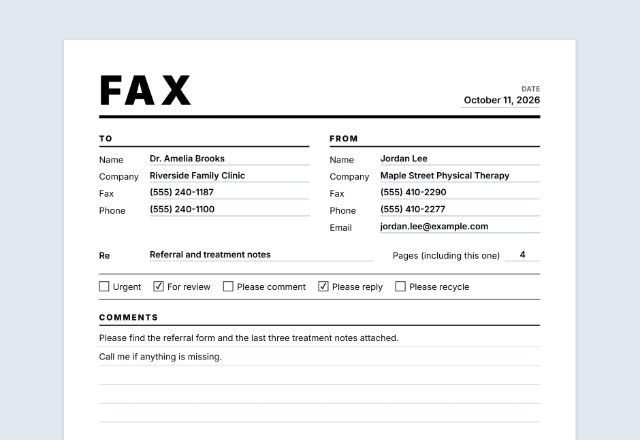 Fax cover sheetFaxing the letter?Open
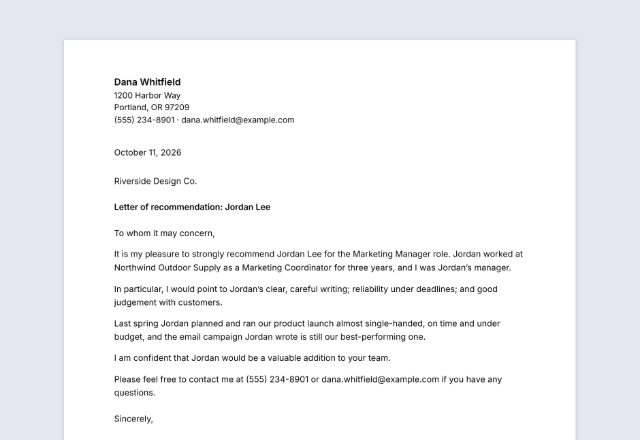 Recommendation letterAsked for a reference?Open
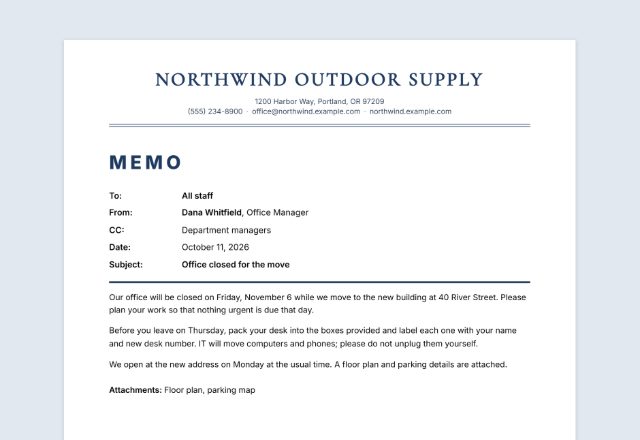 MemoWriting to your own team?Open
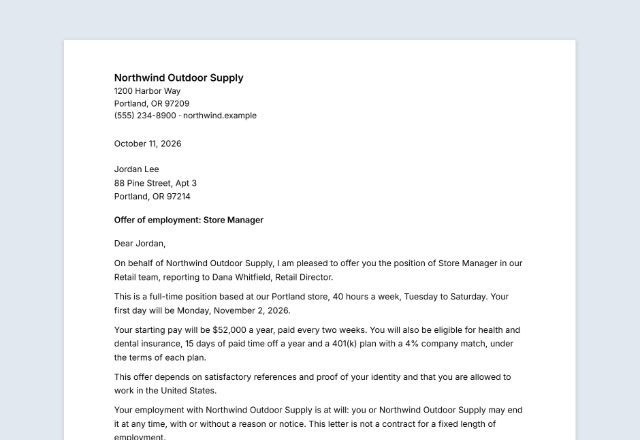 Offer letterHiring someone?Open
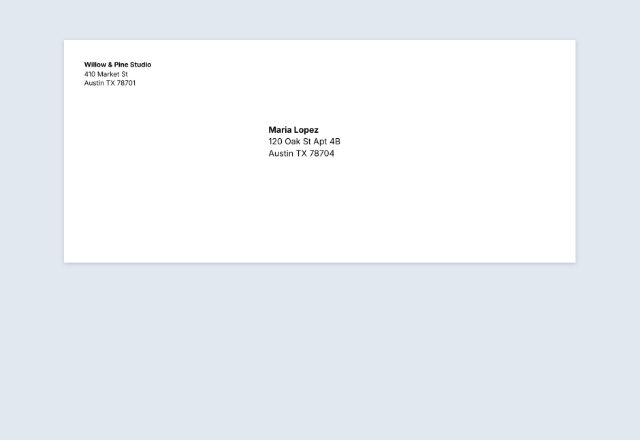 Envelope printerMailing the letter?Open
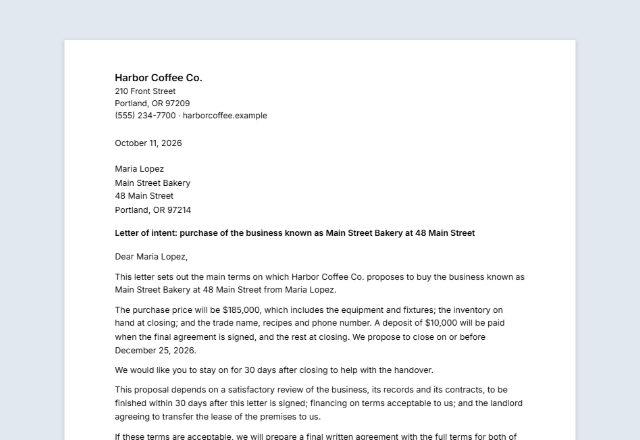 Letter of intentProposing a deal?Open
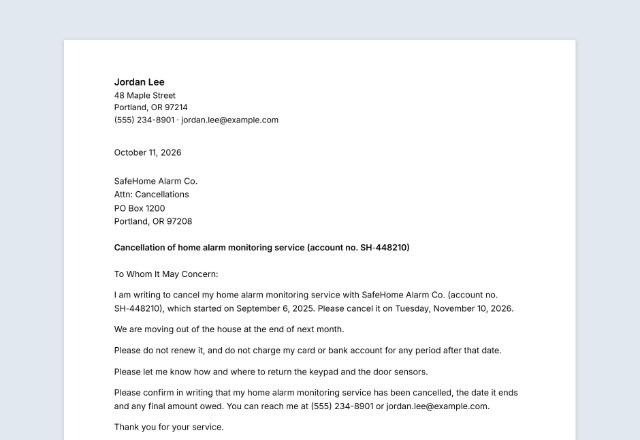 Cancellation letterCancelling a service or contract?Open
Was this tool useful?
Notice: Generated via SnapPaperwork. For your own business only. Do not make letterhead in the name of a company, government office or person you do not represent.
Something missing? Tell me what you need.
How to make a letterhead in 3 steps
-
Add your business details
Your logo, business name and tagline, address, phone, email and website, and a footer line for a company or license number.
-
Pick a design and colour
Classic, Modern, Sidebar or Minimal, in one of six colours. Click any detail on the page to change it.
-
Write the letter, or print it blank
Type the letter in the form and sign it on screen, then print it or share the PDF. Or choose “Letterhead only” to print blank pages for later.
What to put on a letterhead
- Your business name, as customers know it
- Your logo, if you have one
- A full postal address
- A phone number and email address
- Your website
- Any company, license or tax number you need to show
In the UK, a limited company must show on its business letters its registered number, its registered office address, where it is registered (England and Wales, Scotland or Northern Ireland) and that it is a limited company. Put these in the footer line. GOV.UK: signs, stationery and promotional material
Printing letterhead
- Choose the paper size where you are: US Letter in the US and Canada, A4 almost everywhere else.
- Most office printers cannot print to the very edge, so colour bands may show a thin white margin.
- For printed stationery, a heavier paper (around 90–120 gsm, or 24–32 lb bond) looks and feels better.
- To print letters onto blank letterhead later, print one test page first to see which way up the sheets go back into the tray.
- For email, use Download PDF or Share: the letter keeps its letterhead and signature.
Tips for business letters
- Keep to one page where you can, with short paragraphs.
- Put the main point in the first paragraph, and what you need from the reader in the last.
- Add a subject line so the letter is easy to file and find.
- Use the same design and colour on your invoices and estimates.
- Keep a copy of every letter you send.
Frequently asked questions
Is this letterhead maker free?
Yes. It is free to use, needs no account or sign-up, and never adds a watermark or a SnapPaperwork logo to your letterhead.
Can I print a blank letterhead?
Yes. Choose “Letterhead only (blank page)” and print as many copies as you need. You can then print or write your letters on them.
Can I write a letter longer than one page?
Yes. A long letter runs on to as many pages as it needs. The second page on shows your business name and the page number, and a very long paragraph is split between sentences.
Can I use the letterhead in Word or Google Docs?
This tool makes a PDF, not a Word file. Write your letter here, or print blank letterhead and print your Word letters onto it.
Is my logo or signature uploaded?
No. Your logo, signature and letter stay in your browser and are never sent to me. They are saved on your own device so they are there next time.
Which paper size should I use?
US Letter (8.5 × 11 in) in the US and Canada, A4 (210 × 297 mm) in the UK, Australia and most other countries. Choosing your country picks it for you.