Free Proforma Invoice TemplateFill in the form, check the preview, then print the proforma invoice, save it as a PDF or send it to your buyer. No sign-up, and nothing you type is uploaded.
Layout
Whole page · the printed page has no watermark or logo.
This proforma invoice is longer than one page and will print on two pages. Shorten the descriptions or the notes, or try another layout.
Examples3 layouts filled in with made-up details. Open one to start with that layout, or print a blank template to fill in by hand.
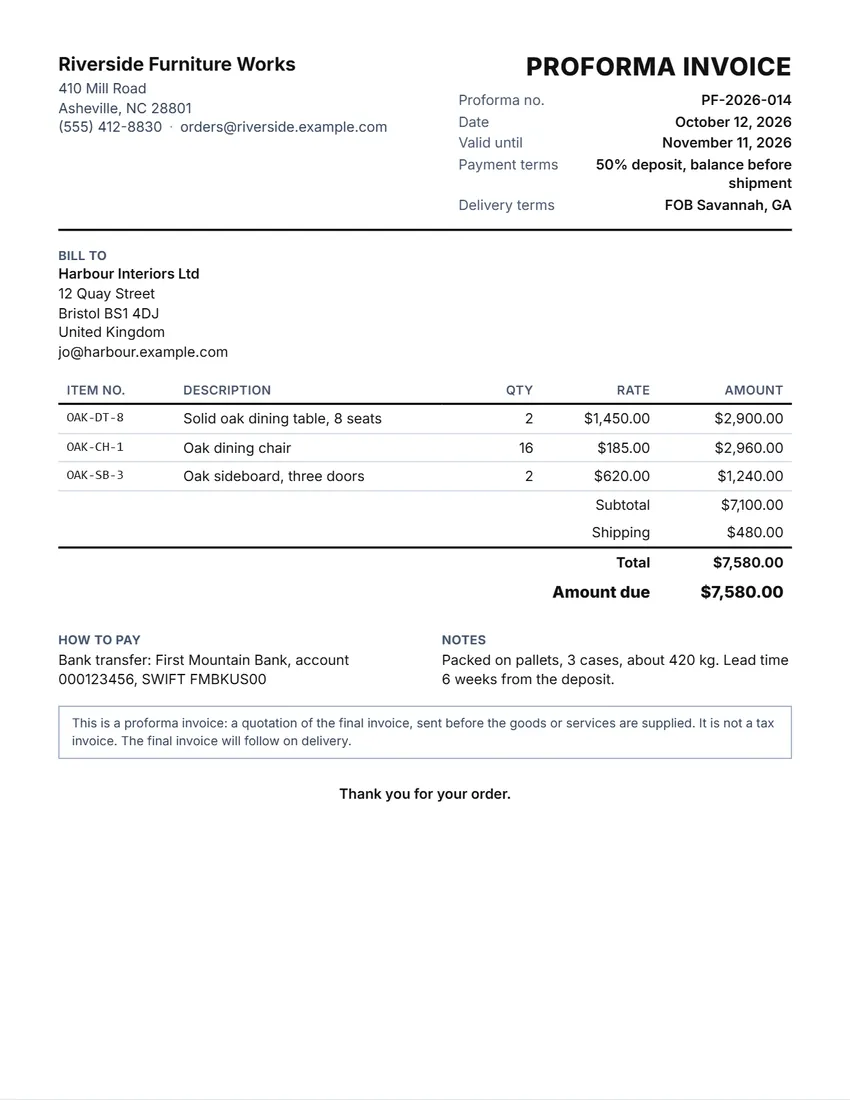 Default layout
ClassicYour logo and details at the top, the title and invoice number on the right.
Start with this layoutOpen
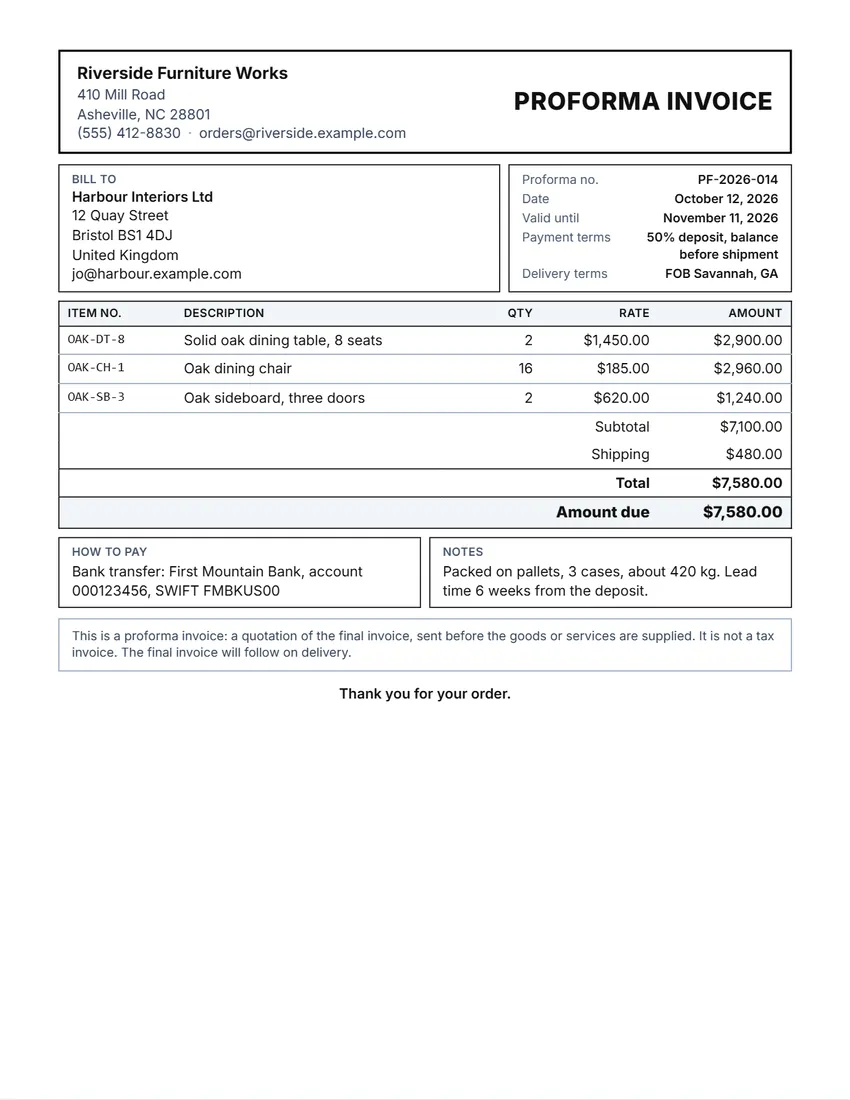 Layout
BoxedRuled boxes like a printed form.
Start with this layoutOpen
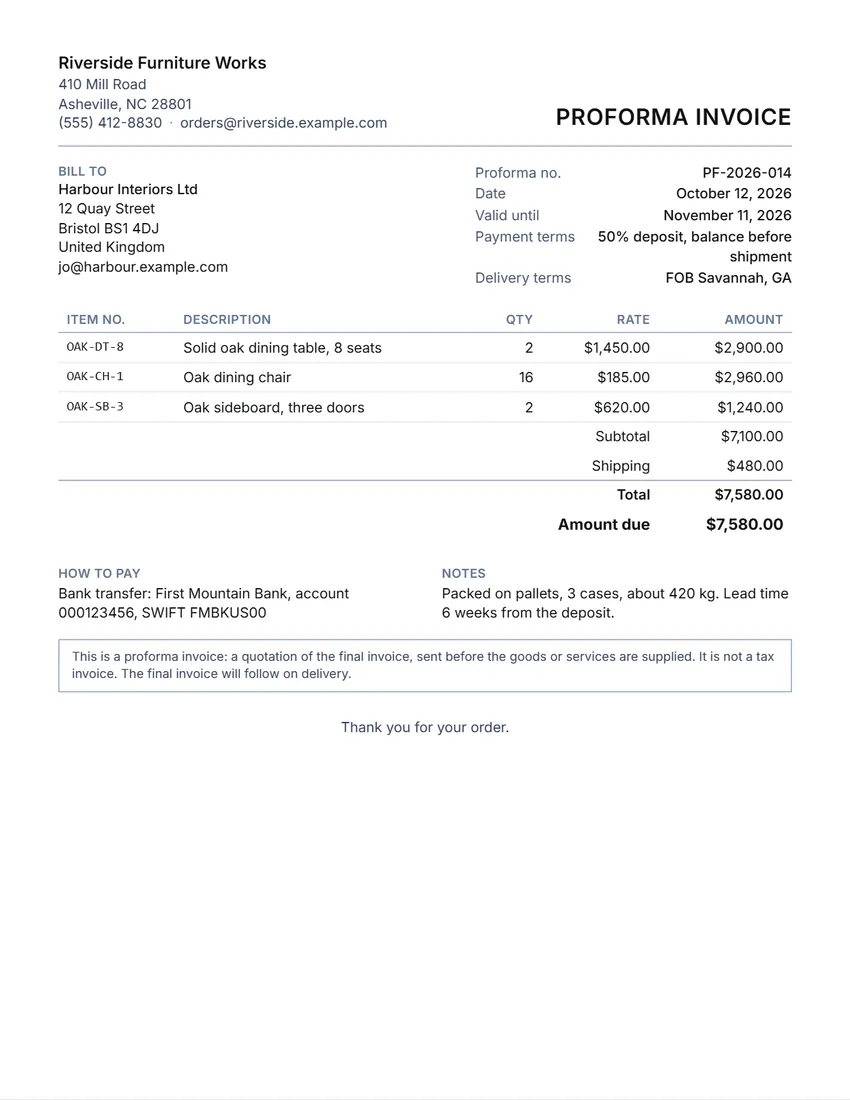 Layout
SimpleClean and light: thin lines, little ink.
Start with this layoutOpen
Prefer to fill it in by hand? Print a blank template and write on it.
Related tools
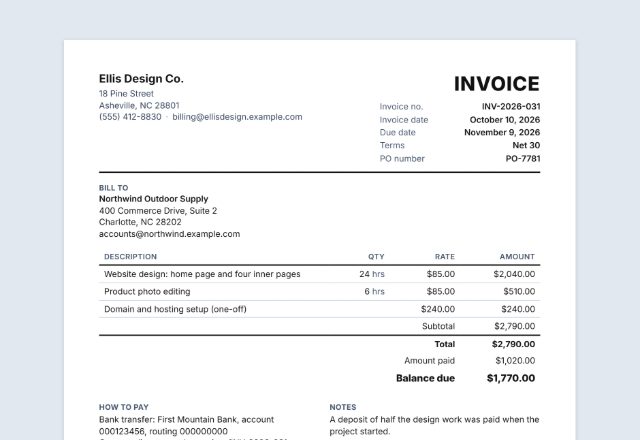
Goes well with this one
Was this tool useful?
Notice: Generated via SnapPaperwork. For your own quotes. A proforma invoice with false prices, goods or values, for example to mislead a bank, customs or a buyer, can be fraud.
Something missing? Tell me what you need.
How to make a proforma invoice in 3 steps
-
Add your business and the buyer
Your logo, name and contact details, then the buyer, and a ship-to address if the goods go somewhere else.
-
Set the terms and the lines
How long the prices hold, payment terms (such as 50% deposit, balance before shipment) and delivery terms (an Incoterm and a place). Then each item with its quantity and price, tax and shipping.
-
Send it, then invoice on delivery
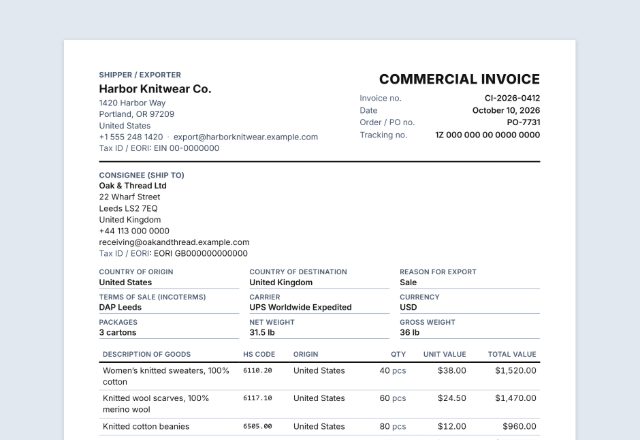
Print or save the PDF for your buyer. When the order is paid and shipped, send the final invoice, and a commercial invoice if it crosses a border.
What a proforma invoice is for
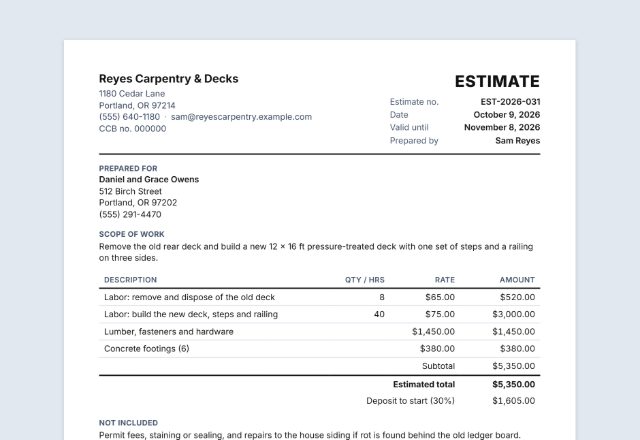
A proforma invoice is a quotation set out like an invoice: what you will sell, at what price, on what terms. You send it before you ship or do the work, so the buyer can agree the order, pay a deposit or in advance, or arrange an import licence or a letter of credit with their bank.
It is not the final invoice. In many countries it is not a tax invoice either, so it does not go in your sales records until the real invoice is issued. Once the goods ship, send the final invoice with the same prices (and a commercial invoice for customs).
What to put on a proforma invoice
- The words “Proforma invoice”, a number and a date
- Your business and the buyer, with full addresses
- How long the prices are valid
- Each item: description, quantity, unit price and total
- Shipping, tax and the total, and any deposit already paid
- Payment terms and delivery terms (Incoterms and a place)
- How to pay, and anything the buyer’s bank or customs will ask for (weights, packing, origin)
Tips
- Use the same item names and prices on the final invoice, so the buyer and their bank can match the two.
- Say how long the prices hold: exchange rates and costs move.
- Write the Incoterm with a place, such as “FOB Savannah” or “DAP Bristol”, so it is clear who pays for what.
- Give your bank details exactly as the buyer will need them for an international transfer.
- Keep a copy, and give each proforma its own number.
General information, not tax, customs or legal advice. Check with your buyer, bank or customs broker what they need on the document.
Frequently asked questions
Is this proforma invoice generator free?
Yes. It is free to use, needs no account or sign-up, and never adds a watermark or a SnapPaperwork logo to your document.
What is the difference between a proforma invoice and an invoice?
A proforma is a quote set out like an invoice, sent before the goods ship or the work is done. The invoice is the final bill once they have. Some buyers pay in advance from the proforma.
Is a proforma invoice a tax invoice?
In many countries it is not. The tick box adds a line saying so, which you can rewrite. Your final invoice is the one for your records.
What are delivery terms or Incoterms?
Short codes such as EXW, FOB, CIF, DAP or DDP, followed by a place, that say who pays for shipping, insurance and duties and where the goods change hands.
Can I show a deposit?
Yes. Type the deposit received and the proforma shows the amount still due.
Is my information uploaded or stored on your servers?
No. Everything you type stays in your browser and is never sent to me. Your details and logo are saved on your own device so they are there next time.