Free Seating Chart TemplateAdd your tables and guests (or paste your guest list), check the preview, then print the seating chart or save it as a PDF. No sign-up, and nothing you type is uploaded.
Design
Whole page · the printed page has no watermark or logo.
The seating chart does not fit on its page, or a name is cut off. Choose more columns, the A to Z list, a landscape page, or shorten long names.
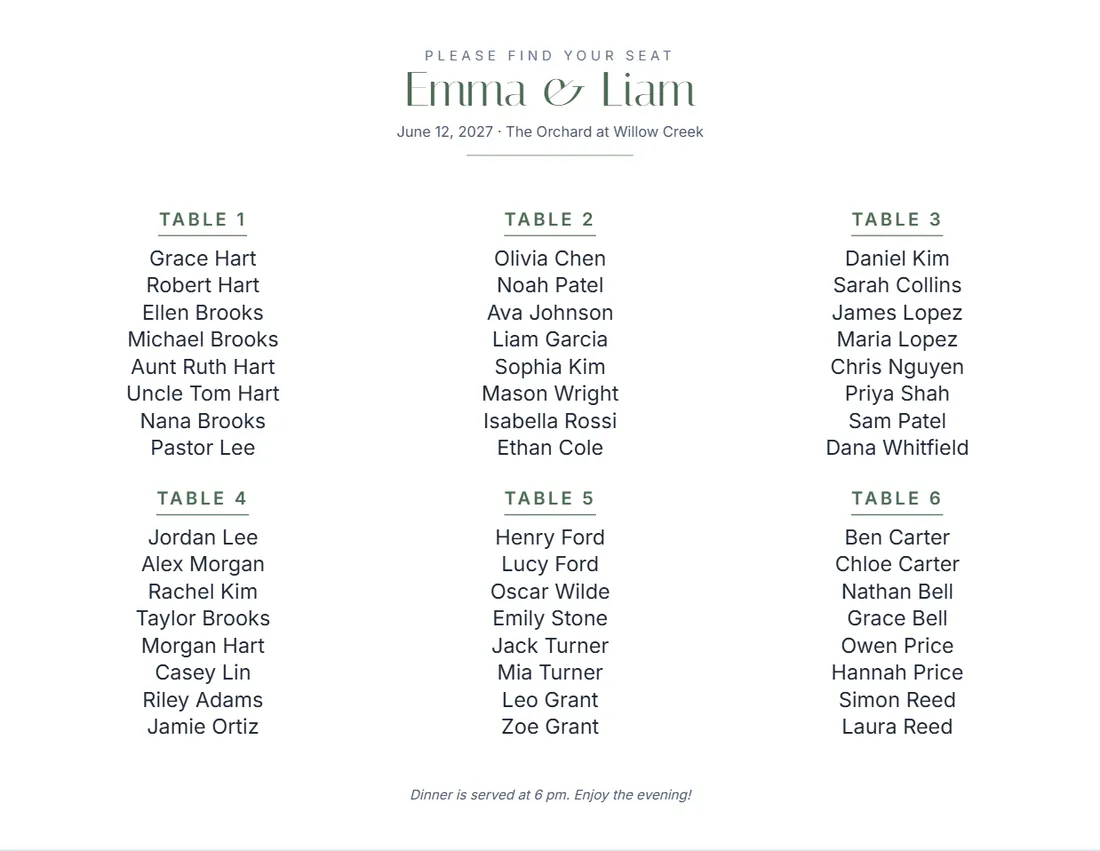
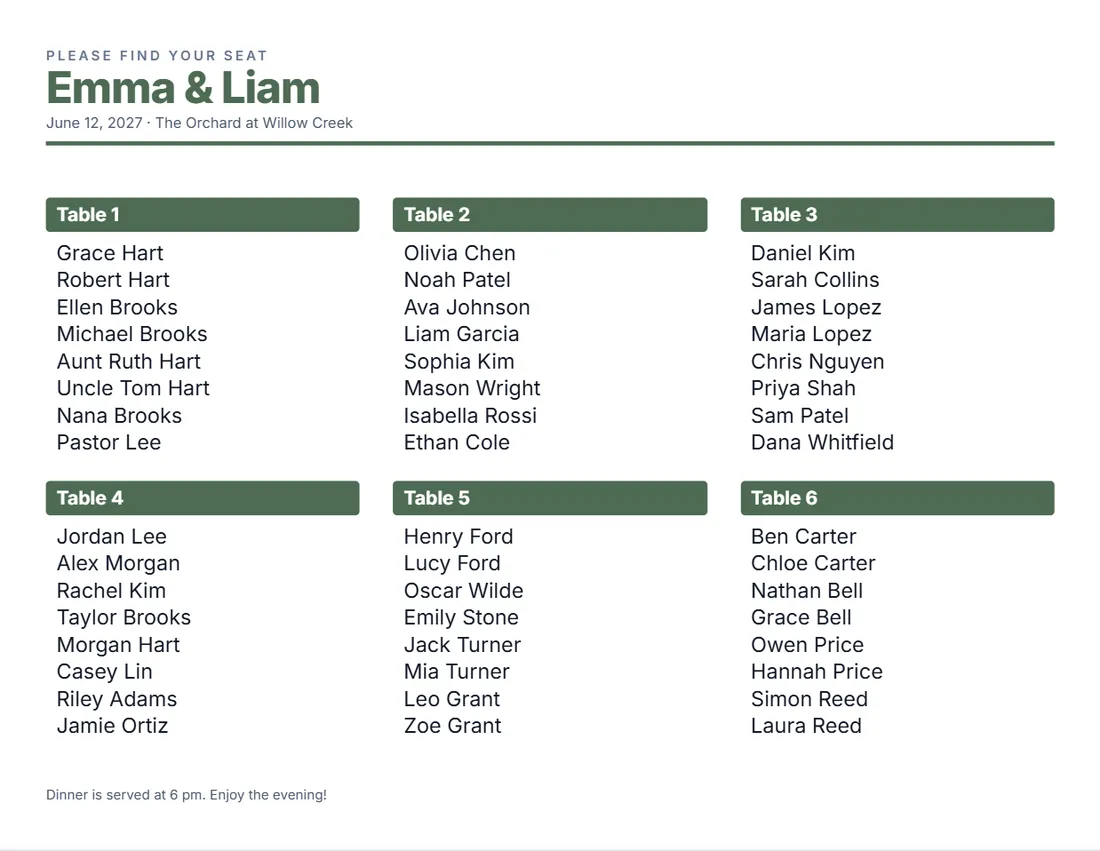
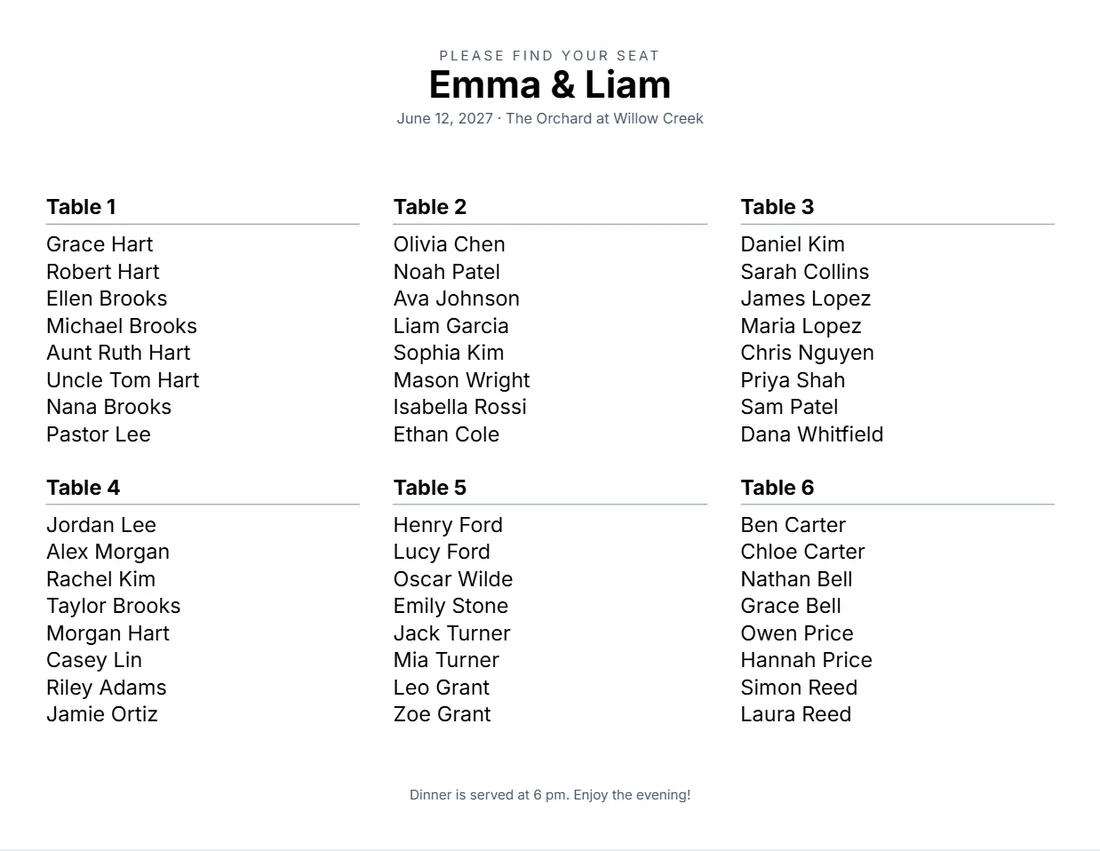
Examples3 layouts filled in with made-up details. Open one to start with that layout.
Related tools
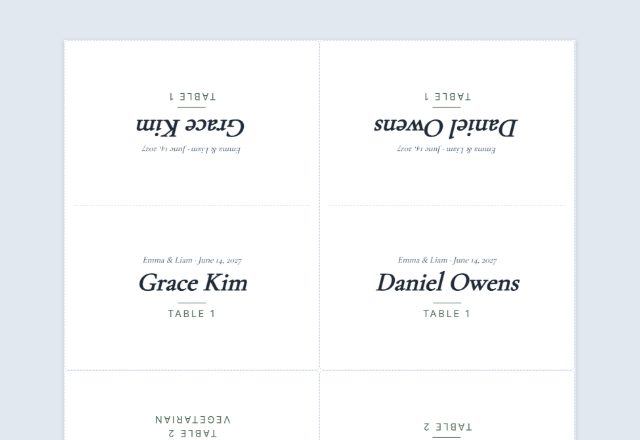
Goes well with this one
Was this tool useful?
Notice: Generated via SnapPaperwork. For your own wedding, party or event.
Something missing? Tell me what you need.
How to make a seating chart in 3 steps
-
Add the names and the date
The couple or the event at the top, and the date and place under it.
-
Add the tables and guests
Type each table’s guests, one per line, or paste your guest list with a table for each name.
-
Print it
By table or from A to Z. The letters size themselves to fit; print it, or have a print shop make a poster.
What to put on a seating chart
- The names of the couple, or the event, at the top.
- The date and the place, if you like.
- Each table with the guests sitting at it, or every guest from A to Z with their table.
- Table names or numbers that match the cards on the tables.
- A short line at the bottom, such as when dinner is served.
Tips
- For more than about 80 guests, the A to Z list is quicker to read: guests look for their name, not their table.
- Use the same table names as your table number cards, and check every guest appears once.
- Put couples and families on one line (Mr. and Mrs. Hart) to save room.
- Print a test on plain paper and check the spelling of every name before the final print.
- For a poster, save the PDF and ask a print shop to enlarge it to 18 × 24 in or A2; it stays sharp.
Frequently asked questions
Is this seating chart maker free?
Yes. It is free to use, needs no account or sign-up, and never adds a watermark or a SnapPaperwork logo to your chart.
Can I paste my guest list?
Yes. Open “Paste a guest list instead” and paste one guest per line as Name | Table, or two columns copied from a spreadsheet. The tables are made for you, in the order they come.
By table or A to Z?
By table shows a card for each table with its guests, the classic look. A to Z lists every guest alphabetically with their table, which is easier for big events. You can switch at any time.
How many guests fit on one page?
Up to 40 tables of 20 guests. The letters size themselves to fit the page; with a very long list they get small, so choose more columns or the A to Z list, and the form tells you if anything does not fit.
Can I print it as a big poster?
Yes. The PDF prints at Letter or A4 size, and a print shop can enlarge it to poster size. Text stays sharp because it is not a photo.
Is my information uploaded or stored on your servers?
No. Everything you type stays in your browser and is never sent to me. It is saved on your own device so it is there next time.