Free Liability Waiver FormFill in the form, check the preview, then print it or save it as a PDF. No sign-up, and nothing you type is uploaded.
Layout
Whole page · the printed page has no watermark or logo.
Examples2 layouts filled in with made-up details. Open one to start with that layout, or print a blank template to fill in by hand.
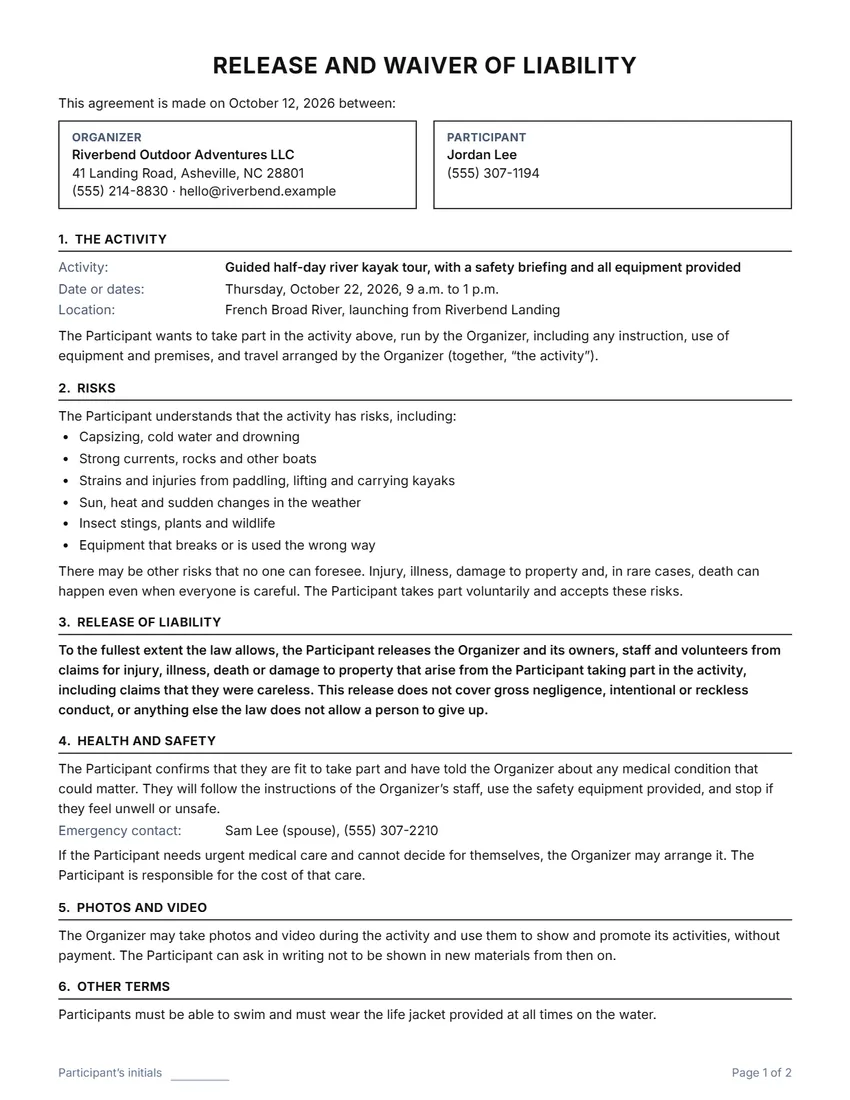 Default layout
ClassicCentered title, the two sides in boxes, ruled section headings.
Start with this layoutOpen
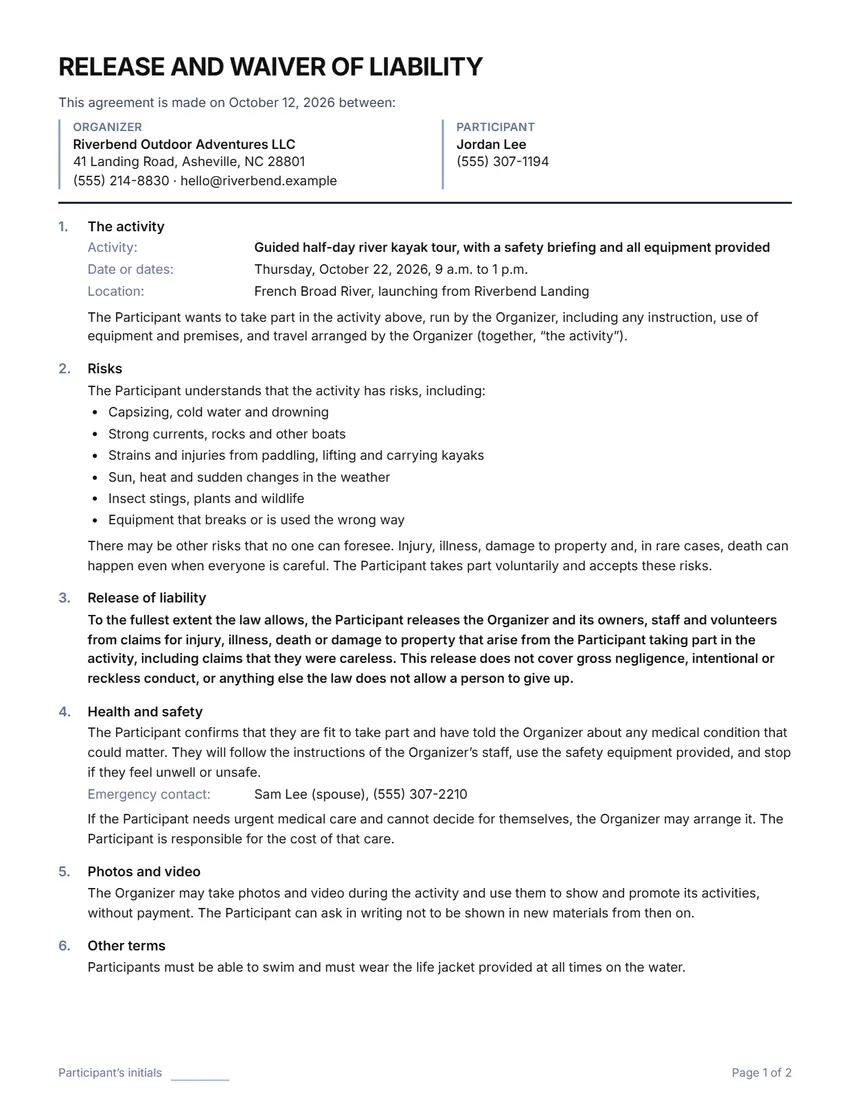 Layout
ModernTitle on the left, section numbers in a margin column. Saves ink.
Start with this layoutOpen
Prefer to fill it in by hand? Print a blank template and write on it.
Related tools
Goes well with this one
Was this tool useful?
Notice: Generated via SnapPaperwork. For real activities only. Do not sign a waiver for someone else, or change one after it has been signed.
Something missing? Tell me what you need.
What is a liability waiver?
A liability waiver is a form a person signs before taking part in an activity, saying they understand the risks. It names the activity, lists the risks and has lines for the participant’s signature and date. Use one for classes, tours, sports or events, and have a lawyer check it if the stakes are high.
How to make a liability waiver in 3 steps
-
Describe the activity and its risks
Who runs it, what it is, when and where, and the risks people should know about, in plain words.
-
Choose what else it covers
Health and emergency contact, permission for urgent medical care, photos, a parent or guardian’s signature for under-18s, and any other terms.
-
Print one for each person
Leave the participant boxes empty to print a blank waiver that everyone fills in, or fill them in for one person. Keep the signed copies.
What a liability waiver should include
- Who runs the activity, and who is taking part
- The activity, the date or dates and the place
- The specific risks of this activity, not just “risks”
- That the participant takes part voluntarily and accepts the risks
- The release, in clear words and easy to see
- Health, an emergency contact and permission for urgent medical care
- A parent or guardian’s signature for anyone under 18
- The participant’s signature, printed name and the date
What a waiver can and cannot do
A waiver is a contract, and whether it holds up is decided by the courts where the activity takes place. Courts often look at whether the words are clear and easy to see, whether the person had the chance to read them, what kind of activity it is, and whether the release goes further than the law allows.
No waiver covers everything. Most places do not let anyone give up claims for gross negligence, or for intentional or reckless harm, and some do not enforce waivers of ordinary carelessness either. Waivers signed by parents for their children are treated differently from place to place.
So a waiver does not replace safety. Train your staff, check your equipment, keep records, and carry the insurance your activity needs. If you rely on waivers for a business, ask a local lawyer to look at yours and at your insurance.
Tips for using waivers
- List the risks that are real for your activity (falls, water, heat, equipment, other participants), not a generic list.
- Give people time to read it before the activity, not as they walk in the door.
- Keep the release section in bold and the whole waiver on as few pages as you can; ask everyone to initial each page.
- Store signed waivers safely: they hold personal and medical details. Keep them for as long as a claim could still be made where you are.
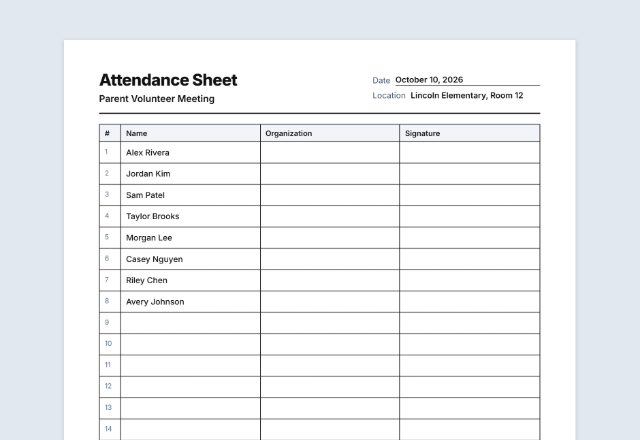
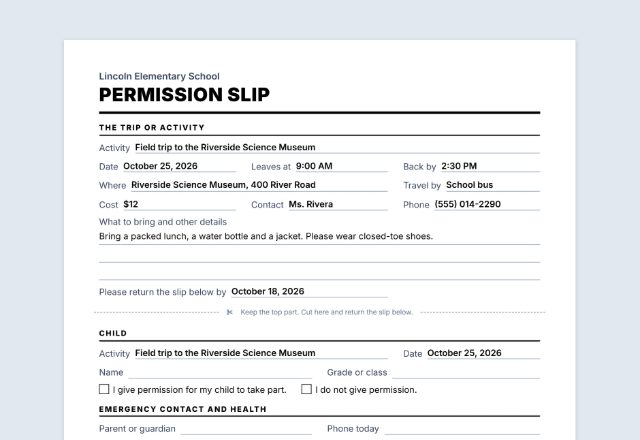
- Use the sign-in sheet maker for a list of who took part, and the permission slip maker for school or club trips.
This page is general information, not legal advice. If you rely on waivers for a business, ask a local lawyer to look yours over.
Frequently asked questions
Is this liability waiver generator free?
Yes. It is free to use, needs no account or sign-up, and never adds a watermark or a SnapPaperwork logo to your waiver.
Is a liability waiver legally binding?
It can be, but courts decide that under the law where the activity takes place. A clear, specific waiver that the person had time to read is more likely to hold up. No waiver covers gross negligence or intentional harm, and some places limit waivers further. This page is general information, not legal advice.
Can I print a blank waiver for an event?
Yes. Fill in your organization and the activity, leave the participant boxes empty, and print as many copies as you need. Each person writes in their details and signs.
What about children?
Tick “The participant may be under 18” to add a date of birth line and a parent or guardian block with its own signature. Whether a parent can give up a child’s claims depends on the law where you are.
Can I use it for volunteers or customers?
Yes. Choose Organizer and Participant, Business and Customer, or Organization and Volunteer, and every sentence follows. The volunteer version is titled “Volunteer Waiver and Release”.
Is my information uploaded or stored on your servers?
No. Everything you type stays in your browser and is never sent to me. It is saved on your own device so it is there next time, apart from drawn signatures, which are never saved.