Free Meeting Agenda Maker & TemplateAdd the meeting and the items, and each item’s start time is worked out for you. Check the preview, then print the agenda or save it as a PDF. No sign-up, and nothing you type is uploaded.
Layout
Whole page · the printed page has no watermark or logo.
The agenda is longer than one page and will print on two. Use fewer items or fewer lines for notes, or try another design.
Examples3 layouts filled in with made-up details. Open one to start with that layout.
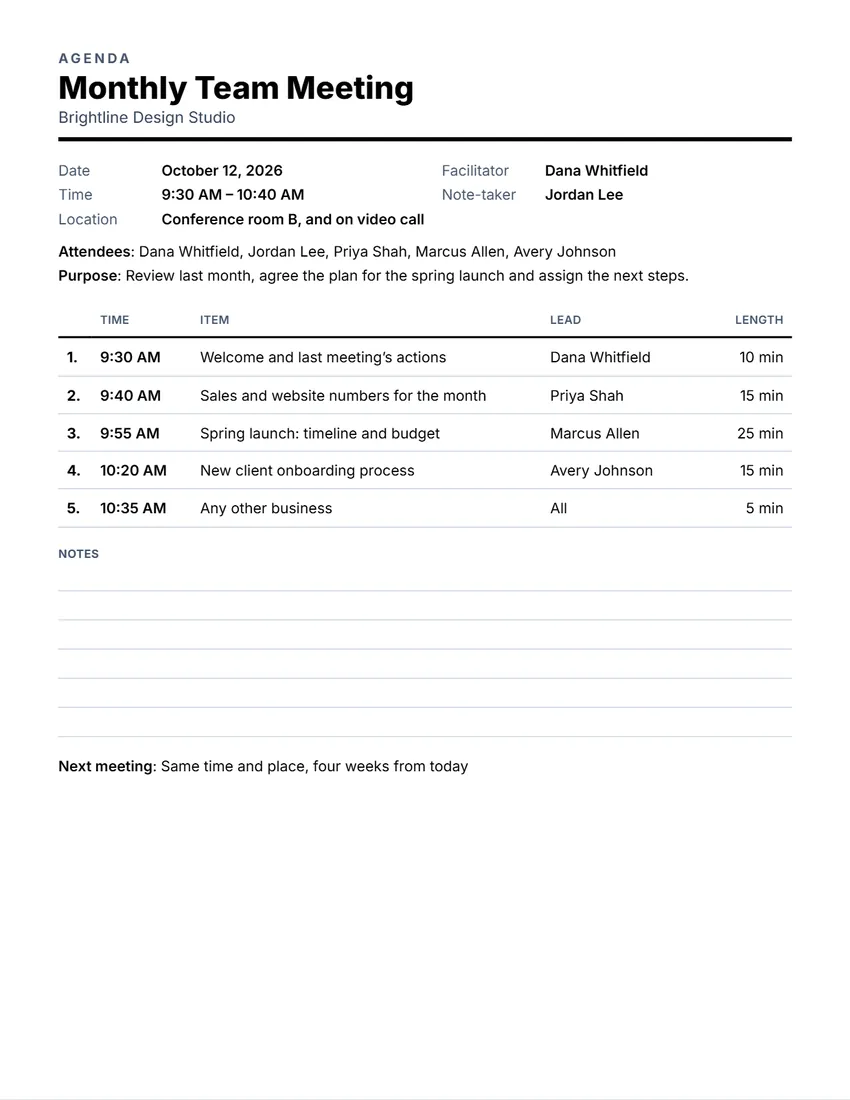
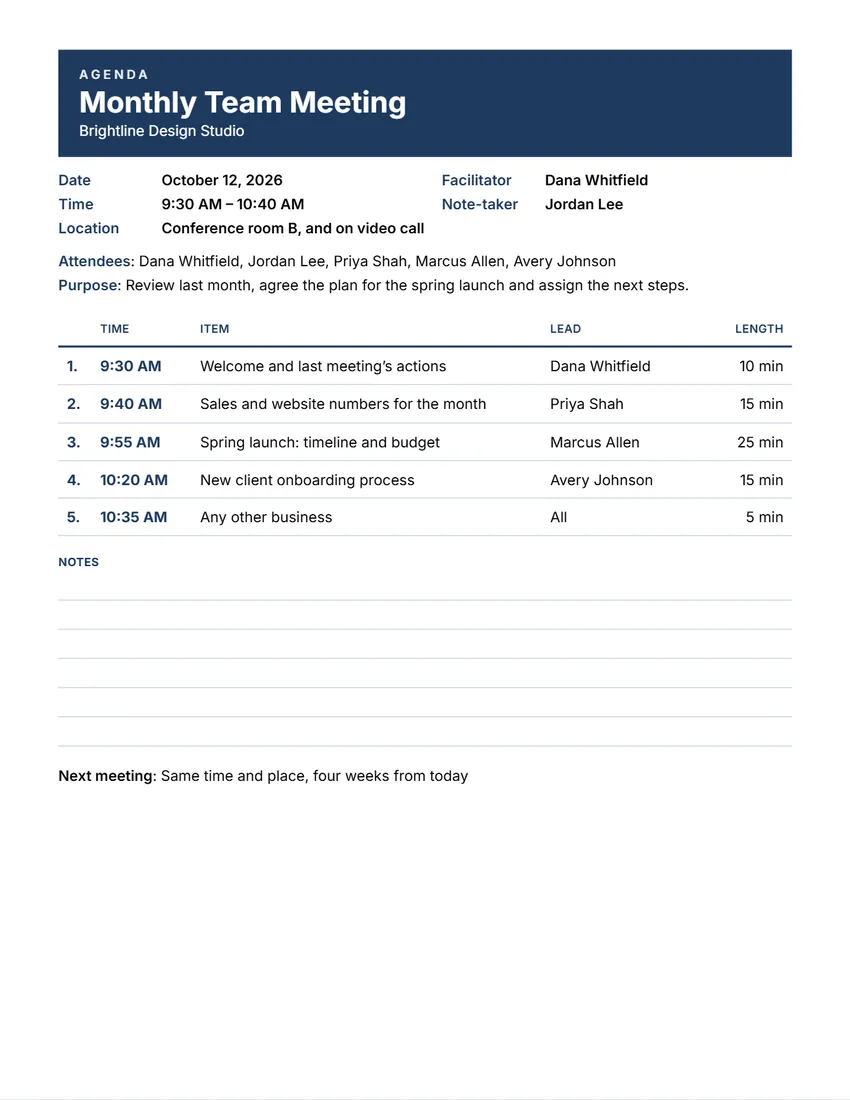
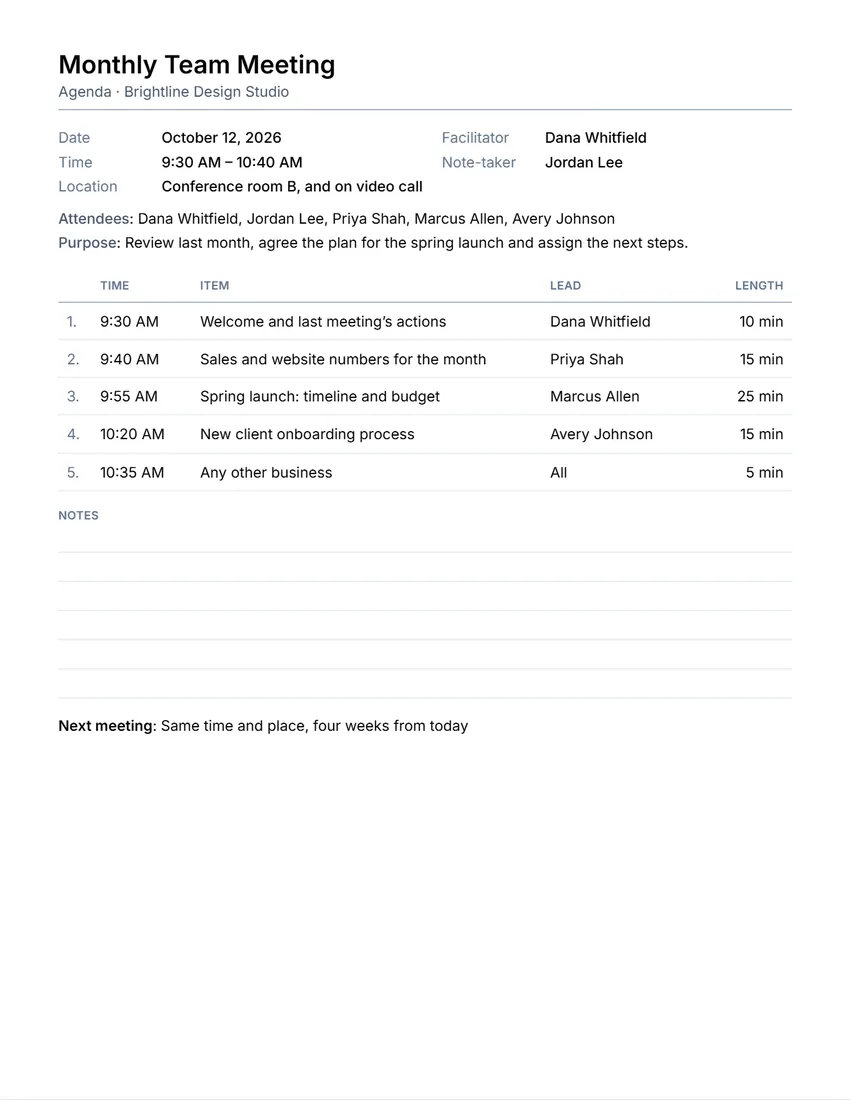
Related tools
Goes well with this one
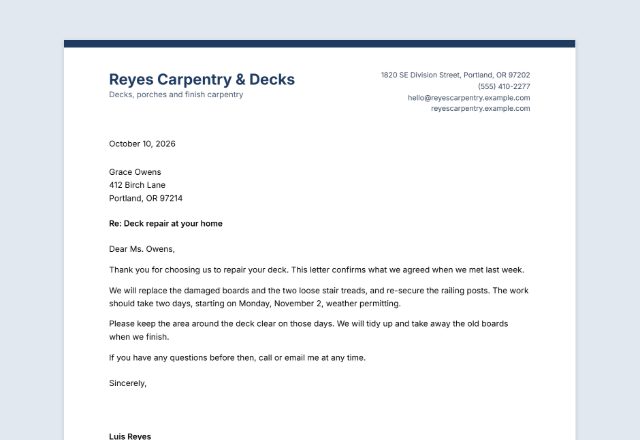
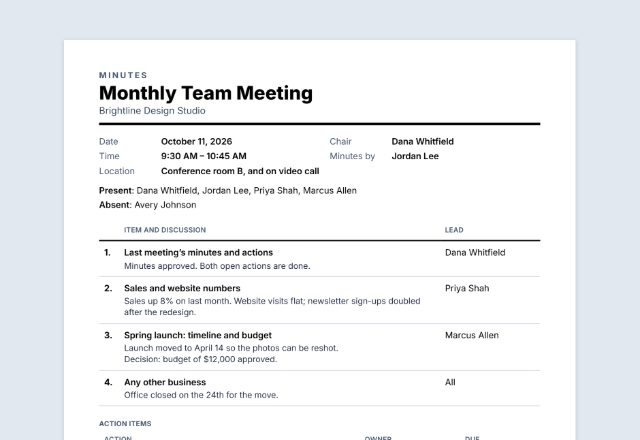
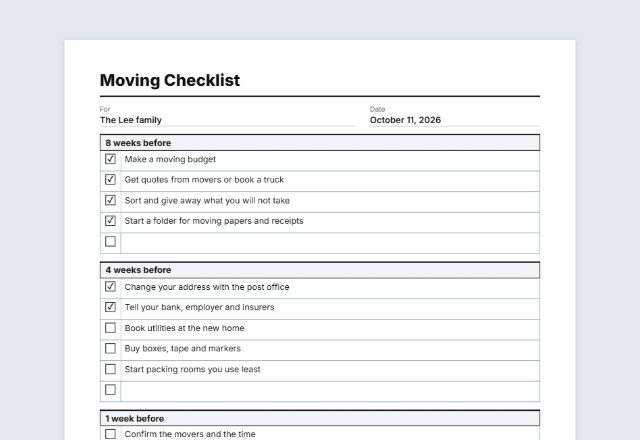
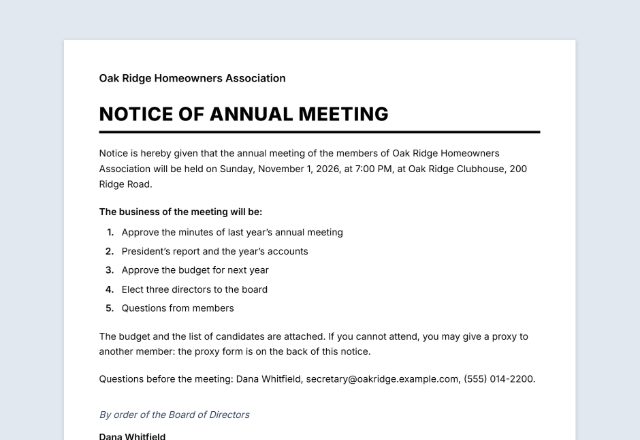
Was this tool useful?
Notice: Generated via SnapPaperwork. For your own meetings.
Something missing? Tell me what you need.
What is a meeting agenda?
A meeting agenda is a short plan for a meeting: the date, the time and the place, who is invited, and the topics in order with a time for each. Send it before the meeting so people can prepare, and use it to keep the meeting on time.
How to make a meeting agenda in 3 steps
-
Add the meeting
Its name, the date, the start time and the place or video link, and who runs it and takes notes.
-
List the items
Type each topic, who leads it and how many minutes it gets. The start time of each item is worked out from the start of the meeting, and so is the end if you leave it empty.
-
Share or print it
Save the PDF and send it with the invite a day or two ahead, or print copies with lines for notes.
What to put on a meeting agenda
- The meeting’s name, date, time and place (or video link)
- Who runs the meeting and who takes the notes
- Who is invited, and the purpose in a sentence
- Each item, who leads it and how long it gets
- Time for questions or any other business at the end
- When the next meeting is
Tips for a meeting that ends on time
- Send the agenda a day or two ahead so people come ready.
- Put the items that need a decision first, while everyone is fresh.
- Give every item a length and an owner; it keeps the meeting on time.
- Leave five minutes at the end for any other business.
- Use the same agenda for the minutes: the Meeting Minutes maker follows the same items.
Frequently asked questions
Is this meeting agenda maker free?
Yes. It is free to use, needs no account or sign-up, and never adds a watermark or a SnapPaperwork logo to your agenda.
How are the times worked out?
Type the start time of the meeting and how many minutes each item takes. The first item starts with the meeting and each next one starts when the one before ends. Leave the end time empty and it is worked out too.
Can I leave the times off?
Yes. Untick “Print each item’s start time”, and untick the length too if you want a plain list of items.
Can I add lines for notes?
Yes. Choose how many lines to print under the items, from none to fifteen.
Can I change the order of the items?
Yes. Use the arrow next to an item to move it up; the numbers and times follow.
Is my information uploaded or stored on your servers?
No. Everything you type stays in your browser and is never sent to me. It is saved on your own device so it is there next time.