Free Cancellation Letter TemplateCancel a service, subscription or membership, or end a business contract. Answer a few questions and the letter is written for you; edit it, print it, save it as a PDF or copy it into an email. Nothing you type is uploaded.
Design
Whole page · the printed page has no watermark or logo.
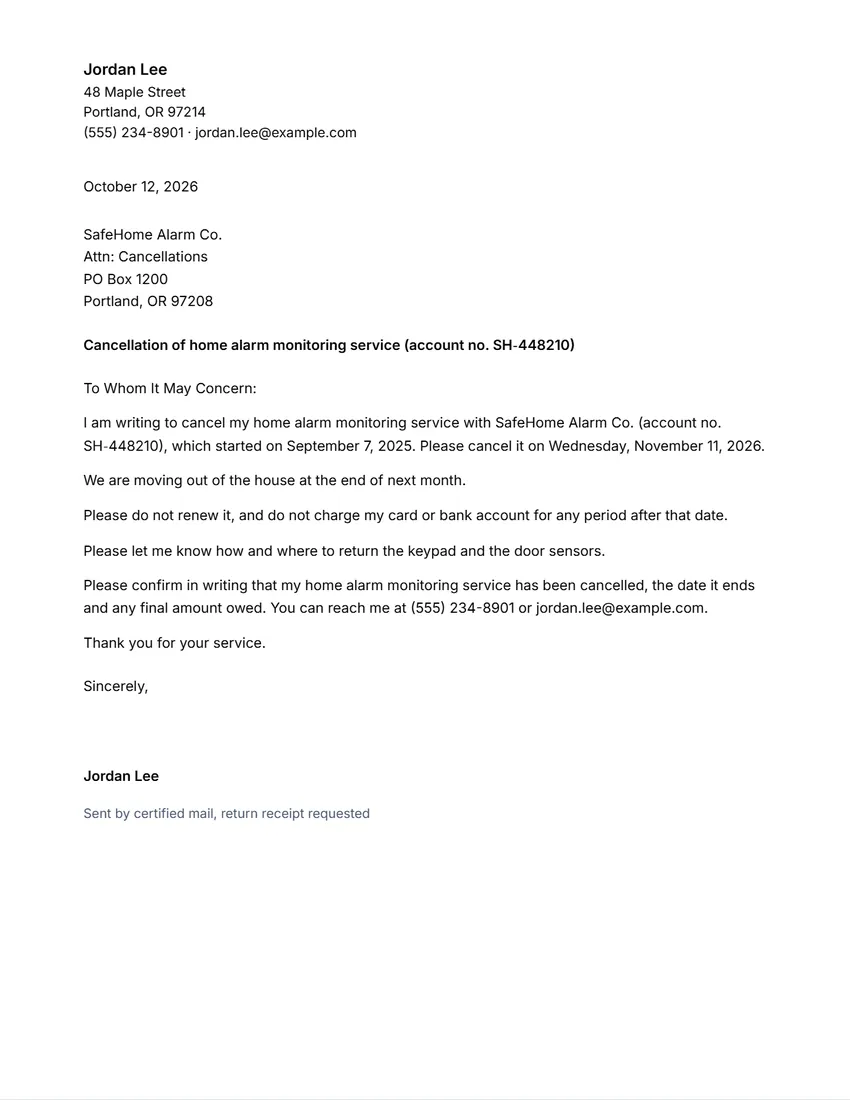
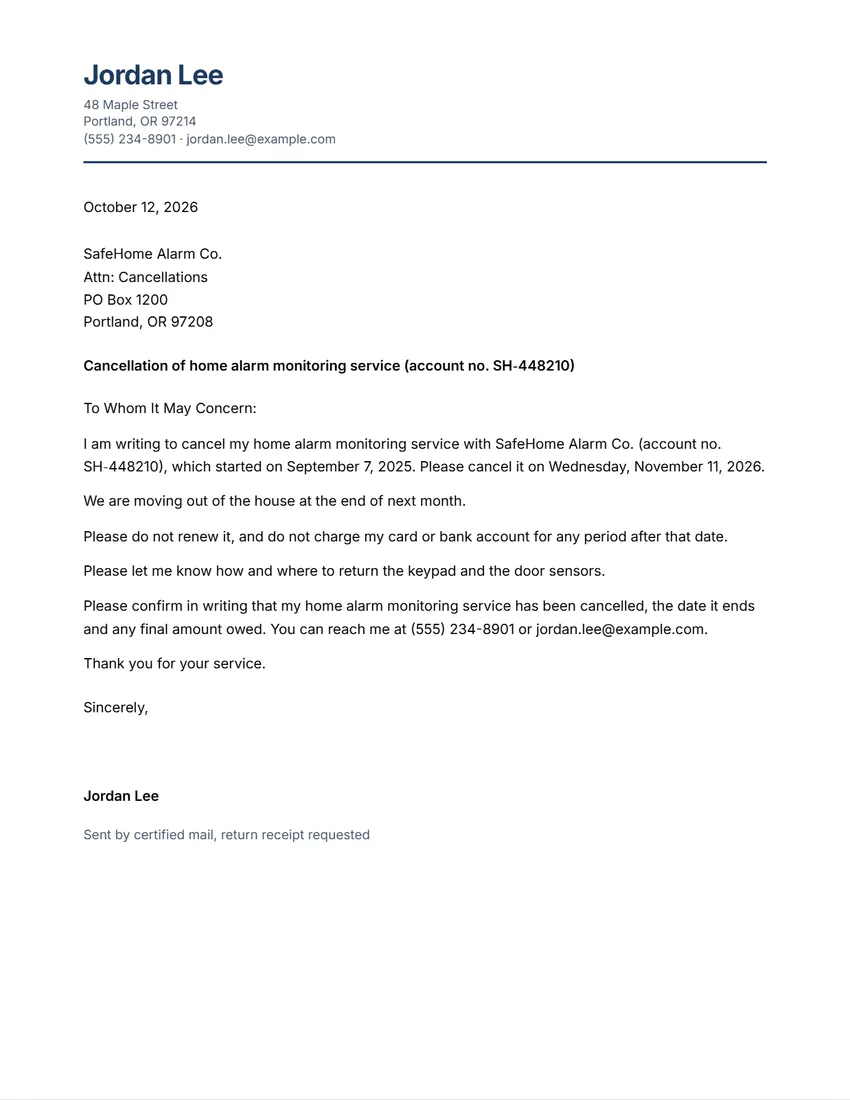
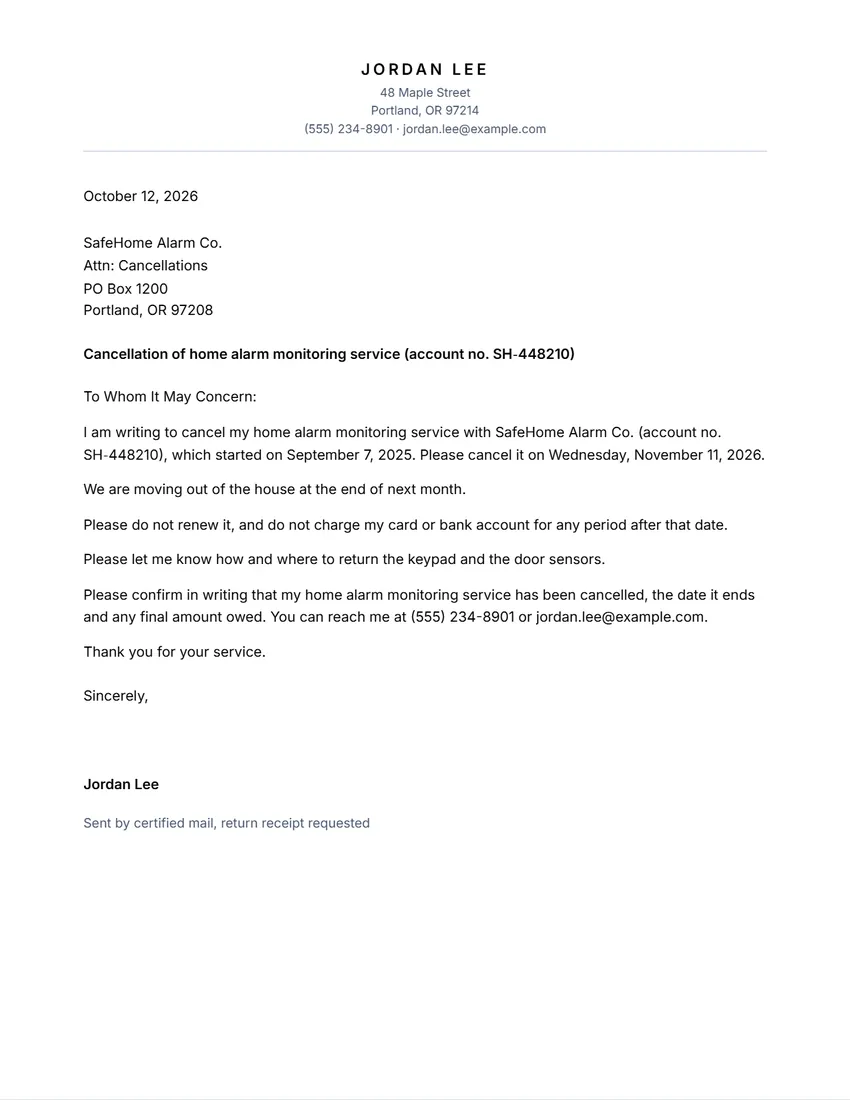
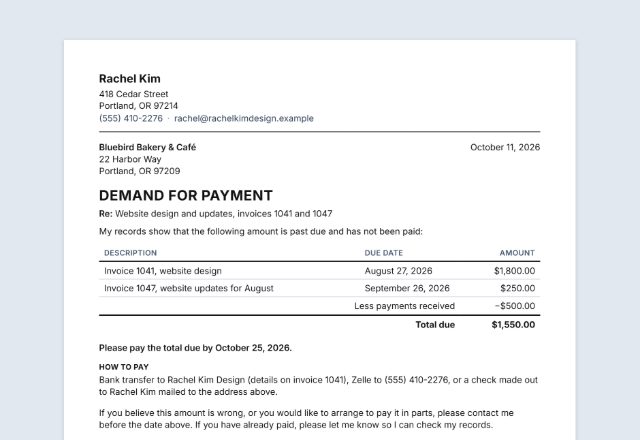
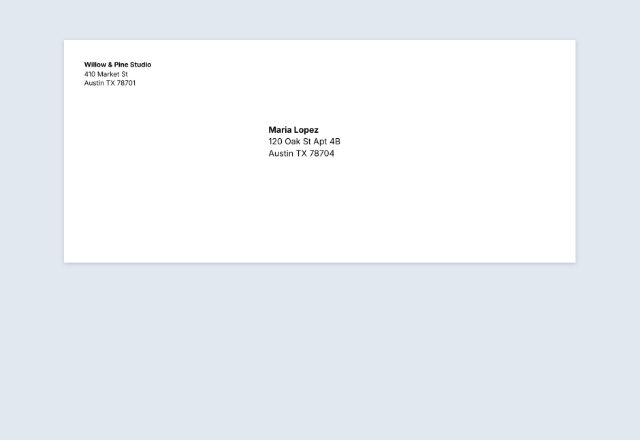
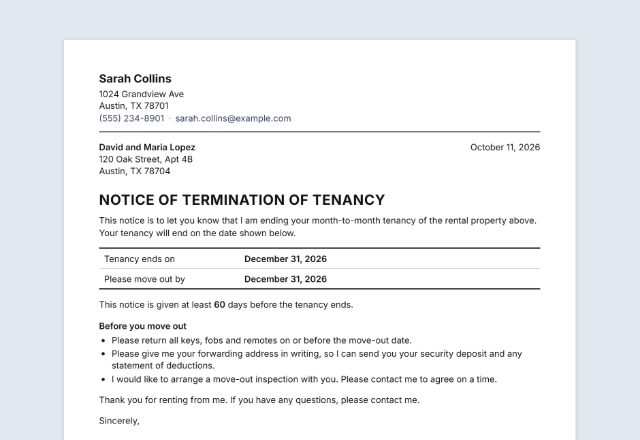
Examples3 layouts filled in with made-up details. Open one to start with that layout.
Related tools
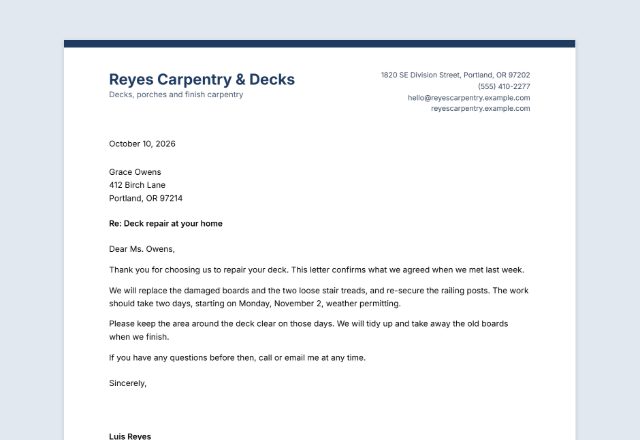
Goes well with this one
Was this tool useful?
Notice: Generated via SnapPaperwork. For your own accounts and contracts only. Do not send a cancellation in someone else’s name, or backdate one.
Something missing? Tell me what you need.
What is a cancellation letter?
A cancellation letter tells a company, a landlord or a service provider in writing that you are ending a subscription, membership or contract. It names the account, says what you are cancelling and from which date, and asks for written confirmation. Send it in a way you can prove, and keep a copy.
How to write a cancellation letter in 3 steps
-
Say what you are cancelling
A service or subscription, a membership, or a business contract. Add the company, your account number and when it should end.
-
Choose what to ask for
No more charges or renewals, a refund of anything paid in advance, how to return equipment, and a written confirmation. The letter is written from your answers.
-
Sign it and send it the way the contract says
Print it, save it as a PDF or copy it into an email, and keep a copy with proof of when you sent it.
What to put in a cancellation letter
- Your name, address and how to reach you
- The company’s name and the address it gives for cancellations
- Your account, membership or contract number
- What you are cancelling, and the date it should end
- The part of the contract you rely on, if there is one (for example the notice clause)
- What you want: no more charges, a refund, how to return equipment, written confirmation
- The date of the letter and your signature
Notice, timing and proof
Read the contract first. Many say how much notice to give (30 days is common), how to give it (in writing, by post, by email, through your account) and whether there is a fee for ending early. A letter sent the wrong way may not count.
Send it so you can prove when it arrived: certified or registered mail with a receipt, recorded or special delivery, or an email that the company answers. Write how you sent it under your name, and keep a copy of the letter and the receipt.
Keep watching your card or bank statements after the end date. If you are still charged, write again with a copy of this letter, and ask your bank or card issuer what they can do.
Tips
- Use the exact account or contract number on your bill, so the right account is closed.
- Ask for the end date, any final amount and the return of equipment in writing.
- A cancellation does not need a reason. Give one only if it helps, for example a move or a price rise you do not accept.
- For a business contract, check who must sign the notice and where it must be sent: often a set address or a named person in the contract.
- Phone cancellations are easy to dispute later; follow up any call with a letter or email.
General information, not legal advice. What notice you must give, and any fee for ending early, depend on your contract and the law where you live.
Frequently asked questions
Is this cancellation letter generator free?
Yes. It is free to use, needs no account or sign-up, and never adds a watermark or a SnapPaperwork logo to your letter.
What should a cancellation letter include?
Your name and contact details, the company, your account or contract number, what you are cancelling and when it should end, and what you want next: no more charges, a refund, how to return equipment, a written confirmation. This generator writes each of these from your answers.
How much notice do I need to give?
It depends on your contract. Many service contracts and memberships ask for 30 days’ notice in writing; business contracts usually have a notice clause. Check yours, give at least that much, and name the clause in the letter if you want to.
How should I send a cancellation letter?
The way the contract asks for, and in a way you can prove: certified or registered mail with a receipt, recorded delivery, or email if the company accepts it. Keep a copy of the letter and of the proof that you sent it.
Can I use it to end a contract with a supplier or a client?
Yes. Choose “End a business contract”: the letter is written as notice that your business is ending the agreement, with the date it was signed, the clause you rely on and the end date.
Can I email the letter instead?
Yes. Use “Copy the letter for an email” to copy the subject line and the letter, then paste it into a new email. Download the PDF too and attach it if you want a signed copy.
Is my information uploaded or stored on your servers?
No. Everything you type stays in your browser and is never sent to me. It is saved on your own device so it is there next time.