Free Purchase Order TemplateFill in the form, check the preview, then print it, save it as a PDF or send it to your vendor. No sign-up, and nothing you type is uploaded.
Layout
Whole page · the printed page has no watermark or logo.
This purchase order is longer than one page and will print on two pages. Remove empty lines, shorten the notes, or try another layout.
Examples3 layouts filled in with made-up details. Open one to start with that layout, or print a blank template to fill in by hand.
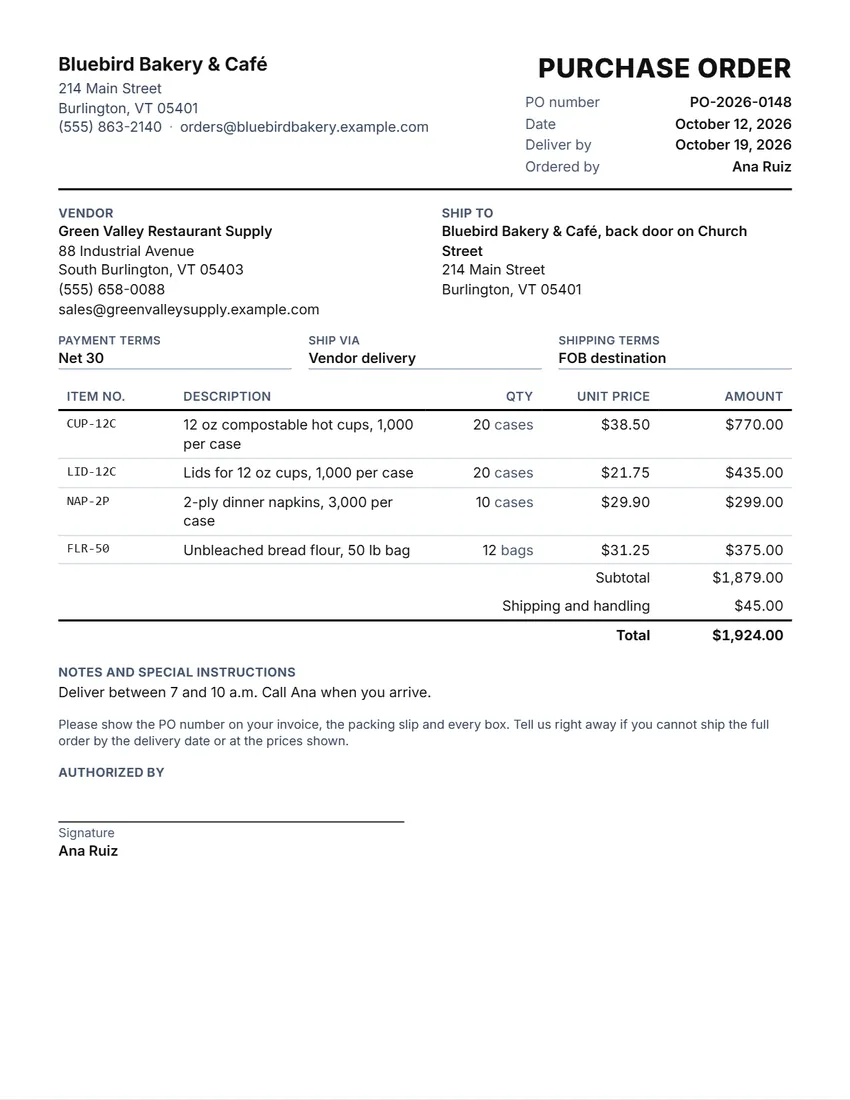 Default layout
ClassicYour logo and details at the top, the title and PO number on the right.
Start with this layoutOpen
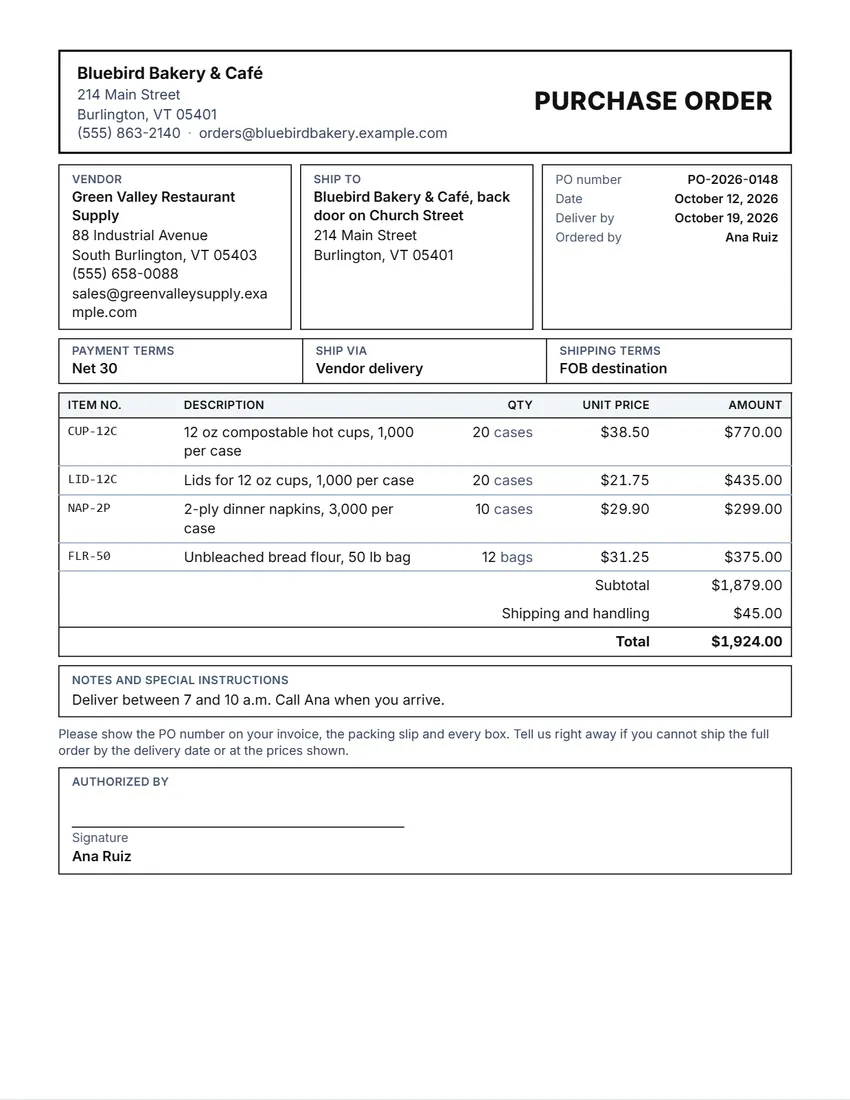 Layout
BoxedRuled boxes like a printed form.
Start with this layoutOpen
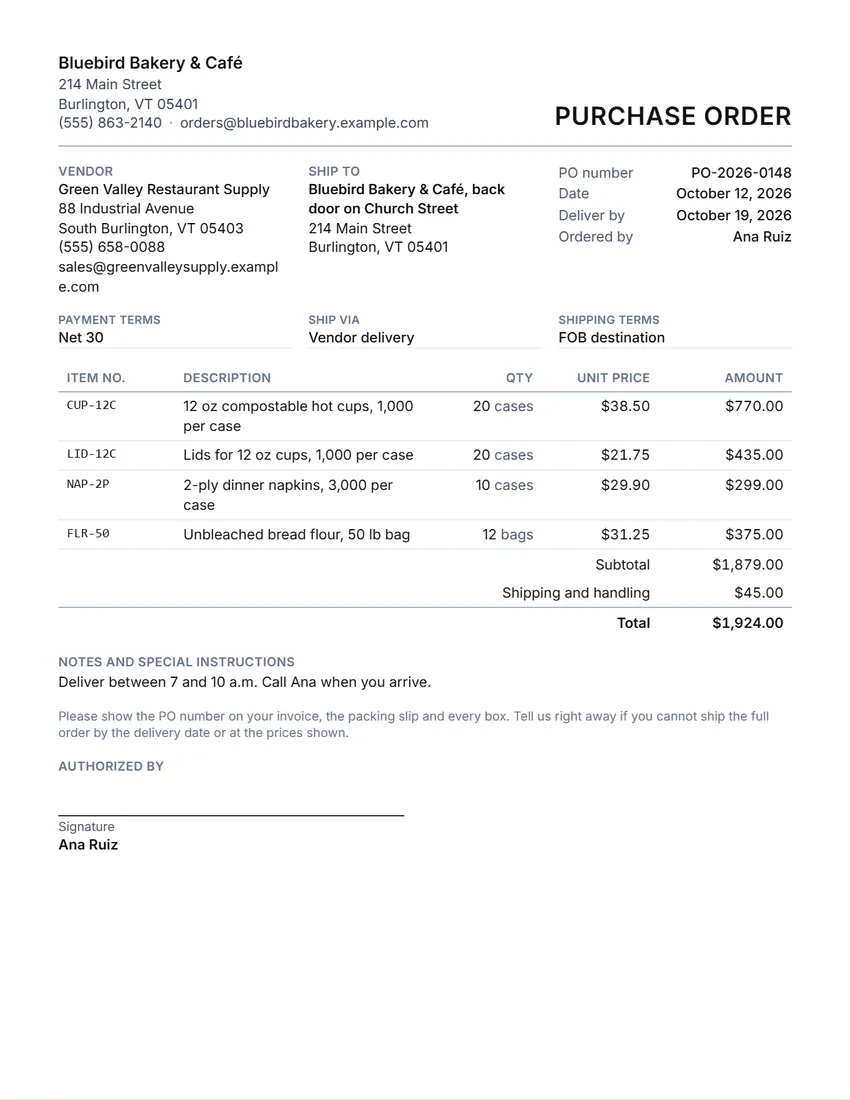 Layout
SimpleClean and light: thin lines, little ink.
Start with this layoutOpen
Prefer to fill it in by hand? Print a blank template and write on it.
Related tools
Goes well with this one
Was this tool useful?
Notice: Generated via SnapPaperwork. For real orders only. Do not use it to make a purchase order in another company’s name, or to order goods you do not mean to pay for.
Something missing? Tell me what you need.
How to make a purchase order in 3 steps
-
Add your business and the vendor
Your business is the buyer. Add the vendor’s name and address, and a ship-to address if the goods go somewhere else.
-
List what you are ordering
Item number, description, quantity, unit and unit price for each line. The subtotal, discount, tax, shipping and total are worked out for you.
-
Set the terms, sign and send
Payment terms, how it ships and the delivery date. Sign, then print, save as PDF or share the file with the vendor.
What a purchase order should include
- Your business name and address (the buyer), and the vendor’s
- A purchase order number, the date and the date you need the goods by
- Where to ship, if it is not your main address
- Each item: item number, description, quantity, unit and unit price
- Subtotal, any discount, tax, shipping and the total
- Payment terms (for example Net 30) and shipping terms
- Who ordered and an authorized signature
Quote, purchase order, packing slip, invoice
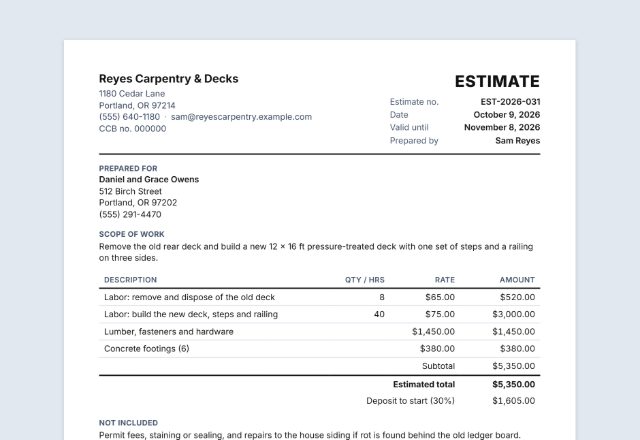
- A quote or estimate comes from the vendor: what they can supply and at what price.
- A purchase order comes from you, the buyer: what you want to buy, how many, at what price and when.
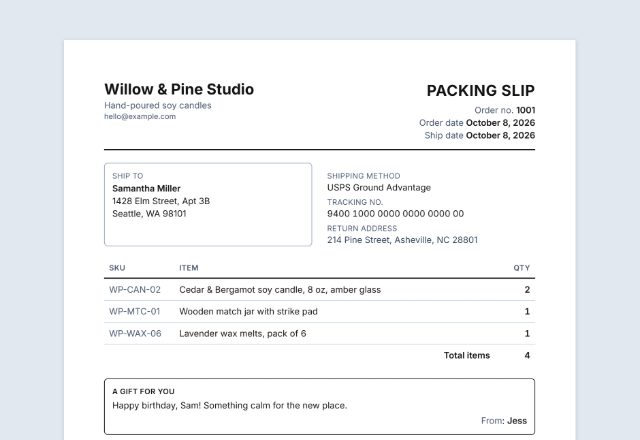
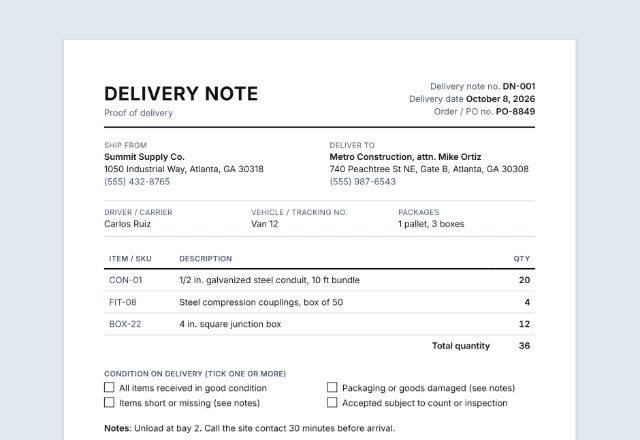
- A packing slip comes with the goods: what is in the box, so you can check it on arrival.
- An invoice comes from the vendor after shipping: what you owe and when to pay.
- Many businesses match the three papers before paying: the purchase order, the packing slip or delivery note, and the invoice. If the quantities and prices agree, the invoice is paid.
Payment and shipping terms
Net 30 means the full amount is due 30 days after the invoice date (Net 15, Net 60 work the same way). Due on receipt means pay when the invoice arrives; cash on delivery means pay when the goods arrive.
FOB (“free on board”) says where the vendor’s job ends. In most US states, under the sale-of-goods rules of the Uniform Commercial Code, FOB the place of shipment means the vendor bears the cost and risk only until the goods are handed to the carrier; FOB destination means the vendor bears the cost and risk of getting them to you (Texas Business & Commerce Code § 2.319, for example). Who pays the freight can still be agreed separately, so write it down.
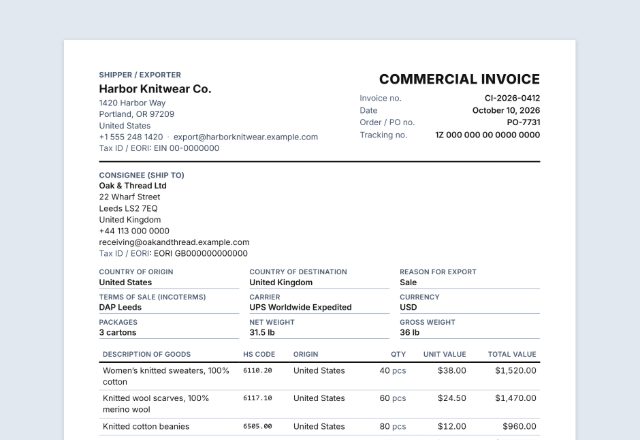
For orders from another country, businesses often use Incoterms instead, such as DAP (delivered at place). If you use them, write the term and the place, for example “DAP Burlington, VT”.
When a purchase order becomes a contract
A purchase order is usually an offer to buy. Under the same Uniform Commercial Code rules, an order for prompt shipment can be accepted either by a prompt promise to ship or by shipping the goods (Texas Business & Commerce Code § 2.206). Once accepted, it is a contract.
A contract for goods of $500 or more generally needs something in writing, signed by the side it is enforced against (§ 2.201). Between businesses, a written confirmation sent within a reasonable time can count unless the other side objects in writing within 10 days.
If the vendor accepts but adds or changes terms (on its own form, for example), it can still be a contract; between businesses some added terms become part of it unless you object (§ 2.207). Read the vendor’s confirmation, and tick “Vendor acceptance” to ask them to sign your copy.
These are general rules that most states share, shown here from the Texas code. This page is general information, not legal advice.
Checked in October 2026. This page is general information, not legal advice. Rules differ from state to state and change over time.
Frequently asked questions
Is this purchase order generator free?
Yes. It is free to use, needs no account or sign-up, and never adds a watermark or a SnapPaperwork logo to your purchase order.
How do I number purchase orders?
Any system works as long as each number is used once, for example PO-1001, PO-1002. Click “Start a new PO” at the bottom of the form and the number goes up by one, while your business, the vendor and the terms stay.
Can I add my logo?
Yes. Upload a PNG or JPG in “Your business”. It stays in your browser and is never uploaded.
How is the total worked out?
Each line is quantity × unit price (leave the quantity empty for a fixed price). Then the discount is taken off, tax is added at your rate on the discounted subtotal, and shipping and handling is added.
What is the difference between a purchase order and an invoice?
The buyer sends a purchase order to say what they want to buy. The vendor sends an invoice to say what the buyer owes. Many businesses check that the invoice matches the purchase order before paying.
Is a purchase order legally binding?
Usually a purchase order is an offer. It becomes a contract when the vendor accepts it, for example by confirming it or shipping the goods. See “When a purchase order becomes a contract” above.
Is my information uploaded or stored on your servers?
No. Everything you type stays in your browser and is never sent to me. The form is saved on your own device so it is there next time.
How do I save the purchase order as a PDF?
Click “Print / Save PDF” and choose “Save as PDF” as the printer, or click “Download PDF” to save a file straight to your phone or computer. “Share” opens your device’s share menu with the PDF attached, ready to send to the vendor.