Free Freelance Invoice TemplateAdd hours, projects or a retainer, plus expenses, check the preview, then print the invoice or save it as a PDF. No sign-up, and nothing you type is uploaded.
Layout
Whole page · the printed page has no watermark or logo.
This invoice is longer than one page and will print on two pages. Shorten the descriptions or the notes, or try another layout.
Examples2 layouts filled in with made-up details. Open one to start with that layout.
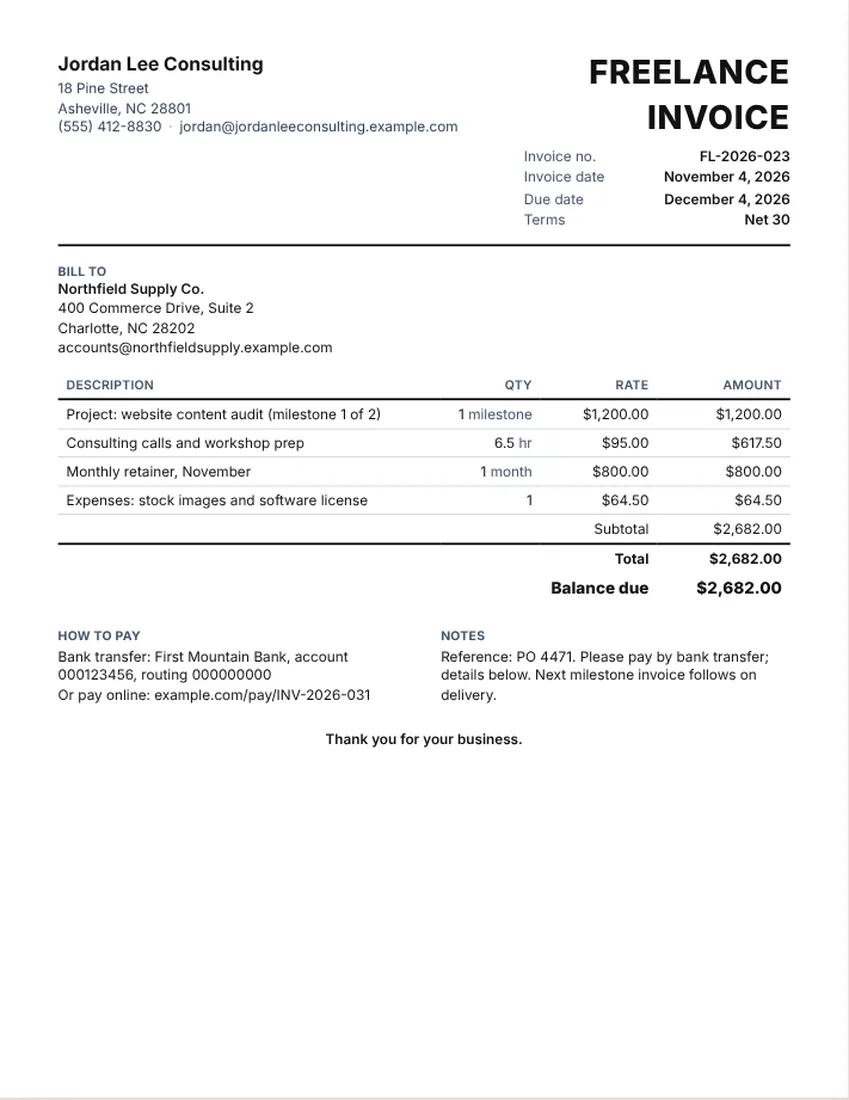
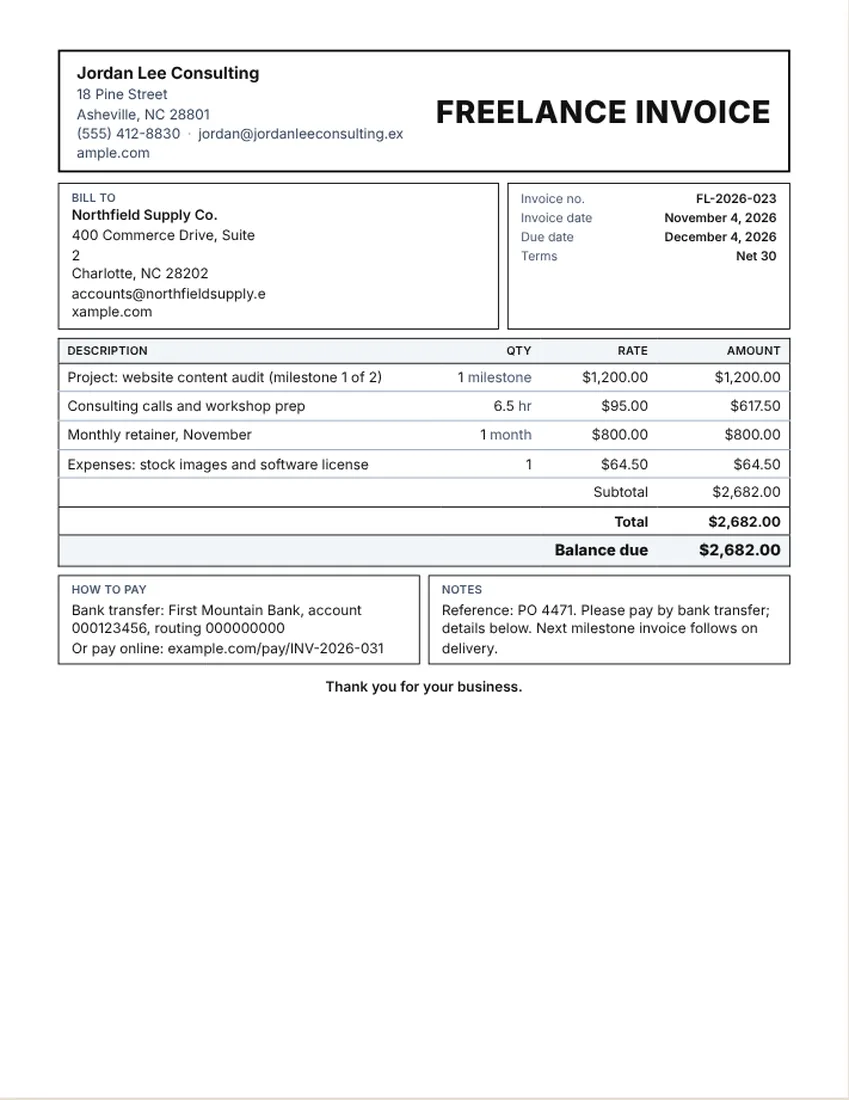
More versions of this form
Related tools
Goes well with this one
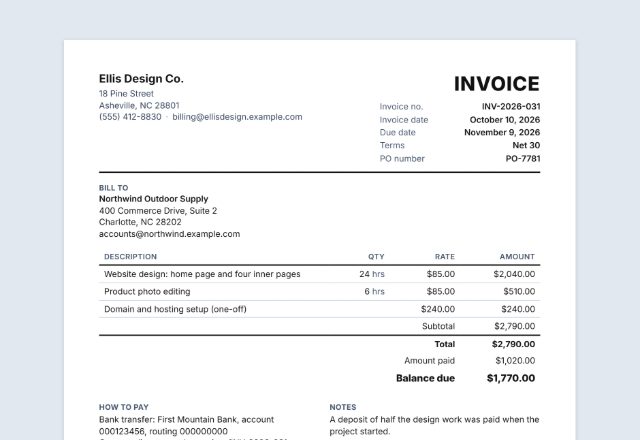
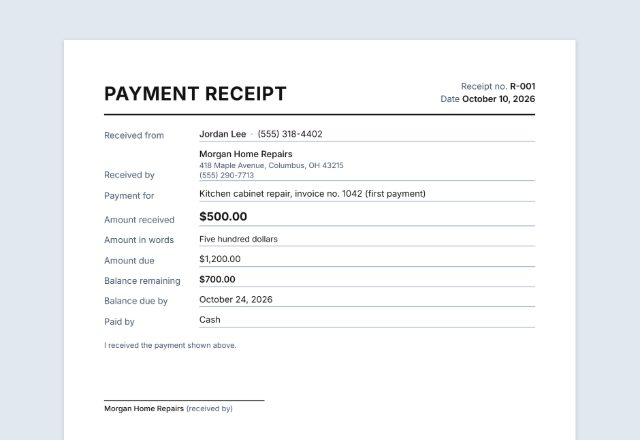
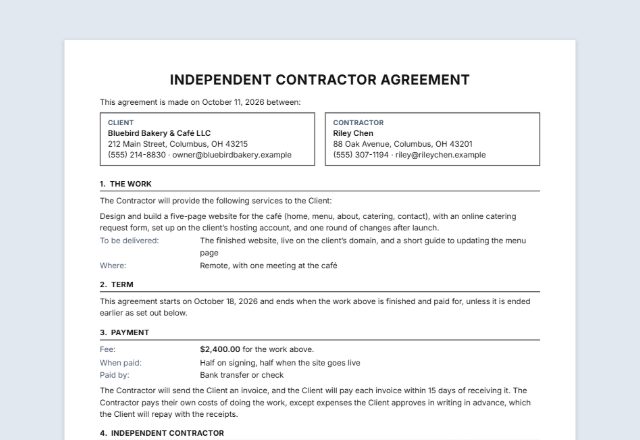
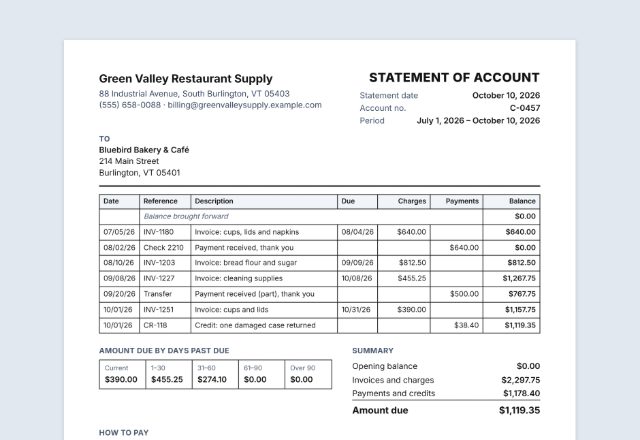
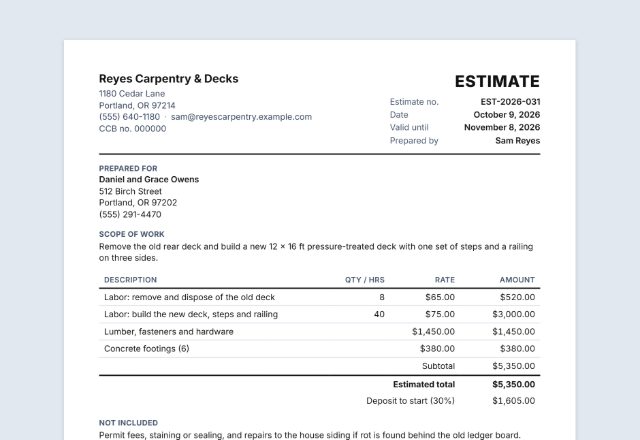
Was this tool useful?
Notice: Generated via SnapPaperwork. For genuine work and payments only. A document with false amounts, dates or details can be illegal.
Something missing? Tell me what you need.
How to make a freelance invoice
-
Add your details and the client
Your name or business, email and logo, then the client’s company and the person who pays invoices.
-
List the work
Hours at your rate, a fixed project fee, a monthly retainer or a milestone, each on its own line. Add expenses separately.
-
Set the due date and send it
Pick terms such as Net 15 or Net 30, add a purchase order number if the client uses one, then print, save a PDF or email it.
A freelance invoice is a clear request for payment for the work you did. The same page works as a consulting invoice or a contractor invoice for a client who is not your employer.
What to put on a consulting invoice
- Your name or business, contact details and, if you use one, a payment reference
- The client’s company name and billing contact
- An invoice number, the date and the due date
- The project or period the invoice covers
- Hours and rate, project fees, retainer or milestones, each on its own line
- Expenses listed apart from your fees
- The total, any amount paid and the balance due, plus how to pay
Sample line items for freelancers and consultants
The sample invoice is an example layout only. Its rates and amounts are made up and are not a price guide. Set your own rates from your skills, costs and the market you work in.
- Hourly work: calls, research, writing, design, development
- Fixed project fee, or a milestone of a larger project
- Monthly retainer for an agreed amount of work
- Rush work or extra revisions, as a separate line
- Expenses such as stock images, software or travel
- A purchase order or project reference in the notes
How to price: hourly, project, retainer or milestone
Hourly billing suits work with an unclear scope: list hours so the client can follow. A project fee suits a clear deliverable. A retainer suits steady, ongoing work for a set monthly amount. Milestones split a larger project into smaller invoices tied to progress.
Use the same wording as in your proposal or agreement, so the client can match each line to what was agreed.
Tips for getting paid on time
- Invoice at the milestone or period end, not weeks later.
- Put the due date, your payment details and any reference number on the invoice.
- Ask for the right billing contact before you send it.
- Send a polite reminder the day after the due date, then follow up.
- Tax on freelance income and on invoices depends on where you live and work. Ask your tax adviser.
Checked in November 2026. This page is general information, not legal advice. Rules differ from place to place and change over time.
Frequently asked questions
What should a freelance invoice include?
Your details, the client’s company, an invoice number and date, the due date, the project or period, hours or fees on separate lines, expenses, the total, balance due and how to pay.
Can I use this as a consulting invoice?
Yes. Use lines for hours, workshops, reports or a retainer, and change the title to Consulting Invoice if you like.
How do I bill a retainer?
Add one line with the month and the agreed amount. Note in the notes what the retainer covers, and list extra work on its own line.
How do I invoice by milestone?
Add a line for the milestone and note which one it is, such as milestone 1 of 2. Send the next invoice when the next milestone is done.
Where do I put expenses?
On their own lines, apart from your fees. Keep the receipts, since the client may ask to see them.
Is this freelance invoice template free?
Yes. It is free, needs no account and adds no watermark. What you type stays in your browser and is never uploaded.