Free Printable Gift Certificate TemplateFill in the form, check the preview, then print the sheet and cut along the dashed lines. No sign-up, and nothing you type is uploaded.
Design
Whole page · the printed page has no watermark or logo.
Holiday gift certificatesTwo designs for the holidays. Open one, then add your business and the amount.
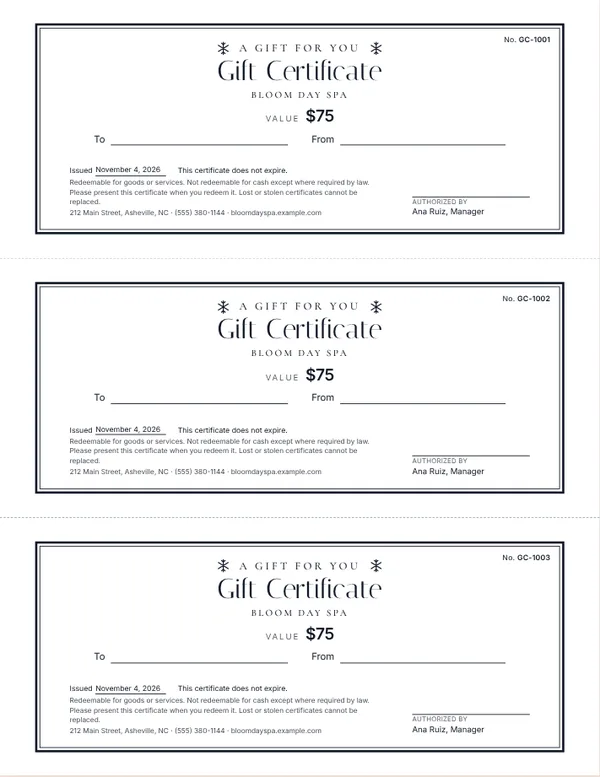
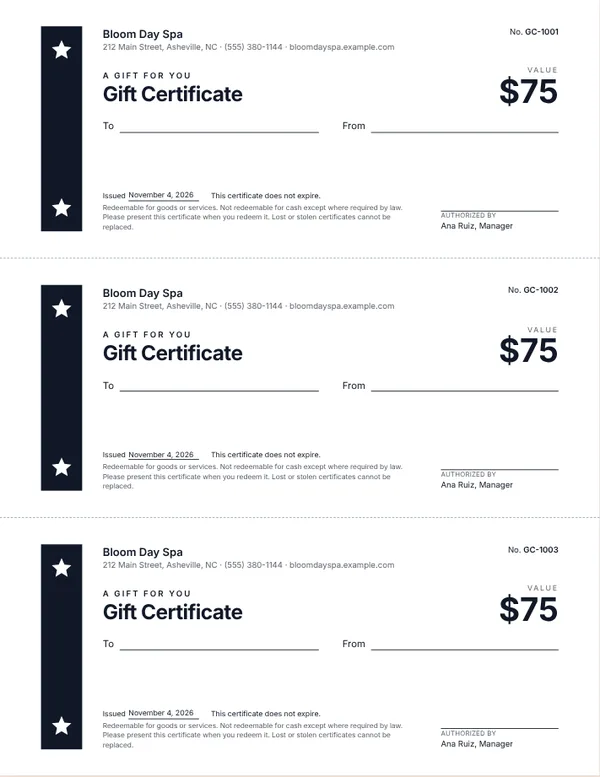
Examples3 layouts filled in with made-up details. Open one to start with that layout, or print a blank template to fill in by hand.
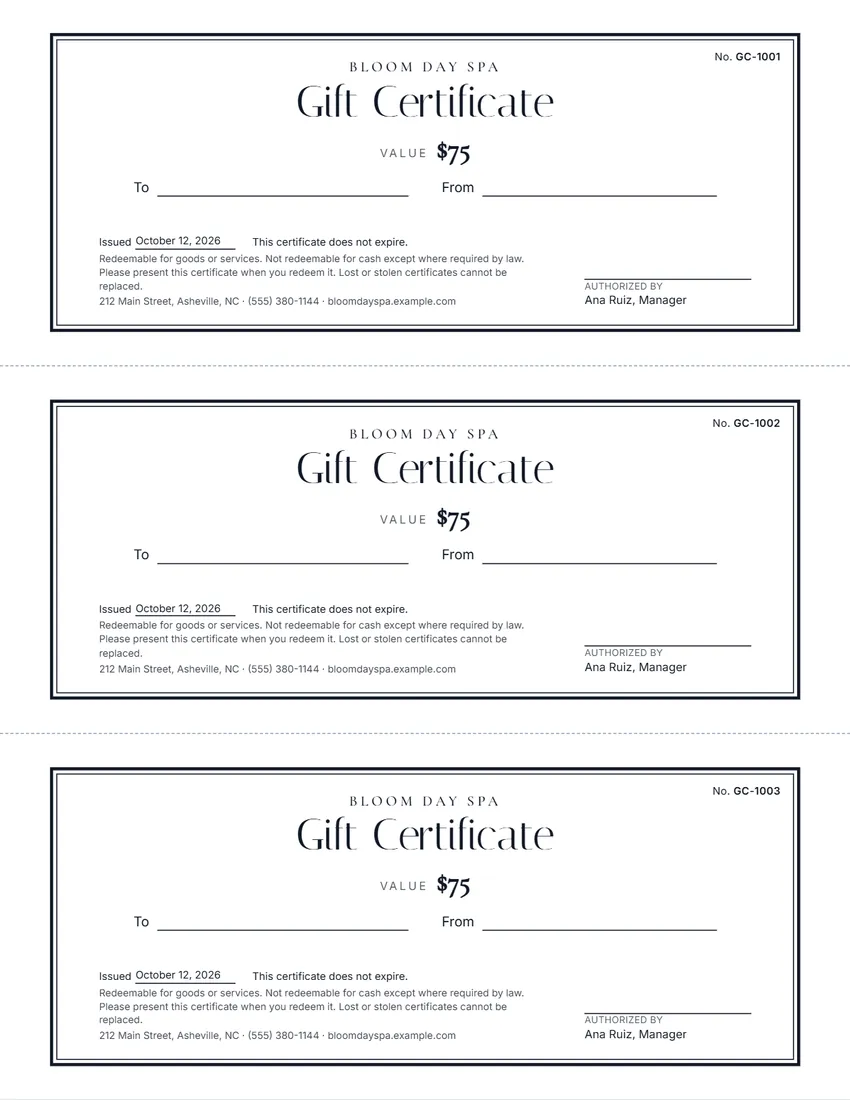 Default layout
ClassicDouble frame, centred, elegant type.
Start with this layoutOpen
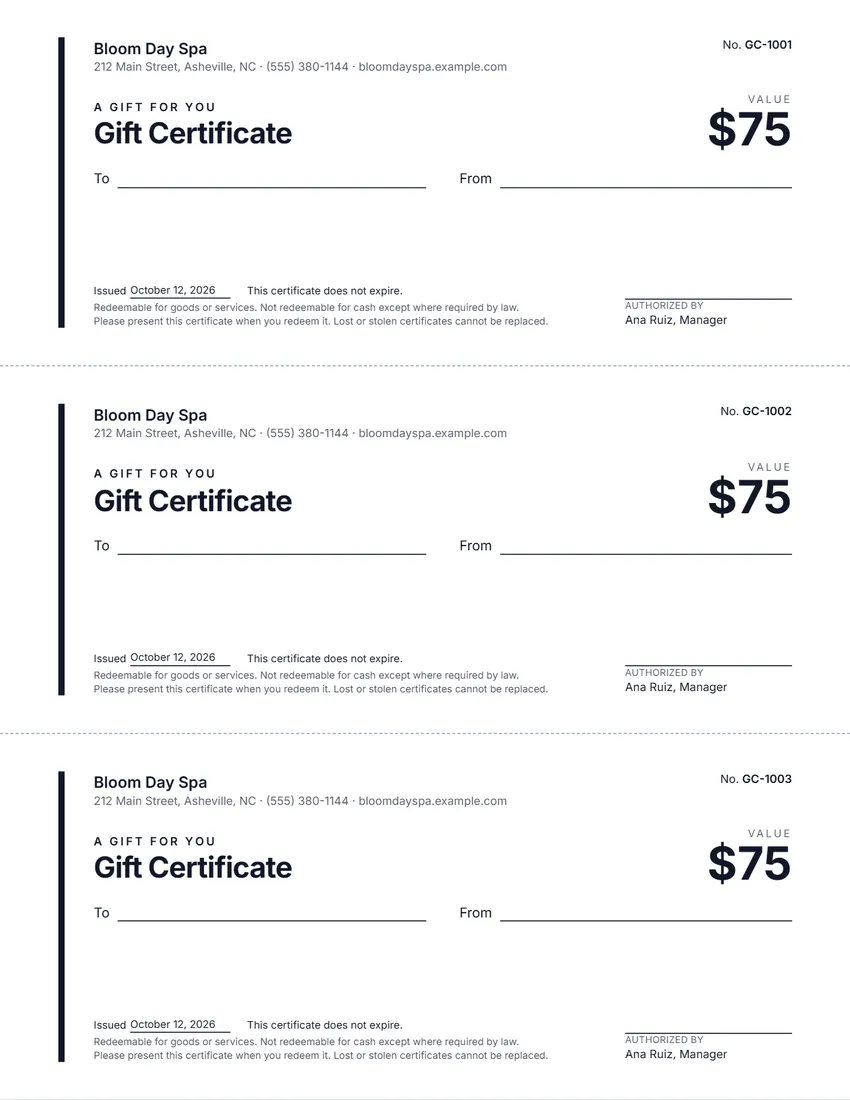 Layout
ModernLeft-aligned, the value in large type, a thin coloured rule.
Start with this layoutOpen
 Layout
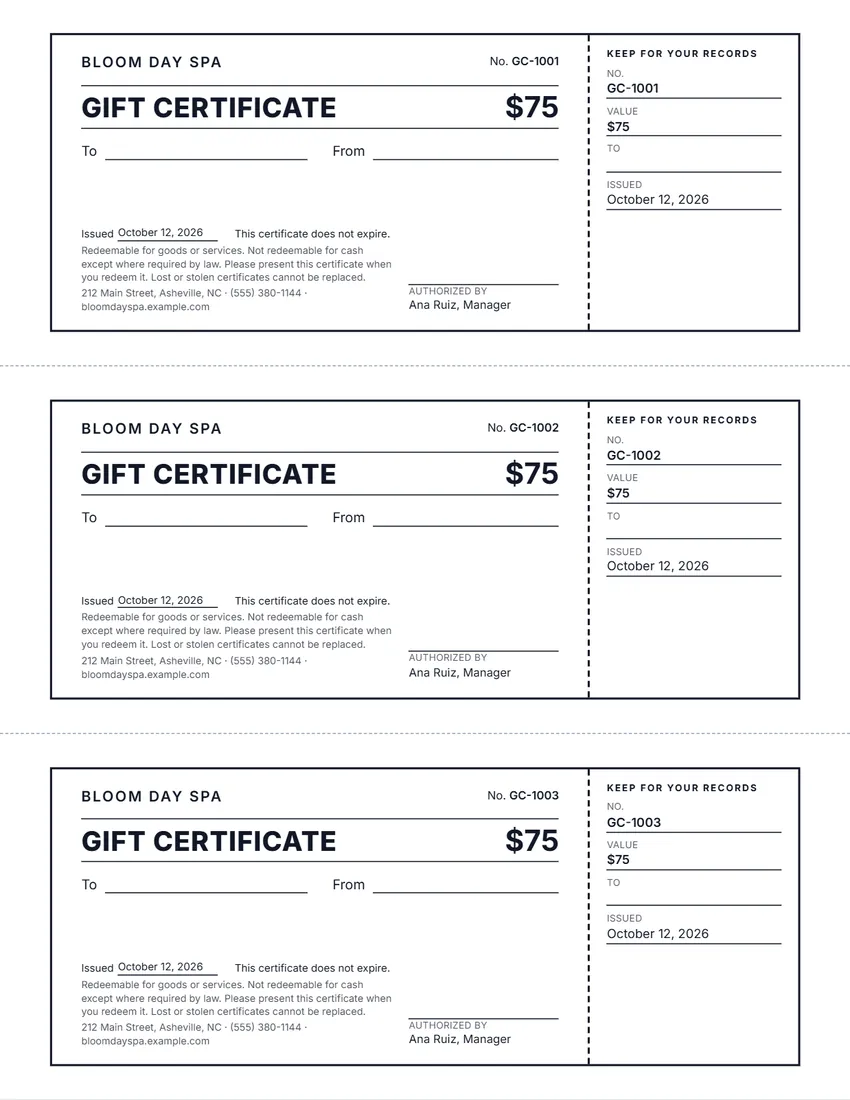
TicketWith a stub to tear off and keep for your records.
Start with this layoutOpen
Prefer to fill it in by hand? Print a blank template and write on it.
Related tools
Goes well with this one
Was this tool useful?
Notice: Generated via SnapPaperwork. For your own business’s gift certificates only. Do not copy another business’s certificates or make certificates you will not honor.
Something missing? Tell me what you need.
How to make gift certificates in 3 steps
-
Add your business and the gift
Upload your logo, type your business name, and choose an amount ($50) or a service (“One 60-minute massage”). Leave To and From empty to write them by hand when you sell each one.
-
Number them and pick a design
Each certificate gets its own number, so you can track which ones were sold and used. Choose one of four designs and an ink colour, and 2 or 3 certificates per page.
-
Print, cut and keep a list
Print on card stock at actual size and cut along the dashed lines. When you sell one, write the date and the buyer in your list next to its number.
What to put on a gift certificate
- Your business name, and how to reach you or where to redeem it
- The value: an amount, or the service or item it is good for
- A unique number, to track it and stop copies
- Who it is for and who it is from (often written by hand)
- The date it was issued
- The expiry date, or a line saying it does not expire
- Short terms: how to redeem it, cash value, lost certificates
- A signature or initials from you or your staff
Expiry dates and the law
In the US, a federal rule covers gift certificates sold to consumers that can be used only at one business (or a group of related businesses). The money on a certificate sold to a customer cannot expire sooner than five years after it was issued, and a certificate sold with an expiry date must show that date clearly (12 CFR 1005.20). Saying that it does not expire is the clearest way when there is none.
Certificates given away free as part of a loyalty, award or promotional program are treated differently: they can expire sooner, but the front must say they were issued for promotional purposes and show the expiration date. Choose “Given free, as a promotion or reward” in the form to print that line.
Some states go further. California, for example, does not allow an expiration date or a service fee on a gift certificate that was sold, and a certificate with a value of less than $15 must be redeemed for cash if the holder asks (Civil Code § 1749.5).
Other states and countries have their own rules. When in doubt, leave the expiry date empty: the certificate will say it does not expire.
Keeping track of the certificates you sell
Numbered certificates make it easy to know which ones are still out there. Keep a simple list: number, date sold, buyer, amount, and the date it was used. Cross each one off when it comes back.
When a certificate is used, write “Used” and the date on it, or keep it, so it cannot be used twice. To print the next batch, press “Next batch” and the numbers carry on where the last sheets ended.
Checked in October 2026. This page is general information, not legal advice. Gift certificate rules differ from state to state and country to country.
Frequently asked questions
Can I make a Christmas or holiday gift certificate?
Yes. Pick the Winter or Happy Holidays design, then type your own line above the title, such as “Merry Christmas” or “Season’s Greetings”. Choose forest green or burgundy from the ink list for a Christmas look.
Is there a gift certificate I can print on plain paper?
Yes. Every design prints on ordinary Letter or A4 paper, three certificates to a page. Card stock gives a firmer gift certificate.
Is this gift certificate maker free?
Yes. It is free to use, needs no account or sign-up, and never adds a watermark or a SnapPaperwork logo to your certificates.
How many certificates fit on a page?
Three standard certificates per US Letter or A4 page, or two larger ones. Choose up to 10 pages at a time; the numbers carry on from page to page.
Can I number the certificates?
Yes. Type the first number, such as GC-1001, and each certificate gets the next one. After printing, press “Next batch” so the next sheets start where these ended.
Can a gift certificate expire?
In the US, a certificate sold to a customer generally cannot expire sooner than five years after it was issued, and some states, such as California, do not allow an expiry date at all. Free promotional certificates can expire sooner if they say so on the front. Leave the expiry empty and the certificate says it does not expire.
Can I make a certificate for a service instead of an amount?
Yes. Choose “A service or item” and type what it is good for, for example “One 60-minute massage” or “Two coffees and a pastry”.
Can I add my logo?
Yes. Upload a PNG or JPG. It is shrunk and kept in your browser only, so it is there next time; it is never uploaded.
What paper should I print on?
Card stock (about 65–110 lb cover, or 170–300 gsm) feels like a real gift certificate. Print at actual size, not “fit to page”, and cut along the dashed lines with a paper trimmer.
Are my details uploaded or stored on your servers?
No. Everything you type, and your logo, stays in your browser and is never sent to me. On a shared computer, press “Clear Form” when you are done.
How do I save the certificates as a PDF?
Click “Print / Save PDF” and choose “Save as PDF” as the printer, or click “Download PDF” to save a file straight to your phone or computer. Each page of the PDF is one sheet of certificates.