Free Printable Meal Planner & Grocery ListPlan each meal of the week, add your grocery list, then print the plan or save it as a PDF. No sign-up, and nothing you type is uploaded.
Layout
Whole page · the printed page has no watermark or logo.
Examples3 layouts filled in with made-up details. Open one to start with that layout, or print a blank template to fill in by hand.
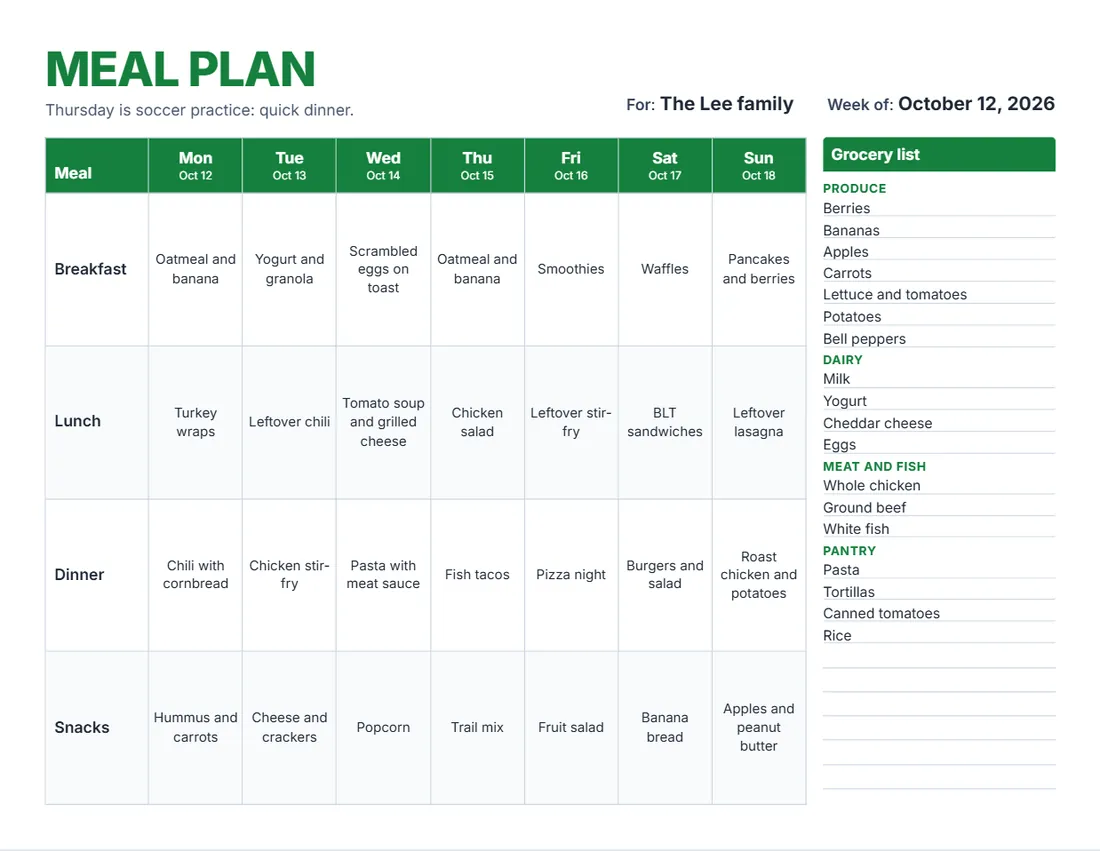 Default layout
BrightA big title and a header row in your colour.
Start with this layoutOpen
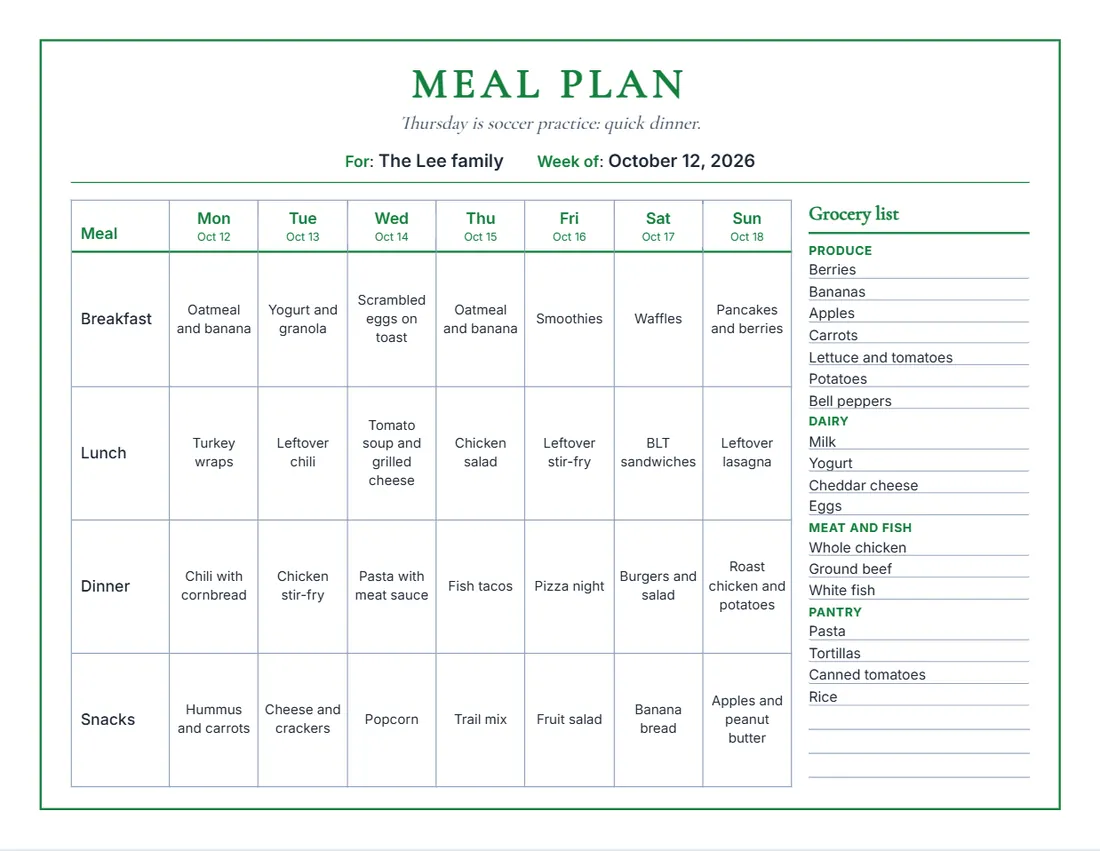 Layout
ClassicA serif title, a frame and day names in your colour.
Start with this layoutOpen
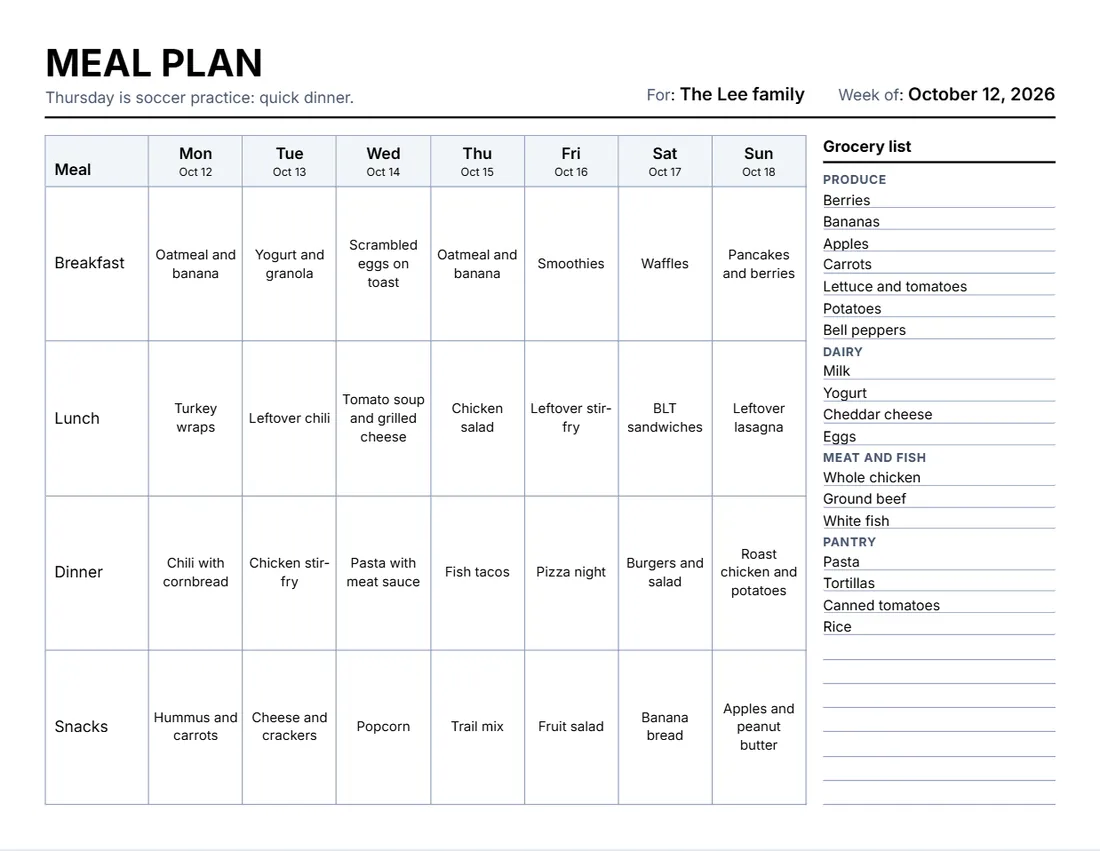 Layout
SimpleBlack and grey, a thin grid. Least ink.
Start with this layoutOpen
Prefer to fill it in by hand? Print a blank template and write on it.
Related tools
Goes well with this one
Was this tool useful?
Notice: Generated via SnapPaperwork. For planning your own meals. It is not diet or nutrition advice.
Something missing? Tell me what you need.
How to make a meal plan in 3 steps
-
Pick the week and your meals
The week (dates go over the days) and a row for each meal: breakfast, lunch, dinner, snacks, or your own.
-
Plan each day and the shopping
Type what is planned for each meal and day, then list what to buy. A line ending with a colon, like Produce:, is a heading.
-
Print it
Put it on the fridge, or save the PDF to your phone for the store. Print a blank planner to fill in by hand.
Tips for planning the week
- Start with what is already in the fridge and the cupboard.
- Plan around busy days: something quick, or leftovers from the night before.
- Cook once, eat twice: a big dinner can be the next day’s lunch.
- Group the grocery list by aisle (produce, dairy, meat, pantry) so the shop is quicker.
- Leave a day open for leftovers or eating out, so nothing goes to waste.
Good to know
This planner is for organizing the week. For allergies, a special diet or a health condition, follow the advice of a doctor or a dietitian.
Frequently asked questions
Is this meal planner free?
Yes. It is free to use, needs no account or sign-up, and never adds a watermark or a SnapPaperwork logo to your plan.
Can I print a blank meal planner?
Yes. Leave the days empty and print: each meal has a row of empty boxes to fill in by hand, with ruled lines for the grocery list. Leave the week empty too to write the dates in.
Can I change the meals?
Yes. Rename any row (Brunch, Lunch box, Dessert), move it, remove it or add more, up to eight. Standard meals puts back Breakfast, Lunch, Dinner and Snacks.
How does the grocery list work?
Type one item per line. A line ending with a colon, such as Produce:, becomes a heading. The rest of the list is ruled lines to add more by hand. On a landscape page it sits beside the plan; on a portrait page, under it in three columns.
Can the week start on Sunday?
Yes. Choose Sunday or Monday as the first day, and rewrite any day name in the Wording panel or straight on the plan.
Is my information uploaded or stored on your servers?
No. Everything you type stays in your browser and is never sent to me. It is saved on your own device so it is there next time.