Free Photography Invoice TemplateAdd the session, editing and deliverables, check the preview, then print the invoice or save it as a PDF. No sign-up, and nothing you type is uploaded.
Layout
Whole page · the printed page has no watermark or logo.
This invoice is longer than one page and will print on two pages. Shorten the descriptions or the notes, or try another layout.
Examples2 layouts filled in with made-up details. Open one to start with that layout.
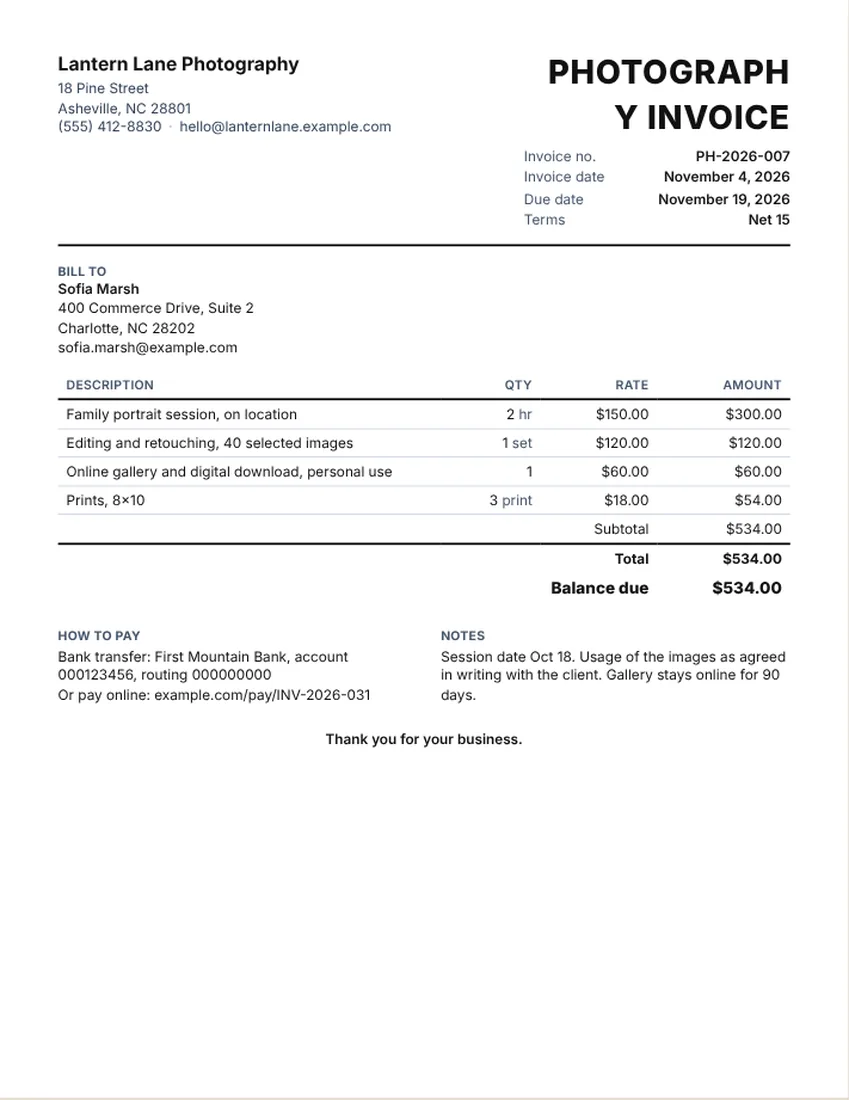
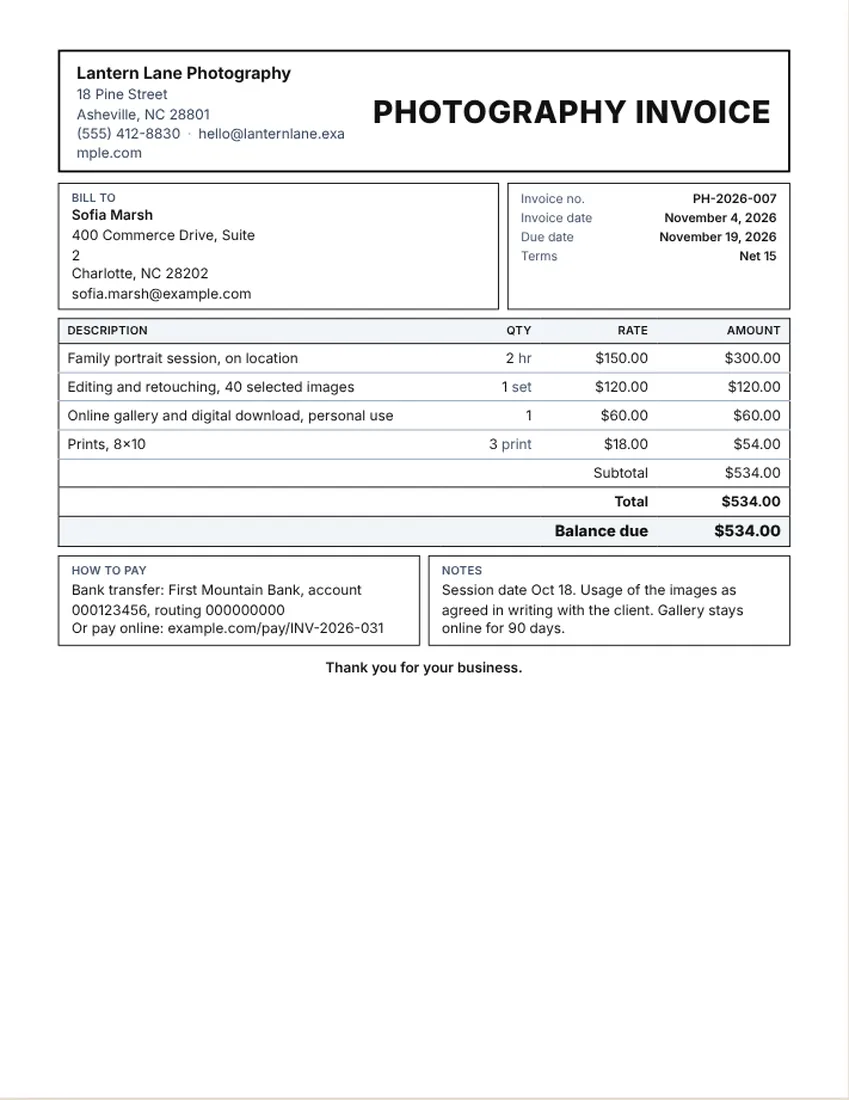
More versions of this form
Related tools
Goes well with this one
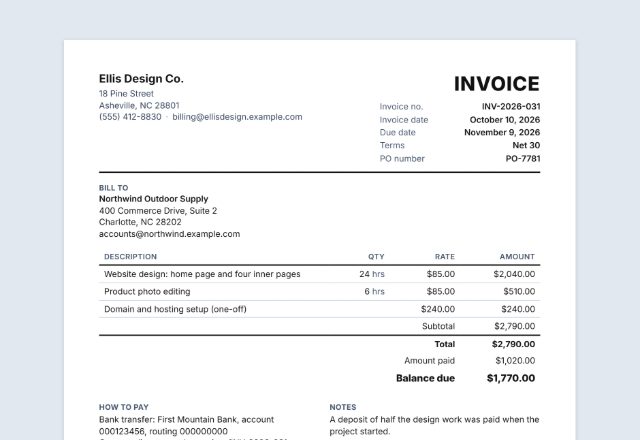
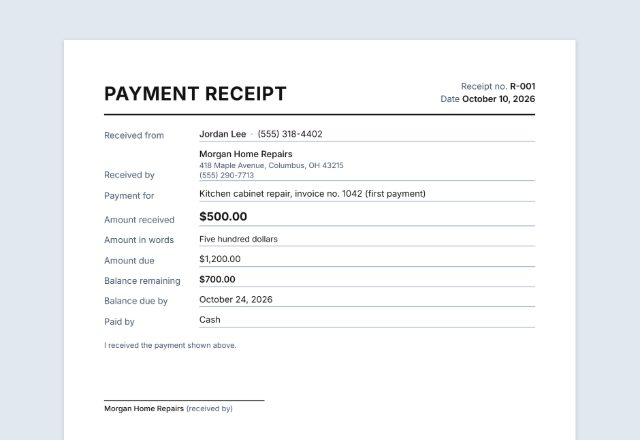
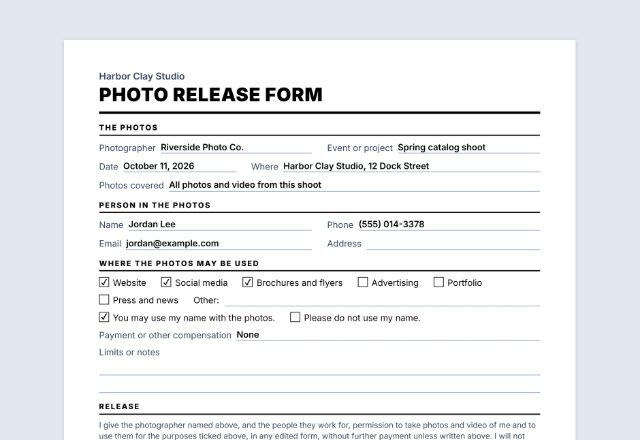
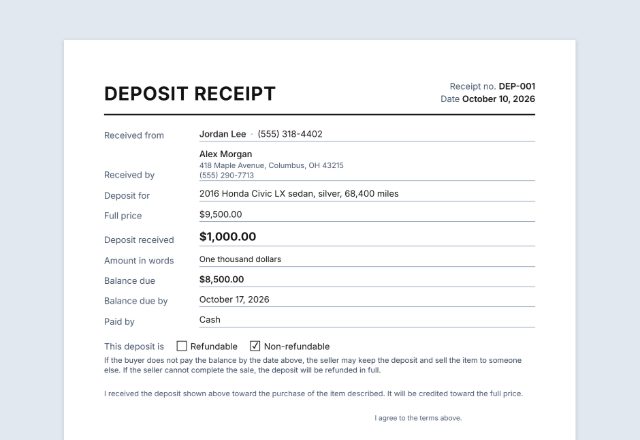
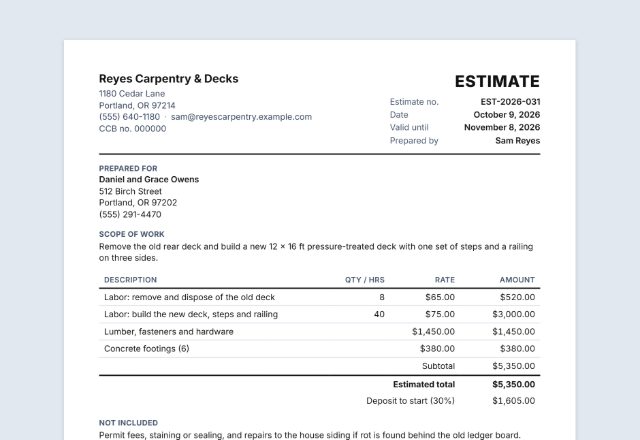
Was this tool useful?
Notice: Generated via SnapPaperwork. For genuine work and payments only. A document with false amounts, dates or details can be illegal.
Something missing? Tell me what you need.
How to make a photography invoice
-
Add your studio and the client
Your name or studio, contact details and logo, then the client’s name and email.
-
List the session and deliverables
One line for the session or the hours, one for editing, and one for each deliverable such as a gallery, downloads or prints.
-
Set the terms and send it
Choose when payment is due, add any booking deposit already paid, then print the invoice, save a PDF or email it.
A photography invoice lists the session, the editing and what the client gets. The same page works as a videographer invoice: change the lines to filming, editing and delivery.
What to put on a photographer invoice
- Your studio name and contact details, and the client’s name
- An invoice number, the date and the date of the session
- The session or event, with hours or a flat fee
- Editing and retouching, with the number of images
- Deliverables: online gallery, digital downloads, prints, albums
- A short note on how the images may be used, as agreed with the client in writing
- Any booking deposit paid, the total and the balance due
Sample line items for sessions, events and video
The sample invoice is only an example layout. Its prices are made up and are not a price guide. Set your prices from your time, costs and the kind of work you do.
- Portrait or family session (flat fee or per hour)
- Event or wedding coverage (per hour or per package)
- Editing and retouching (per image or per set)
- Online gallery and digital download
- Prints, canvases or an album (per item)
- Travel, second shooter or video edit (separate lines)
How to price: flat session, hourly or package
Portrait sessions are often a flat fee that includes a set number of edited images. Events are commonly billed per hour or as a package. Editing can be folded into the fee or shown as its own line, which helps clients understand where the time goes.
Show prints and extras separately so the client can add or drop them. Whatever you choose, put the same wording on the quote, the booking and the invoice.
Tips for photographers
- Send the invoice with the gallery link, or before it if you deliver after payment.
- Agree in writing with the client how the images can be used, and keep that with the invoice.
- Take a booking deposit and show it as an amount paid on the final invoice.
- List the number of delivered images so the invoice matches the gallery.
- Whether you charge sales tax on photography depends on where you work. Ask your tax adviser.
Checked in November 2026. This page is general information, not legal advice. Rules differ from place to place and change over time.
Frequently asked questions
What should a photography invoice include?
Your studio details, the client, an invoice number and date, the session date, the session or hours, editing, deliverables, any deposit paid, the total, the balance due and how to pay.
Can I use this as a photographer invoice template for weddings?
Yes. Add lines for coverage hours, a second shooter, editing and an album. Change the title if you like, for example to Wedding Photography Invoice.
Is there a videography invoice too?
Yes, the same page works. Use lines for filming, editing, music or graphics, and delivery, and change the title to Videography Invoice.
How do I show a booking deposit?
Enter the deposit in the amount paid box. The balance due is worked out for you.
How do I handle usage of the photos?
Agree usage with the client in writing and mention it in the notes, for example personal use only or what was agreed. This page does not give advice on rights.
Is this photography invoice free?
Yes. It is free, needs no account and adds no watermark. What you type stays in your browser and is never uploaded.