Free Instagram Follow QR Code Generator & SignType your username: the code opens your profile, and the sign prints your @name in big letters.
Static code · made in your browser · no watermark.
Pick a sign above.
More QR codes
Other things to put a QR code on
Each of these makes the code and the paper it goes on, ready to print.
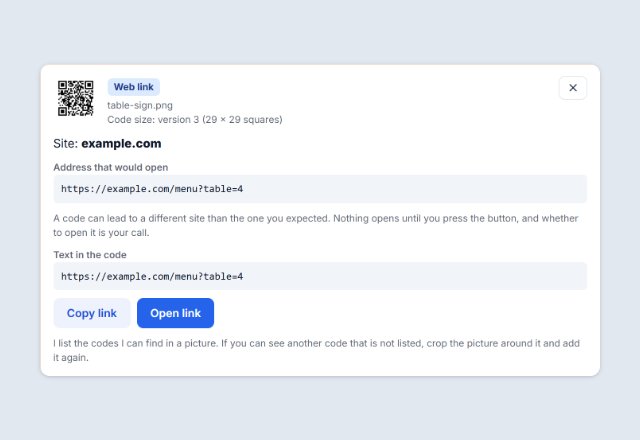 QR code scannerRead a code from a picture, a screenshot or the camera
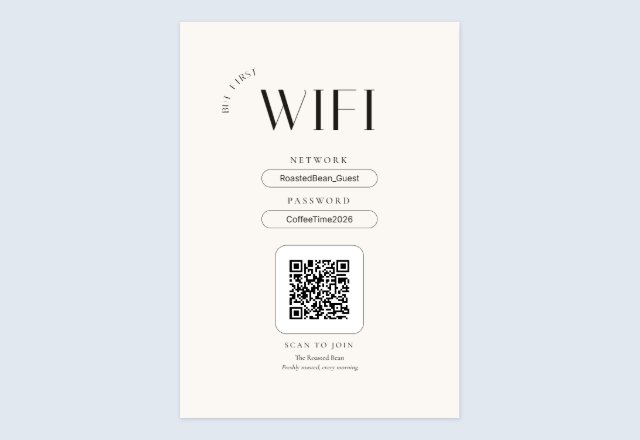 WiFi QR signGuests scan to join, no typing the password
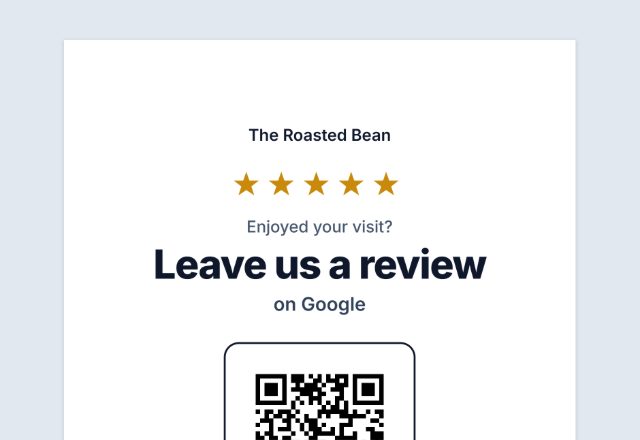
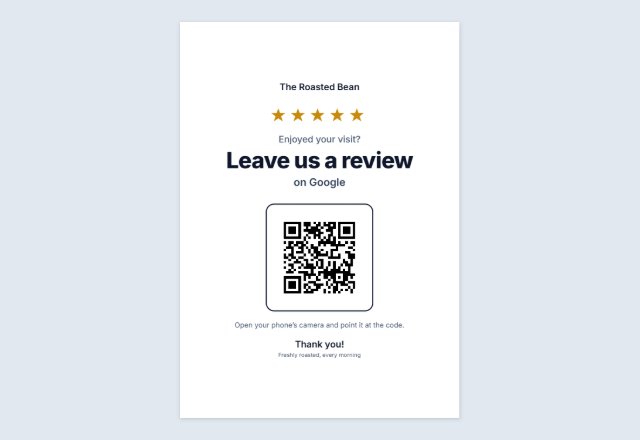 Google review QR signAsk for reviews at the counter
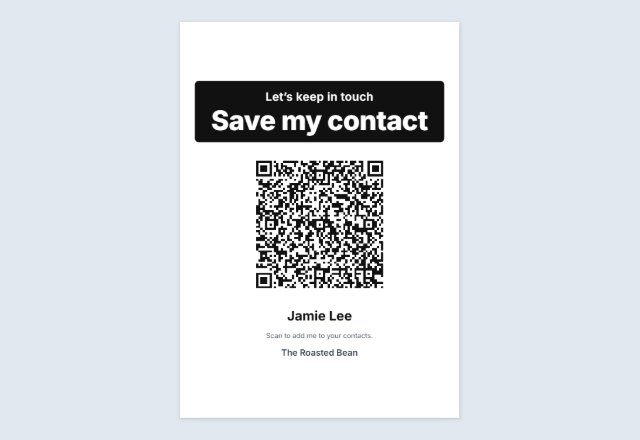 vCard contact QR codeOne scan saves your name, phone and email
 Email or text us signOpens a ready-to-send email or text to you
 Text QR codeShows a message, clue or code word. No link
 TikTok QR signOpens your profile or one video
 YouTube QR codeYour channel, a video or a playlist
 Facebook page QR codeYour page, group or event
 Venmo, PayPal or Cash App sign“Pay with” and your name, for a stall or a tip jar
 Menu QR sign“Scan for our menu” for every table
 Yelp or Tripadvisor signWorded to follow each site’s rules
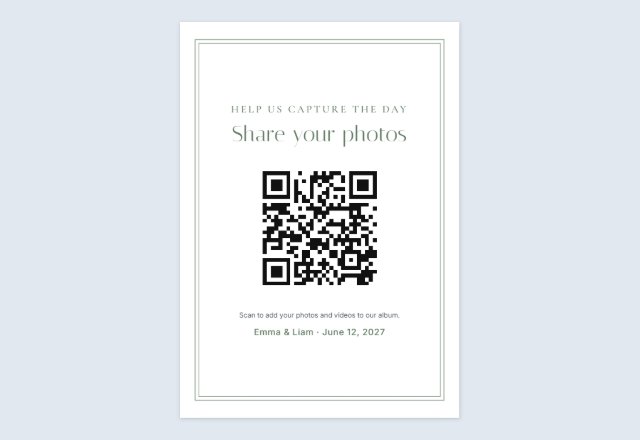 Wedding photo sharing signGuests add their photos to your album
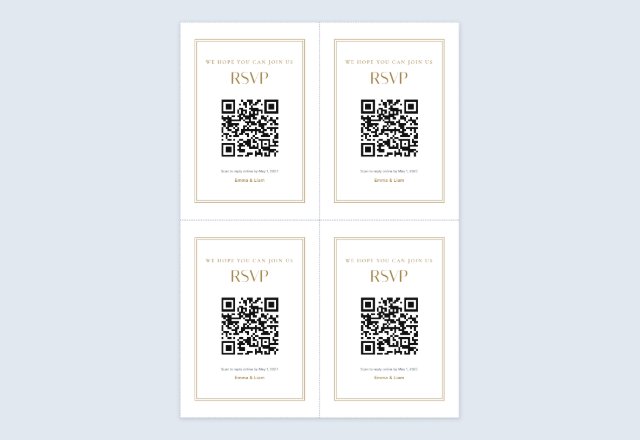 Wedding RSVP QR cards4 cards per sheet for the invitations
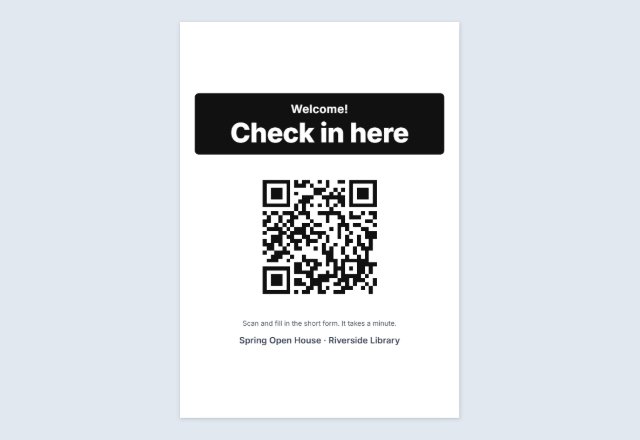 Event check-in signRSVP or check in on their own phone
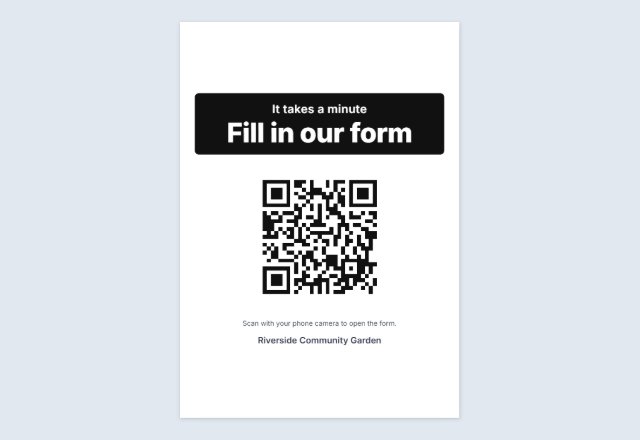 Google Form QR codeLink to your form on a “Fill in our form” sign
 QR code for a PDFOpens a PDF you shared on Drive, Dropbox, OneDrive or your site
 Spotify & Apple Music QRA “Listen on” sign for your song, album or playlist
 Call us QR codeYour number ready to dial, on a “Call us” sign
 Google Maps QR codeA “Find us” sign that opens your place on the map
 Telegram QR codeYour username, channel or group, on a “Join us” sign
 Linktree QR codeOne code that leads to all your links
 Circle QR codeYour code in a round badge, in dots or rounded squares
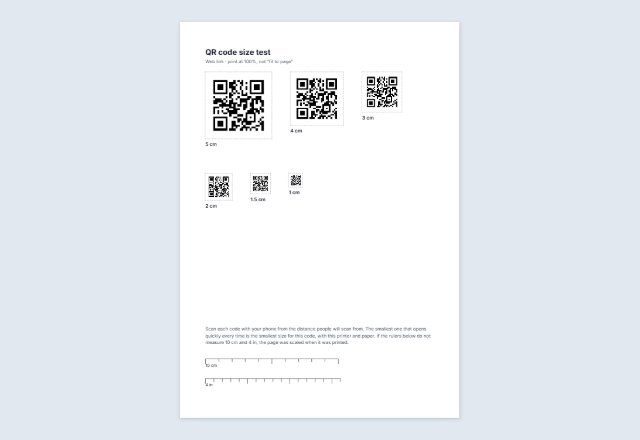 Sample QR codes for testingHarmless test codes, and one code at six sizes to print
 Bulk QR code generatorMany different codes from a list: sheets or a ZIP of files
 Business card with a QR codeYour details and a code that saves your contact, 10 per sheet
 QR code on Avery labelsThe same code on every label of a sheet
 Square or round QR stickersA sheet to print and cut, any size
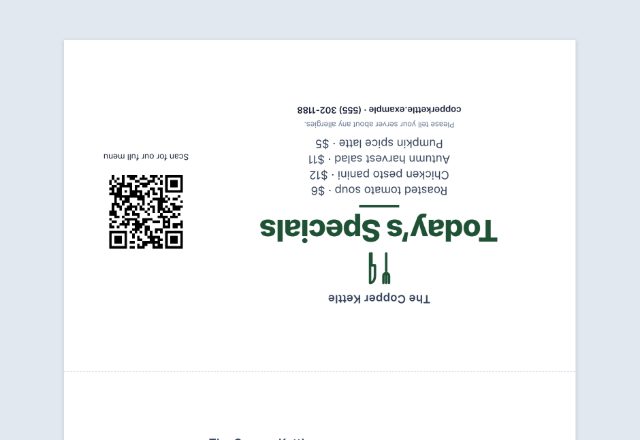
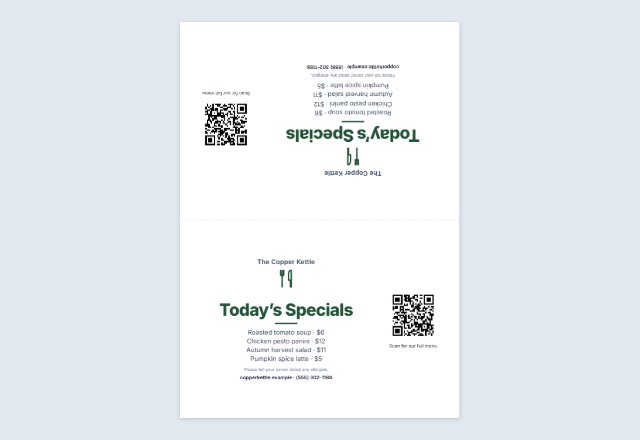 Table tent with a QR codeMenu, specials or offer folded on every table
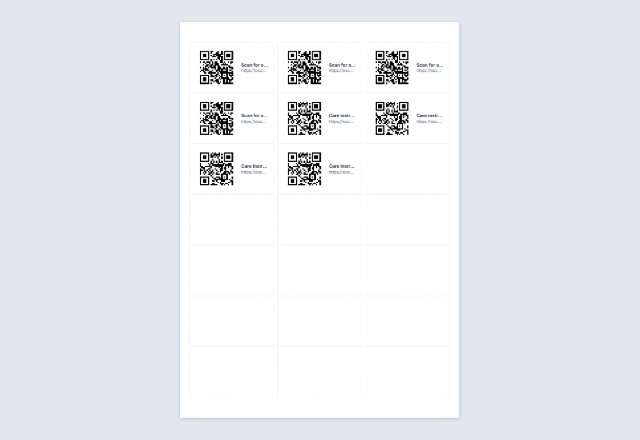 Numbered QR code labelsA different code on every Avery label, from a list
Related tools
Goes well with this one
Was this tool useful?
Notice: Generated via SnapPaperwork. For your own links and details. Do not make codes that pretend to be another business, or stick your code over someone else’s.
Something missing? Tell me what you need.
An Instagram QR code and a sign to go with it
Type your Instagram username and this page makes a QR code that opens your profile, plus a sign that says “Follow us on Instagram” with your @name in big letters. Print it for the counter, a table, the window or a market stall.
The code is a plain link to your profile, so it keeps working as long as your username stays the same. Nothing you type is uploaded, and there is no account to make.
How to make an Instagram QR code sign
-
Type your username
With or without the @. You can also paste the link to your profile.
-
Scan the code
Check that it opens your own profile, not someone with a similar name.
-
Print the sign
Choose a full, half or quarter page and a style. Or save the code as a PNG or SVG for your menu, flyer or packaging.
Where an Instagram sign works
- By the till, where people wait for a moment.
- On tables, next to a dish or a view people like to photograph.
- In the window, so people can follow you even when you are closed.
- On packaging, a thank-you card or a business card.
- At a market stall or a pop-up, where people may not find you again otherwise.
Give people a reason to follow
“Follow us” works, but a reason works better: “See today’s bakes”, “New stock every Friday”, “Tag us in your photos”. Change the words on the sign in the Sign section or by clicking them on the page.
If you change your username
The code opens instagram.com/your-username. If you rename your account, the old code will open a page that no longer exists, so make and print a new one.
QR Code is a registered trademark of DENSO WAVE INCORPORATED. Instagram is a trademark of its owner; SnapPaperwork is not connected with it.
Frequently asked questions
Does the code open the Instagram app?
On most phones with Instagram installed, the link opens in the app. Without the app, it opens your profile in the browser.
Can I use the QR code from inside Instagram instead?
Yes, the Instagram app can show a QR code for your profile too. This page is for when you want a printed sign, your own words and colours, or the code as a PNG or SVG.
Does it expire?
No. It is a static link to your profile and works as long as the username does.
Can I add my logo?
Yes. Add your logo in the middle of the code, or your business name on the sign.
Is it free?
Yes. No account, no watermark, no limit on how many you print.