Free Payment QR Code Sign Generator (Venmo, PayPal, Cash App)Paste the link from your payment app. The sign shows the app, the code and your name, so people can check before they pay.
Static code · made in your browser · no watermark.
Pick a sign above.
More QR codes
Other things to put a QR code on
Each of these makes the code and the paper it goes on, ready to print.
 QR code scannerRead a code from a picture, a screenshot or the camera
 WiFi QR signGuests scan to join, no typing the password
 Google review QR signAsk for reviews at the counter
 Instagram follow sign“Follow us” with your @name, for the counter
 vCard contact QR codeOne scan saves your name, phone and email
 Email or text us signOpens a ready-to-send email or text to you
 Text QR codeShows a message, clue or code word. No link
 TikTok QR signOpens your profile or one video
 YouTube QR codeYour channel, a video or a playlist
 Facebook page QR codeYour page, group or event
 Menu QR sign“Scan for our menu” for every table
 Yelp or Tripadvisor signWorded to follow each site’s rules
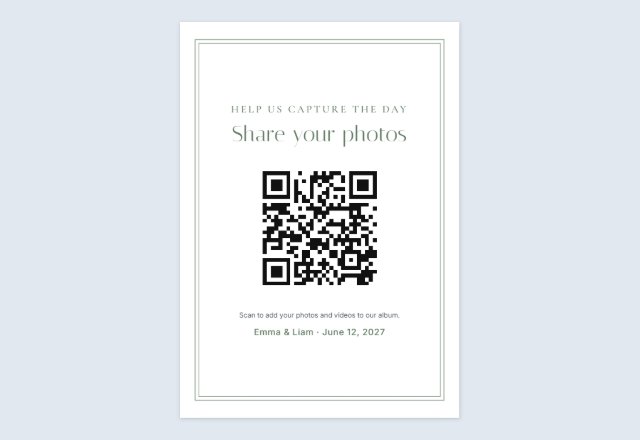 Wedding photo sharing signGuests add their photos to your album
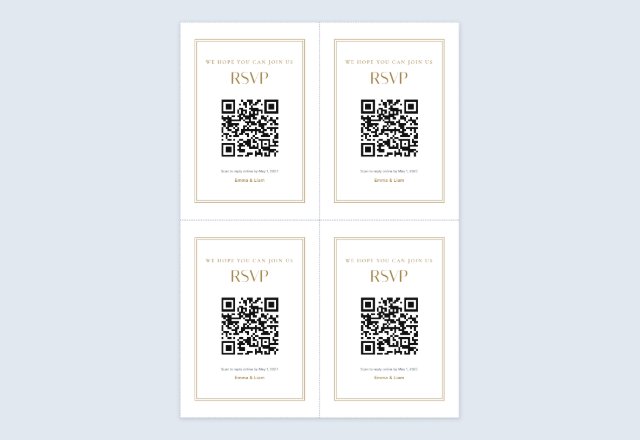 Wedding RSVP QR cards4 cards per sheet for the invitations
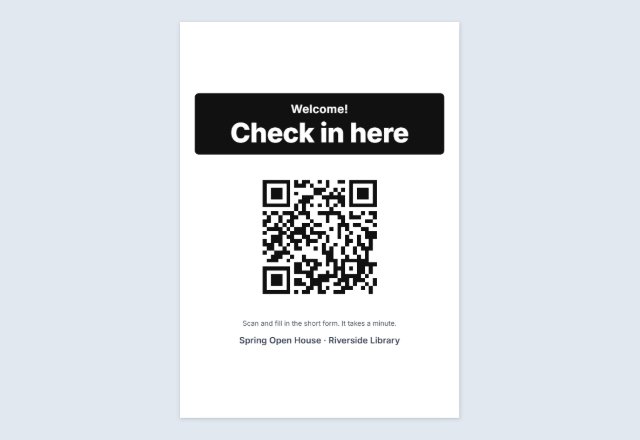 Event check-in signRSVP or check in on their own phone
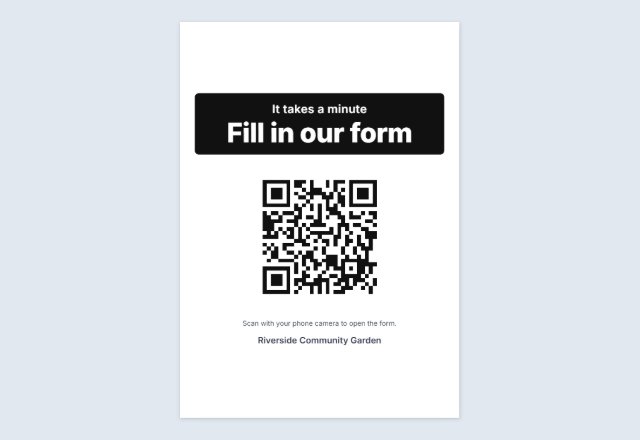 Google Form QR codeLink to your form on a “Fill in our form” sign
 QR code for a PDFOpens a PDF you shared on Drive, Dropbox, OneDrive or your site
 Spotify & Apple Music QRA “Listen on” sign for your song, album or playlist
 Call us QR codeYour number ready to dial, on a “Call us” sign
 Google Maps QR codeA “Find us” sign that opens your place on the map
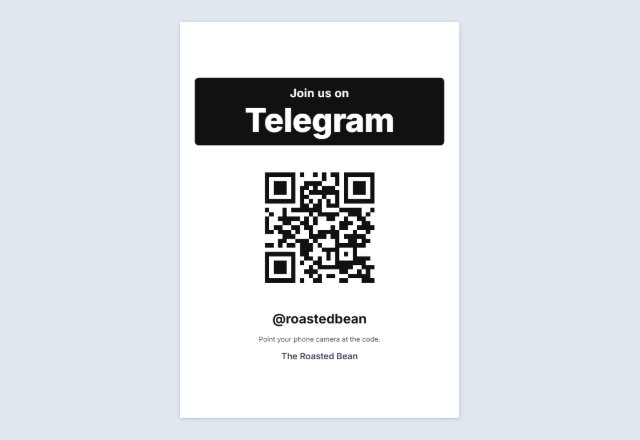 Telegram QR codeYour username, channel or group, on a “Join us” sign
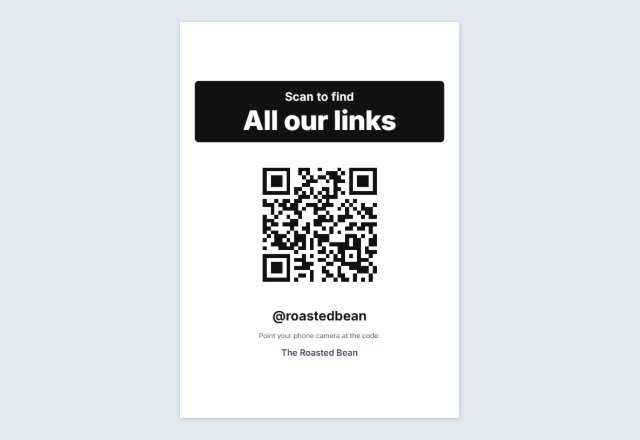 Linktree QR codeOne code that leads to all your links
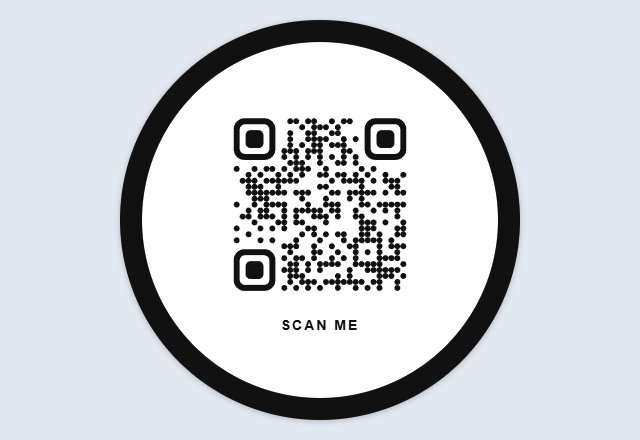 Circle QR codeYour code in a round badge, in dots or rounded squares
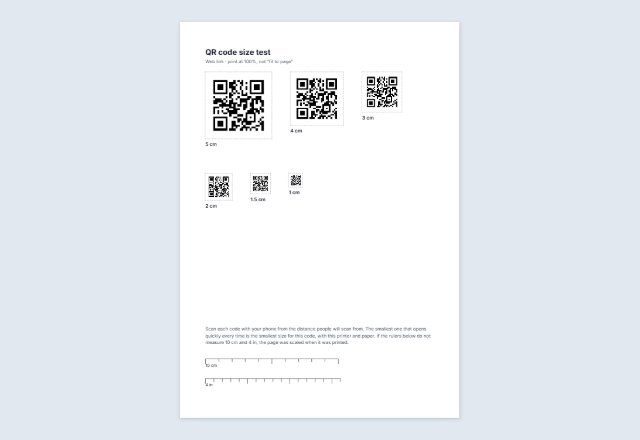 Sample QR codes for testingHarmless test codes, and one code at six sizes to print
 Bulk QR code generatorMany different codes from a list: sheets or a ZIP of files
 Business card with a QR codeYour details and a code that saves your contact, 10 per sheet
 QR code on Avery labelsThe same code on every label of a sheet
 Square or round QR stickersA sheet to print and cut, any size
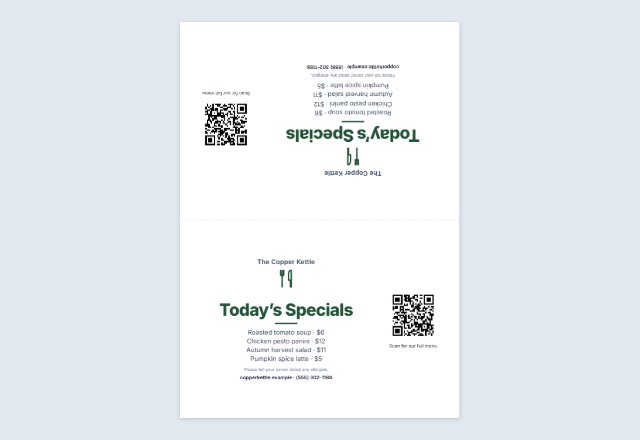 Table tent with a QR codeMenu, specials or offer folded on every table
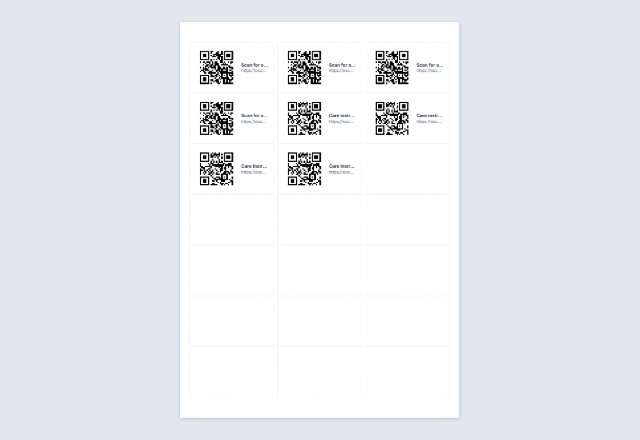 Numbered QR code labelsA different code on every Avery label, from a list
Related tools
Goes well with this one
Was this tool useful?
Notice: Generated via SnapPaperwork. Only make a payment sign for your own account. Never cover or replace someone else’s payment code: that is how QR payment scams work.
Something missing? Tell me what you need.
A “Pay with Venmo” sign with your own payment link
Paste the payment link from your Venmo, PayPal or Cash App account and this page makes a QR code for it, on a sign that says which app it is and shows your name under the code. People scan it, the app opens on your profile, and they type the amount.
The link comes from the app itself, so the code opens exactly the account you copied. Nothing is uploaded and nothing goes through this site: the code is made in your browser, and the money goes straight from the payer’s app to yours.
How to make a payment QR sign
-
Copy your link from the app
In Venmo, PayPal or Cash App, open your profile and look for Share or Copy link.
-
Paste it and scan it
Scan the code with your own phone: it should open your account, with your name and photo.
-
Print the sign
Choose the app’s words, a style and a size, then print. Tape it by the till, the tip jar or the stall.
Make it easy to check before paying
Keep “Print the name under the code” on, and use the name people see in the app (for example your @username). The sign’s small print reminds them to check the name before they pay.
Check your sign now and then. A sticker with someone else’s code stuck over yours is a known trick; a laminated sign or one behind the counter is harder to tamper with.
Personal or business account?
Payment apps have their own rules about taking payments for goods and services, and some have separate business profiles with their own fees and buyer protection. If you sell things or run a business, read your app’s terms about which kind of account to use.
Where a payment sign helps
- A market stall, craft fair or food truck.
- A tip jar at a café counter or for a busker.
- A bake sale, school fundraiser or club dues table.
- A garage sale, next to the price tags.
QR Code is a registered trademark of DENSO WAVE INCORPORATED. Venmo, PayPal and Cash App are trademarks of their owners; SnapPaperwork is not connected with any of them.
Frequently asked questions
Can this page make the link from my username?
No, on purpose. The apps do not publish how their links are built, so a guessed link could open the wrong account. Copy the link from your own app: it is always right.
Does the code put in the amount?
No. It opens your profile and the payer types the amount, so one sign works for every sale.
Is my payment link stored anywhere?
Only on your own device, so the form is there next time. The code is made in your browser and never sent to this site.
Can I show two apps on one sign?
This page makes one code per sign. Print the sign for one app, change the app and the link, and print the next one.
Does the code expire?
No. It is a static link to your account and works as long as the account and its link do.