Free Payment & Cash Receipt TemplateFill in the form, check the preview, then print it or save it as a PDF. No sign-up, and nothing you type is uploaded.
Layout
Whole page · the printed page has no watermark or logo.
This receipt is longer than one page and will print on two pages. Remove a line, shorten the notes or turn off “Two copies on one page” to fit it on one.
Examples3 layouts filled in with made-up details. Open one to start with that layout, or print a blank template to fill in by hand.
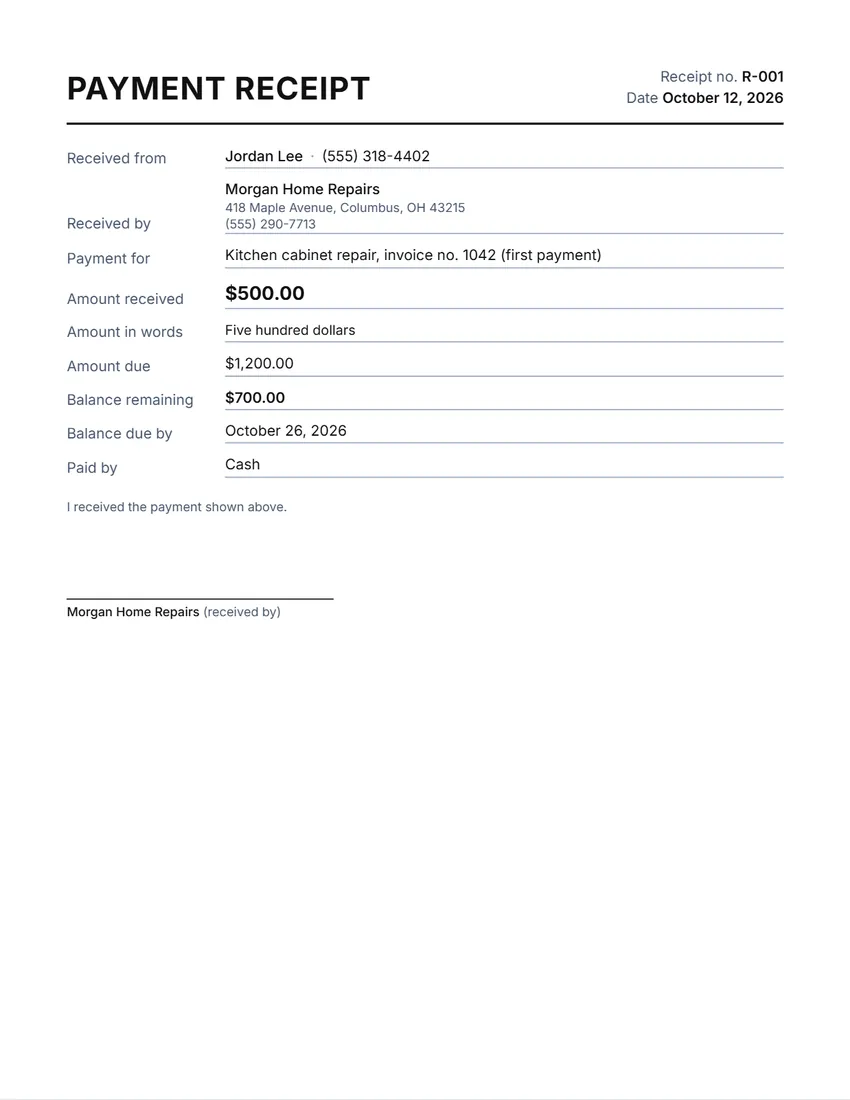 Default layout
BasicPlain labelled lines.
Start with this layoutOpen
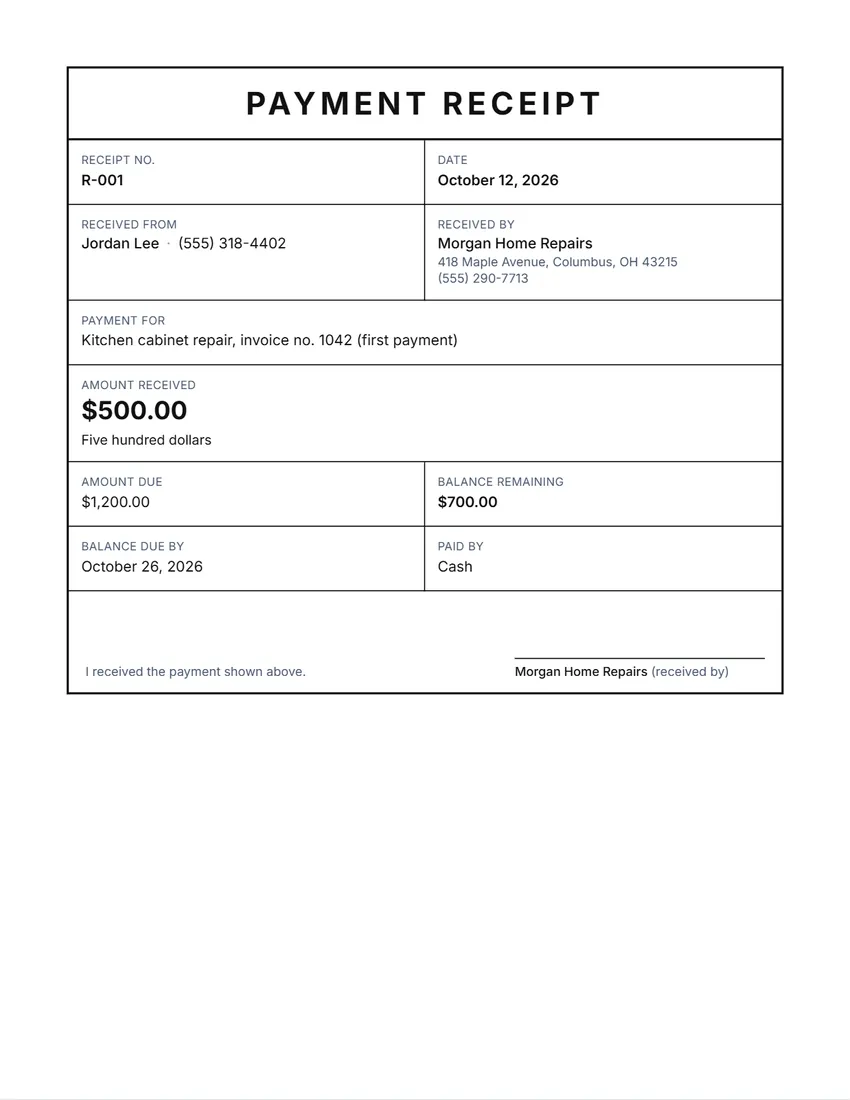 Layout
BoxedEverything in a ruled box, like a printed form.
Start with this layoutOpen
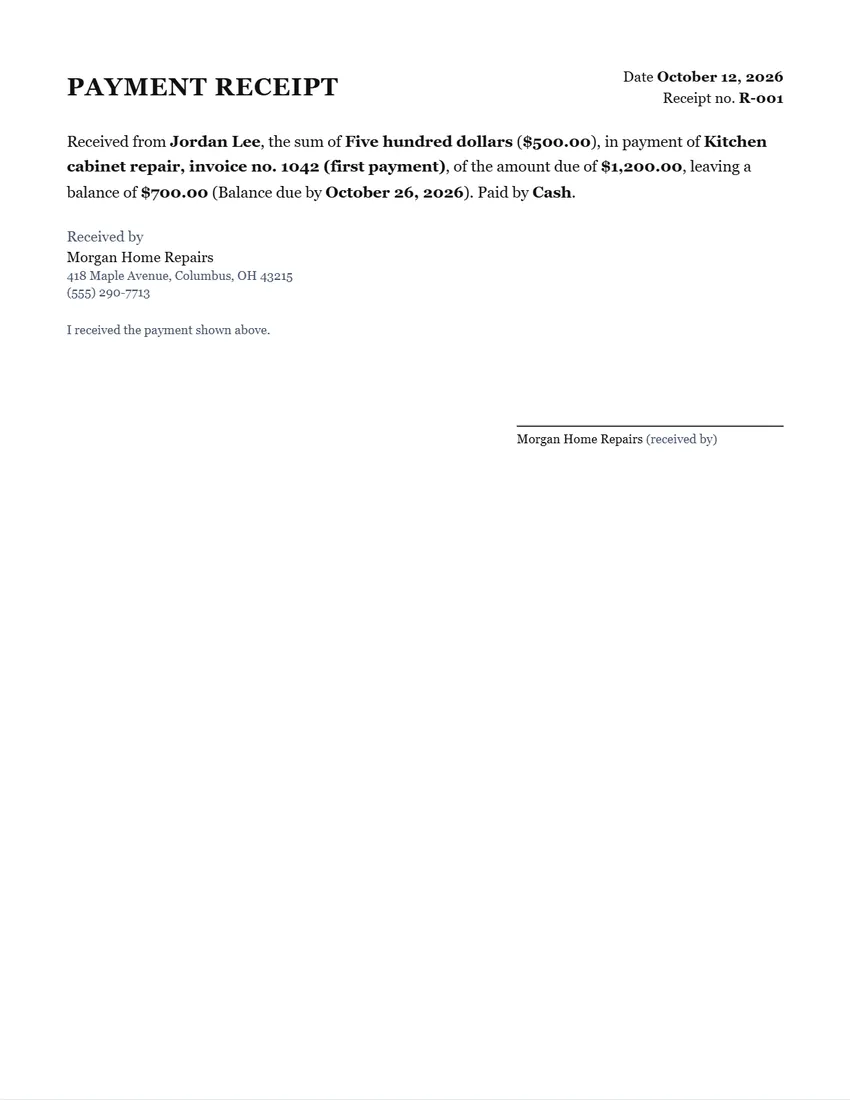 Layout
LetterWritten as a short formal paragraph in a serif typeface.
Start with this layoutOpen
Prefer to fill it in by hand? Print a blank template and write on it.
Made for a specific case
Related tools
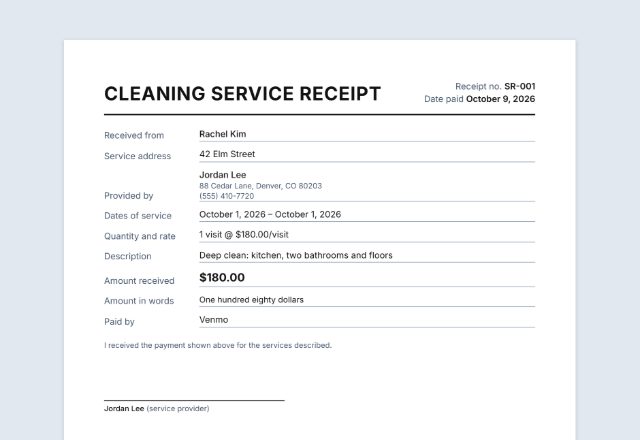
Goes well with this one
Was this tool useful?
Notice: Generated via SnapPaperwork. For genuine payments only. A receipt for money that was not paid, or with a false amount, date or purpose, can be illegal.
Something missing? Tell me what you need.
What is a payment receipt?
A payment receipt is proof that a payment was made. It shows who paid, who received it, the amount, the date, what it was for and how it was paid. Give one for cash, for partial payments and for anything a customer may need to show later.
How to write a payment receipt in 3 steps
-
Fill in who paid and what for
The person or business who paid, your own name or business, and what the payment is for, such as an invoice number or the item or service.
-
Enter the amount
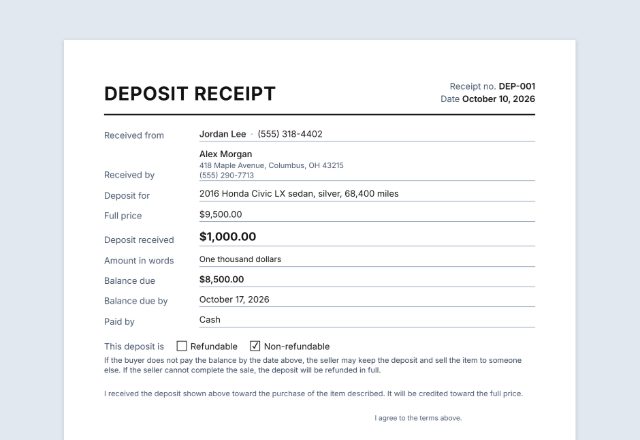
The amount received is written out in words for you. For a part payment, add the amount due: the receipt shows the balance still to pay and, if you like, when it is due.
-
Sign and give a copy
Sign on screen or on paper, print two copies on one page if you like, and give one to the person who paid. Keep the other with your records.
What a payment receipt should include
- The word “Receipt” and a receipt number, so each one can be found again
- The date the money was received
- Who paid, and who received it, with a way to reach them
- What the payment is for: an invoice number, an item or a service
- The amount, in figures and in words
- How it was paid: cash, check (with its number), card or transfer
- For a part payment: the amount due and the balance still to pay
- The signature of the person who received the money
Part payments and cash
When someone pays part of what they owe, write the amount due as well. The receipt then shows the balance still to pay, and the date it is due if you add one. Give a new receipt for each payment, with its own number.
For cash, a receipt is often the only record either of you has. Count the money together, write the receipt on the spot and keep your copy. Choose “Cash receipt” as the title if you like.
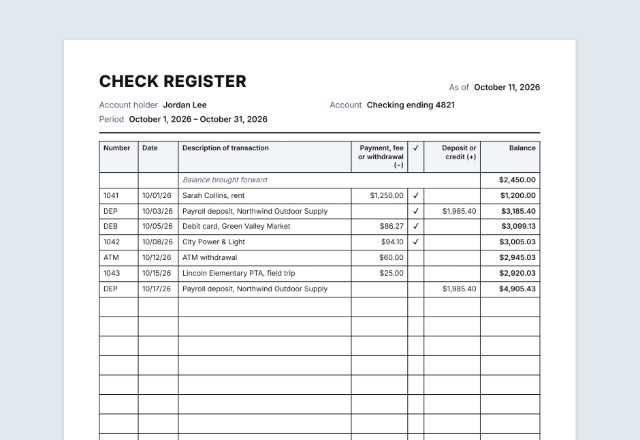
Paid by check? Write the check number as the reference. Some people wait until the check clears before marking an invoice as paid.
Tips for giving receipts
- Number receipts in order (R-001, R-002…) and never reuse a number.
- Write the amount in words as well as figures, so it cannot be changed easily.
- Keep your copies together, by date, for your bookkeeping and taxes.
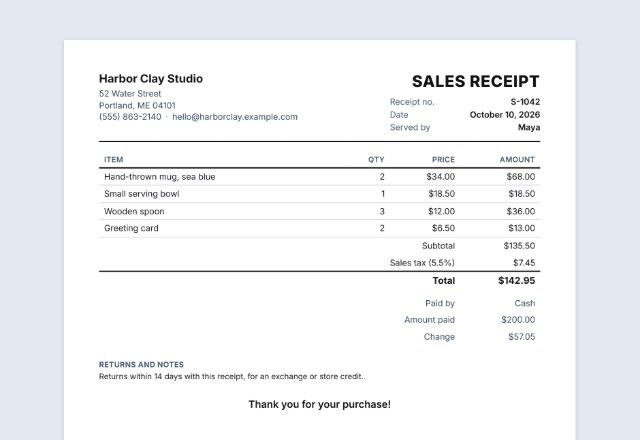
- For several items with prices and tax, use a sales receipt instead.
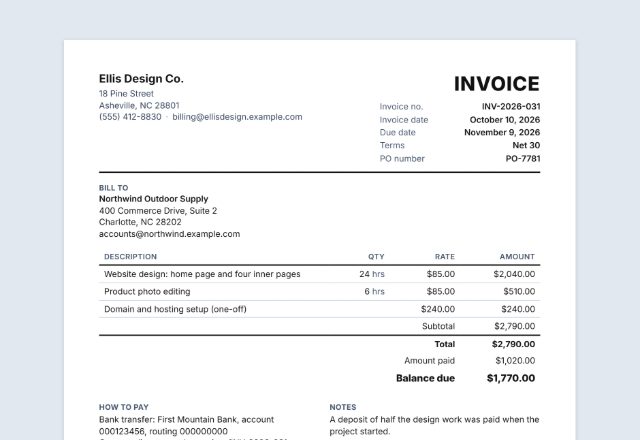
- A receipt records a payment; an invoice asks for one. Send the invoice first, then give a receipt when you are paid.
This page is general information, not tax or legal advice.
Frequently asked questions
Is this payment receipt generator free?
Yes. It is free to use, needs no account or sign-up, and never adds a watermark or a SnapPaperwork logo to your receipt.
What is the difference between a payment receipt and a cash receipt?
Only the title. A cash receipt is a payment receipt for money paid in cash. Choose “Payment receipt”, “Cash receipt” or just “Receipt” as the title; you can also type your own.
Can I make a receipt for a part payment?
Yes. Fill in the amount due as well as the amount received. The receipt shows the balance still to pay, and a date for it if you add one.
Is the amount written out in words?
Yes, automatically, in the style of your country: “one thousand two hundred fifty dollars” in the US and Canada, “one thousand two hundred and fifty pounds” in the UK.
Can I print two copies on one page?
Yes, in the Basic, Letter and Register slip layouts. Tick “Two copies on one page” and cut along the dashed line: one copy for the person who paid, one for you.
Is my information uploaded or stored on your servers?
No. Everything you type stays in your browser and is never sent to me. The form and your signature are saved on your own device so they are there next time.
How do I save the receipt as a PDF?
Click “Print / Save PDF” and choose “Save as PDF” as the printer, or click “Download PDF” to save a file straight to your phone or computer. “Share” opens your device’s share menu with the PDF attached, for example to email it.